The GoHighLevel dialer that works inside HighLevel
Place and answer calls, text, and power dial your HighLevel contacts without leaving HighLevel. Every call, recording and text lands on the contact.




Coordinate outreach right inside your CRM with our deep, versatile integrations
Aloware connects seamlessly with your favorite tools, combining advanced calling and texting automation with powerful workflow integrations. Automate repetitive tasks in minutes, streamline your operations, and save hours of work every week.






Everything you need to call and text from HighLevel
Dial and answer inside HighLevel
A blue phone icon in the top bar and next to every number opens the Aloware dialer. Reps sign in once, click to call, and answer incoming calls on any HighLevel page, with mute, hold, transfer, notes, tags and voicemail drop in the panel.
Calls in Conversations, next to the texts
Choose where calls log: a Task, the Conversations timeline, or both. In Conversations each call shows its direction, status and a playable recording, so the whole history with a contact reads in one place.
Two-way SMS where you already work
Aloware is your SMS provider inside HighLevel. Send and receive SMS and MMS from the conversation, and choose whether texts log as a note, in Conversations, or both.
A GoHighLevel power dialer for your lists
Import a list from HighLevel by tags, company or created date, and the Power Dialer works it one contact at a time with the record on screen and voicemail drop when nobody answers.


Why GoHighLevel teams choose Aloware
Calls, texts and recordings in one place, on numbers people answer.
- Calls and texts side by side in HighLevel Conversations, with the recording one click away
- Numbers people answer, with the Pickup Stack add-ons: NumberGuard, Branded Calling and Local Presence
- Contacts, calls, texts and AI summaries synced both ways in real time

Built for teams that work in GoHighLevel
Reps stay in HighLevel all day, and managers hear every call.
- Reps call, answer and text without opening another tab
- Managers whisper and barge on live calls for coaching
- AI transcripts and summaries, and rep performance reporting
Advanced, automated workflow features inside HighLevel
Skip the complexity of separate tools for calling, texting, and sales automation. Bring it all into one unified, efficient experience inside HighLevel.
Call leads back-to-back with no delay. Upload lists and route leads to the right agents automatically.
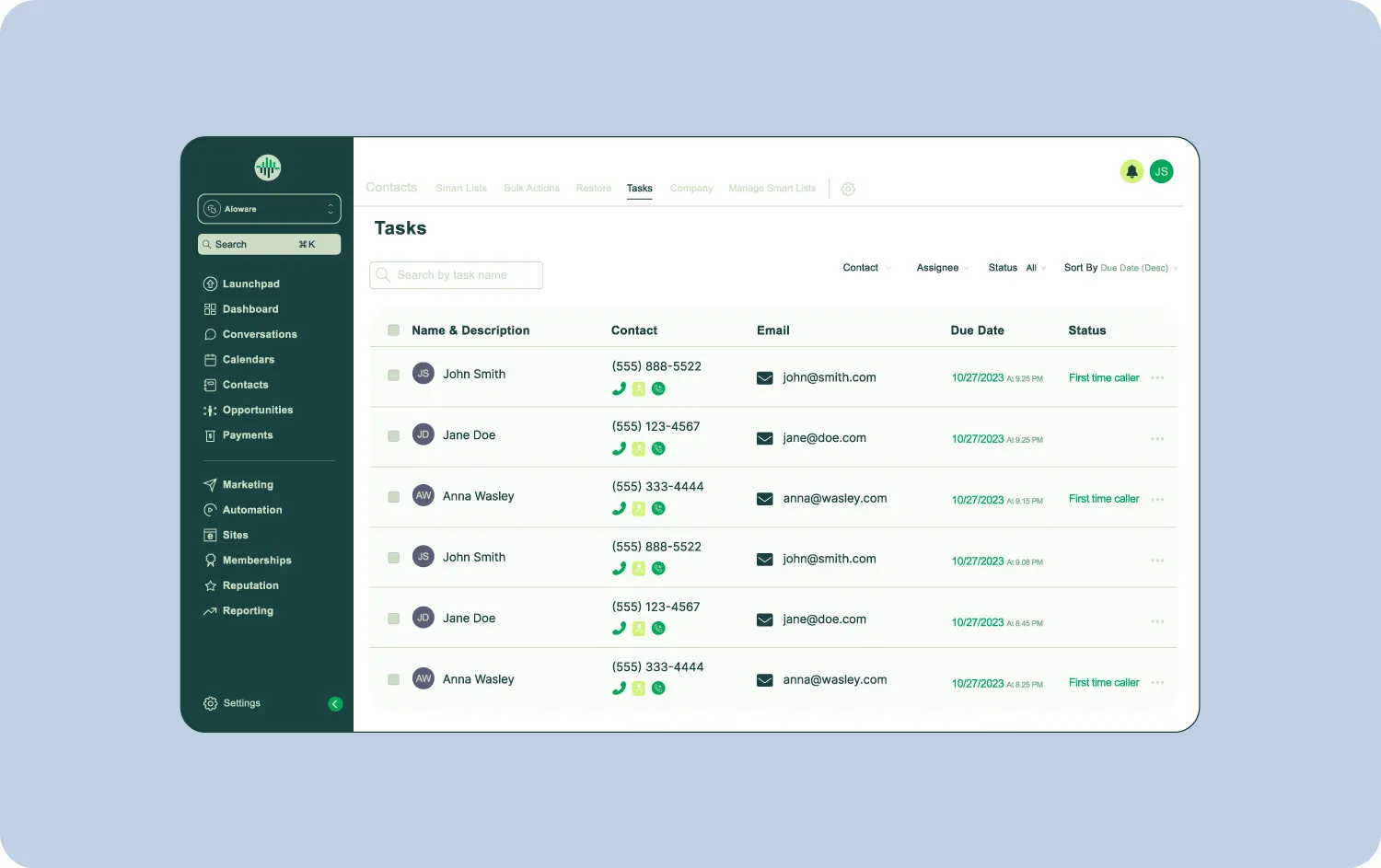
Send broadcast messages and follow-ups with shared inbox support and prebuilt templates.

Every call is logged with tags, dispositions and AI-generated summaries with next steps, and recorded calls play right in HighLevel Conversations.

Inbox (Previously known as Ring Group), IVRs, remote-ready setup, and live call coaching—all built for scale.

Frequently asked questions
The HighLevel integration works on every Aloware plan: iPro + AI from $30, uPro + AI from $60 and xPro + AI from $85 per user per month on the quarterly plan ($40, $70 and $100 month to month). The Power Dialer starts on uPro + AI. See pricing
Can I make and answer calls inside GoHighLevel with Aloware?
How do I add the Aloware dialer to GoHighLevel?
Does the Aloware dialer work across HighLevel sub-accounts?
Where do Aloware calls show up in HighLevel?
Does Aloware sync with HighLevel in real time?
Can I send texts from HighLevel with Aloware?
Do I keep my HighLevel phone numbers?
Does Aloware have a power dialer for GoHighLevel?
How do I know call logging is working?
How does the HighLevel integration support sales coaching?

Start a trial or schedule a demo to see Aloware + HighLevel in action.