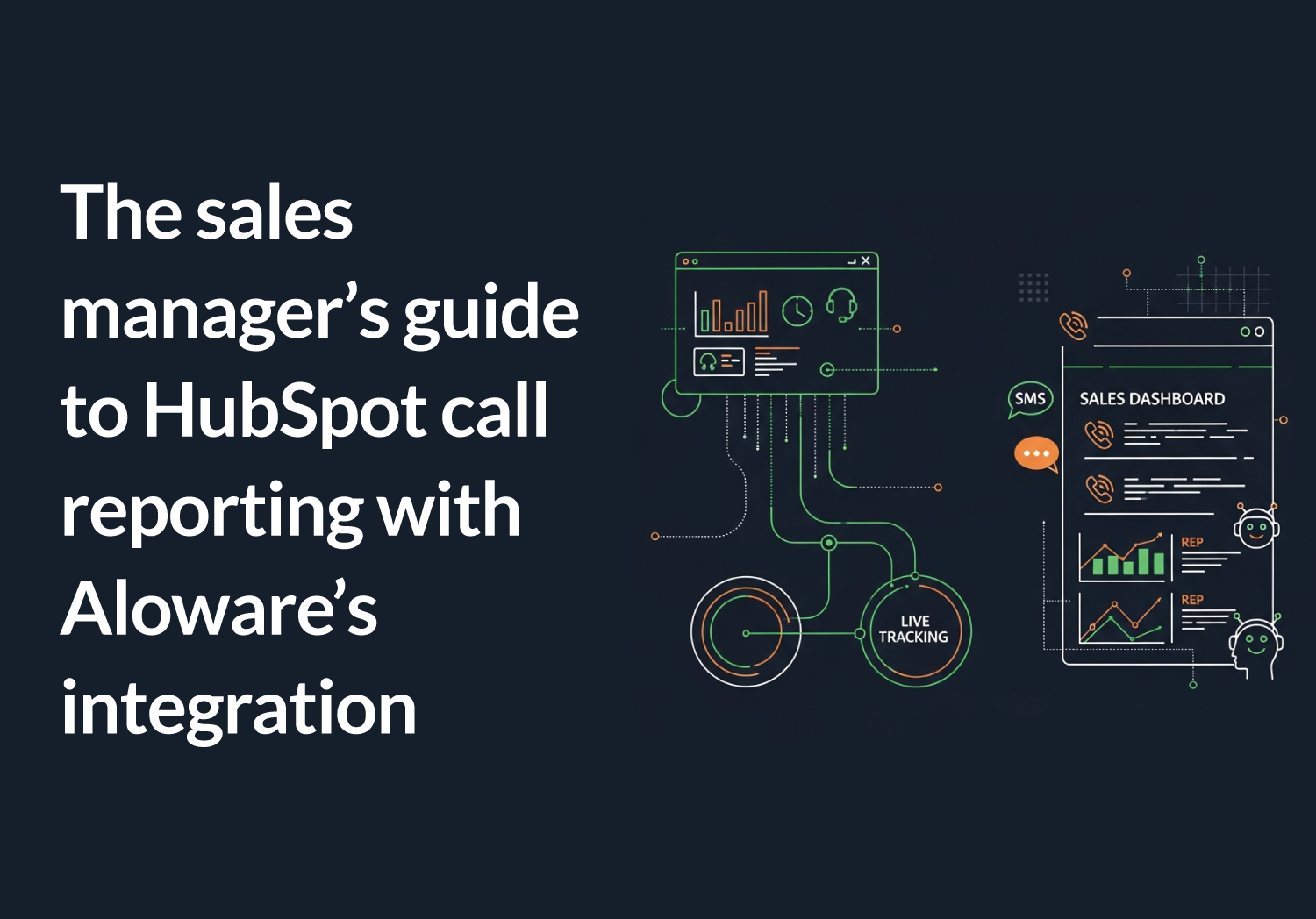


Aloware is the best HubSpot dialer in 2026 for high-volume outbound teams whose reps never leave HubSpot. It ranks first on the objective criteria below: integration depth, dynamic-list sync, workflow triggers, and add-on pickup-rate engineering.
Quick Summary
Does HubSpot have a dialer? Yes. HubSpot native calling dials from the record and logs the call, and for a team placing a handful of calls a day that is enough. A HubSpot power dialer is a different tool: it takes a HubSpot list, works it one call at a time without the rep touching the keypad, and writes the outcome back to the contact, the company and the deal. The question is not whether your CRM can place a call. It is whether your CRM can run the call list.
Vendor facts verified on each company's own pages on September 9, 2026. Where a vendor does not publish a figure, this guide says so rather than estimating it.
We evaluated six HubSpot-marketplace dialers against the same six objective criteria: HubSpot integration depth, dynamic-list sync into the dialer, workflow triggers from call outcomes, multi-entity logging (contacts, companies, deals), AI Voice Agent pricing, and pickup-rate engineering. Dialing speed wasn't a ranking criterion, because a dialer's output is connections, not dials. The criteria, and where each tool falls on them, are below.
Key facts:
- Across 55.4 million outbound dials from a sample of 1,229 Aloware accounts, connect rate rises with time on the platform: 16.7% in a team's first 30 days to 20.4% after a year. That is a cross-section of accounts rather than one cohort followed over time, so read it as the shape of the curve, not a guarantee.
- "Integrates with HubSpot" on most pricing pages means a click-to-call widget plus a flat call-activity log. Dynamic-list sync, deal-stage logging, and workflow triggers usually live a tier higher.
- Aloware syncs HubSpot dynamic lists directly into the Power Dialer, so the dial queue updates itself as contacts enter and leave the segment.
- Aloware's HubSpot workflow actions are on uPro + AI and xPro + AI, not the entry tier.
- Aloware lets reps text from inside the HubSpot contact record. Texts log automatically to the contact, the company and every associated open deal; call logging at the deal level comes with Aloware's newer HubSpot CTI dialer, in beta since March 2026.
- Call outcomes can enroll HubSpot workflows through Aloware's call and SMS App Events, with no webhook setup and no HubSpot Operations Hub subscription. Triggering a workflow from a call outcome used to require an Operations Hub Professional or Enterprise plan on the HubSpot side.
- One 73-agent sales floor running branded calling on Aloware got 26.5% more pickups and roughly 3,400 extra live conversations in under three months, on the same reps, the same numbers, and the same lists (full breakdown). Number reputation, not dial speed, is the variable that decides how many calls connect.
Ranked for HubSpot teams in 2026:
- Aloware: best for high-volume HubSpot outbound: Power Dialer, workflow actions, dynamic-list sync, texting from inside the contact record, and the add-on Pickup Stack on one platform
- JustCall: best for teams wanting a business phone system with HubSpot logging, with bidirectional custom field sync on Pro and Business
- Aircall: best for teams wanting a cloud call-center with HubSpot click-to-call and logging
- Dialpad: best for teams standardizing on an AI-first UCaaS suite
- Salesfinity: best for an individual rep who wants a self-serve parallel-dialing seat, where team admin and the coaching layer are both Enterprise upgrades
- RingCentral: best for organizations that want HubSpot inside a broad enterprise UCaaS suite
Quick comparison
Vendor facts verified on each company's own pages on September 9, 2026. Where a vendor does not publish a figure, this table says so rather than estimating it. Plans, minimums and feature availability change, so confirm current pricing before purchasing.
If you run outbound inside HubSpot, you already know the click-to-call widget isn't a dialer. It's a button. Your reps still copy phone numbers, switch tabs, and write call notes by hand. Worse, half of what they log lands on the contact instead of the deal, so your pipeline reporting can't be trusted.
Every "best dialer for HubSpot" list is the same list. Ten tools, all of them "integrate with HubSpot," the fast ones dial in parallel, pick one. None of them tell you that on most of those pricing pages "integrates with HubSpot" means a click-to-call widget and a flat activity log, and that the part you actually need sits a tier higher.
That framing answers a narrower question than the one a growing outbound team is asking. For a small team, "does it log to HubSpot" is enough. For a team with a RevOps lead who needs clean deal data and managers who live in HubSpot reports, the question is whether the dialer makes HubSpot the system of record. We set up each tool against a HubSpot instance and ran the same test: push a dynamic list into a dial session, make a call, then check what came back. Did the call log to the right deal stage? Did a workflow fire? Did the transcript attach to the contact? The gap between "connected" and "integrated" is what this guide measures.
What makes a sales dialer truly HubSpot-native?
A HubSpot sales dialer is a calling tool embedded in HubSpot that lets reps dial straight from CRM records, automatically logs calls and texts to the right contact and deal, and (in the deeper integrations) pulls dial lists from HubSpot and triggers follow-up from HubSpot workflows.
That second half is where tools separate. Here's the distinction that matters.
Shallow integration ("connected"): the dialer makes a call and pushes a call-activity record into HubSpot. The activity logs against the contact. That's it. Reps still build dial lists by exporting CSVs, the call doesn't move the deal, and nothing downstream happens automatically.
Deep integration ("system of record"): the dialer reads HubSpot and writes back to it as a first-class citizen. A HubSpot dynamic list becomes the dial queue. A completed call logs to the contact, the company, and the open deal. A call outcome like "no answer" or "booked" fires a HubSpot workflow that sends the follow-up text or advances the deal stage. The rep texts from inside the contact record instead of a separate app.
The difference is invisible on a feature checklist. Both tools tick "HubSpot integration." It shows up in daily use. A team on a shallow integration spends time reconciling data that landed in the wrong place, which is time reps spend not selling. A team on a deep integration doesn't carry that tax.
One more distinction worth stating plainly: parallel dialing (the headline feature on many competing lists) only compounds whatever your integration already does. Dialing four lines at once generates four times the call activities to reconcile. Dialing speed multiplies the integration you have; it doesn't substitute for it.
The short version: "Integrates with HubSpot" usually means a flat call-activity log. Deep integration means dynamic lists become your dial queue, calls log to the deal, and workflows fire off call outcomes. The buying decision is depth, not the checkbox.
How did we evaluate the best HubSpot dialers?
We didn't rank these on dials per hour. We scored each tool against six things a HubSpot outbound team feels day to day, then ranked on where each tool actually lands, Aloware included:
- HubSpot integration depth. Not "does it log a call." Does it sync HubSpot dynamic lists into the dialer? Log to the deal and company, not just the contact? Trigger HubSpot workflows from call outcomes? Let reps text from inside the record?
- Dynamic-list-into-dialer. Whether a HubSpot segment can become a self-updating dial queue, or whether reps export lists by hand.
- Workflow triggers. Whether call outcomes can fire HubSpot workflows natively, and on which tier.
- Pickup-rate engineering. Whether the platform offers anything at the carrier level (number-reputation monitoring, branded calling, local presence) to keep legitimate numbers out of the "Spam Likely" bucket.
- AI Voice Agent pricing. Whether the AI agent is metered per minute on the seat or sold as a separate product line, and what it costs all-in.
- Total cost on the tier that actually turns on the integration. Per-seat price, seat minimums, the tier the HubSpot integration lives on, and what calling minutes cost on top.
We did not weight raw "AI quality." Every serious tool here runs on a modern model; the conversational layer is largely commoditized. Where the work lands in HubSpot is the measurable difference. For how the broader dialer category stacks up beyond HubSpot specifically, see our 8 best sales dialers evaluation.
In short: HubSpot integration depth, dynamic-list sync, workflow triggers, and pickup-rate engineering, not dial speed, are the criteria that separate a real HubSpot dialer from a phone system with HubSpot bolted on.
The best sales dialers for HubSpot in 2026
1. Aloware: Best for high-volume outbound teams that live inside HubSpot
Best for: High-volume B2B outbound teams running inside HubSpot, common in solar, insurance, real estate, legal, financial services, staffing, and SaaS, where managers live in HubSpot reports and reps shouldn't have to leave the CRM to dial, text, or log activity.
Pricing: The Power Dialer lives on uPro + AI at $60/user/month, on the quarterly plan ($70 month to month). uPro + AI is the plan that includes the Power Dialer, HubSpot workflow actions, and HubSpot dynamic lists synced into the dialer. iPro + AI ($30/user/month on the quarterly plan, $40 month to month) includes HubSpot integration and logging but not the Power Dialer or HubSpot workflows. xPro + AI ($85/user/month on the quarterly plan, $100 month to month) adds Salesforce and the full contact-center stack. AloAi Voice Agent is metered from $0.10 per minute by model tier on top of the seat, so you pay only for AI minutes used rather than a separate monthly agent product. The Pickup Stack (NumberGuard, Branded Calling, Local Presence) is available as add-on services on the same platform, priced separately from the seat.
Why Aloware ranks first on the criteria:
Aloware is a HubSpot premier partner, and on integration depth it scores highest of the six tools evaluated here. Reviewers on G2 return again and again to the HubSpot integration as the reason they stay (Aloware holds 4.1 out of 5 on G2 from 828 reviews, as of September 2026), and the depth is in the product, not the marketing.
Start with the dial queue. A HubSpot dynamic list syncs directly into the Aloware Power Dialer, so as contacts enter and leave that segment in HubSpot, the dial queue updates itself. No CSV exports. The rep opens the dialer and the right people are already loaded.
Then the write-back. Texts and calls log to the contact, the company and the open deal rather than as a single flat activity, with deal-level call logging delivered through the newer CTI dialer. The AI call summary lands in HubSpot notes automatically. A call outcome can fire a HubSpot workflow that sends the follow-up text or advances the deal stage, because Aloware exposes calls, texts, and sequences as HubSpot workflow actions on uPro + AI and up.
All of it is listed and reviewable on HubSpot's own app marketplace. A HubSpot consultancy runs its clients' entire calling motion this way (how Sales Momentum did it). And the rep never leaves HubSpot. Reps send and receive texts from inside the contact record itself, so the conversation lives where the deal does. HubSpot Inbound Calling arrived through Aloware's CTI Beta in March 2026, so inbound calls ring inside HubSpot too. AloAi Voice Agent and AloAi Text Agent can trigger off HubSpot events, qualify the lead, and write the result back to the record.
The second criterion where Aloware separates is pickup-rate engineering. Number reputation, not dial speed, drives how many calls connect. A 73-agent sales floor on Aloware got 26.5% more pickups and about 3,400 extra live conversations in under three months after turning on branded calling, with no change to reps, numbers, or lists. Aloware offers the Pickup Stack as add-on services on the same platform: NumberGuard monitors your number reputation in real time, Branded Calling registers your company name for display on supported carrier networks, and Local Presence matches the prospect's area code. For the full mechanics, see how to lawfully increase pickup rates.
Core HubSpot capabilities:
- HubSpot dynamic lists synced into the Power Dialer, so the dial queue updates itself
- HubSpot workflow actions to trigger calls, texts, and sequences from HubSpot events (uPro + AI and xPro + AI)
- Multi-entity sync, so texts and calls log to contacts, companies and deals rather than contact records alone, with deal-level call logging on the newer CTI dialer
- AVA Entity Mapping: AI extracts entities from call transcripts (around 40 standard fields plus up to 25 custom) and writes them into HubSpot Contact or Deal properties automatically, with last-synced timestamps on the standard fields
- In-record texting, so reps send and receive from inside the HubSpot contact
- HubSpot Inbound Calling (CTI Beta, March 2026), so inbound calls ring inside HubSpot
- AI call summaries to HubSpot notes automatically, plus transcription on every call
- AloAi Voice Agent and AloAi Text Agent that trigger off HubSpot events (metered from $0.10 per minute by model tier)
- The Pickup Stack add-on: NumberGuard, Branded Calling, Local Presence on the same platform
- A2P 10DLC, TCPA, and STIR/SHAKEN handled out of the box
Practical use case: A solar team running high-volume outbound inside HubSpot points a dynamic list of "new leads, last 24 hours, not yet contacted" at the Power Dialer, and it feeds the queue automatically. Reps dial from Branded Calling registered numbers, so pickup holds instead of decaying. Every call logs to the deal. A "no answer" outcome fires a HubSpot workflow that sends a text from inside the record, and AloAi Voice Agent catches the callback when no rep is free. The manager opens a HubSpot report and trusts it, because the data landed where it belongs.
Pros:
- Deepest HubSpot integration in the category on the criteria above: workflows, dynamic-list-into-dialer, multi-entity sync, in-record messaging
- Dialer and the add-on Pickup Stack on one platform, so the answer-rate layer lives next to the dialer
- AI voice agent, AI text agent, and voice analytics in the same stack, all writing back to HubSpot
- Power Dialer included on uPro + AI without a per-seat add-on for the integration itself
- Salesforce CTI available on xPro for teams running both CRMs
Cons:
- Geographic coverage is primarily US and Canada
- HubSpot workflow actions and the Power Dialer require uPro + AI or higher; the $30 iPro tier won't dial
- The Pickup Stack is an add-on, priced separately from the seat, not bundled into the plan
- Best fit is sales-driven outbound; a pure inbound-support shop may not need the full platform
- Reviewers who rate the HubSpot integration highest also describe a learning curve while lists, workflows and dispositions are configured
When to choose Aloware: You run HubSpot, you call enough that data hygiene and pickup rate both matter, and you want one platform to dial, text, log to the deal, and trigger HubSpot workflows instead of stitching together a dialer, a texting tool, and a spam-mitigation tool.
2. JustCall
Best for: teams that want a business phone system with HubSpot logging and will upgrade to Pro for bidirectional custom field sync.
JustCall is a per-seat business phone system starting at $29/user/month billed annually on the Team tier (2-seat minimum), per justcall.io/pricing. Bidirectional custom field sync with HubSpot is available on the Pro and Business plans, per JustCall's own HubSpot integration page; Pro is $49/user/month. JustCall describes SMS and MMS automation through HubSpot lead-based and deal-based workflows, and HubSpot list import into its dialers, without naming a plan for either; its Pro card is where the dialer those lists feed appears. JustCall's AI Voice Agent is licensed separately and priced per minute, with volume discounts down to $0.15/min on its pricing page.
Consideration: less suitable for HubSpot teams that need bidirectional custom field sync on the entry tier, since that requires the Pro plan at $49/user/month or higher.
3. Aircall
Best for: teams that want a cloud call-center platform with HubSpot click-to-call and call logging.
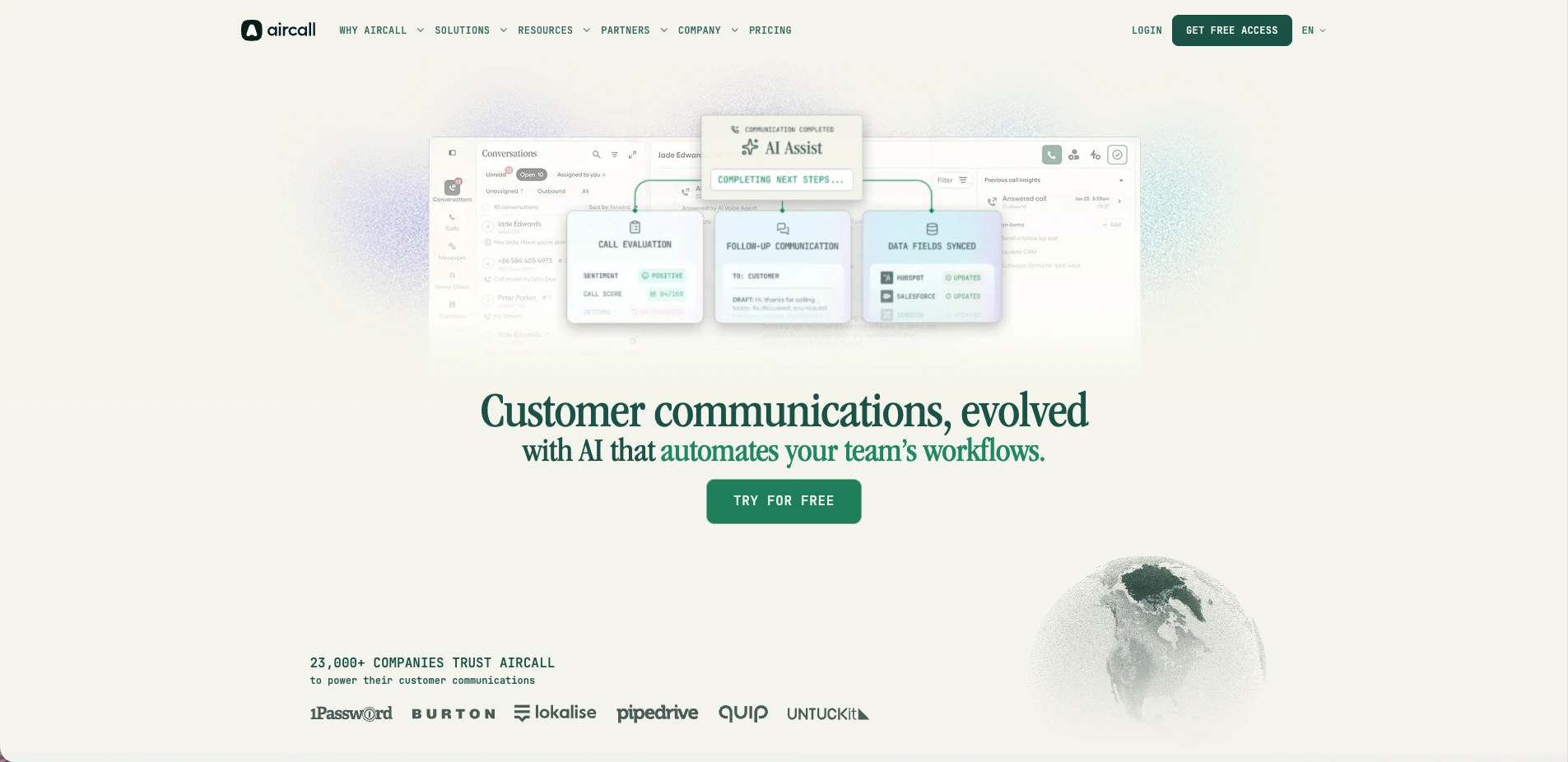
Aircall is a per-seat cloud call-center platform with a 3-license minimum on Essentials and Professional and a 25-license minimum on Custom, per aircall.io/pricing. The per-license dollar amount renders client-side and is not surfaced in the static HTML of the pricing page. The HubSpot integration is offered via the HubSpot App Marketplace ("Aircall AI"), but the integration depth is not enumerated on the pricing page. AI Voice Agents, AI Messaging Agents, AI Assist, Analytics+, and WhatsApp are each priced as separate add-ons on top of the per-license base, though every base plan now includes 50 AI Voice Agent minutes a month.
Consideration: less suitable for HubSpot teams that need exact per-license pricing upfront without contacting sales, since the pricing page renders per-license dollar amounts client-side and the HubSpot integration depth is not enumerated, while several AI capabilities are each priced as separate add-ons.
4. Dialpad
Best for: teams already standardized on an AI-first UCaaS suite, accepting that Dialpad does not publish which plan tier carries HubSpot.
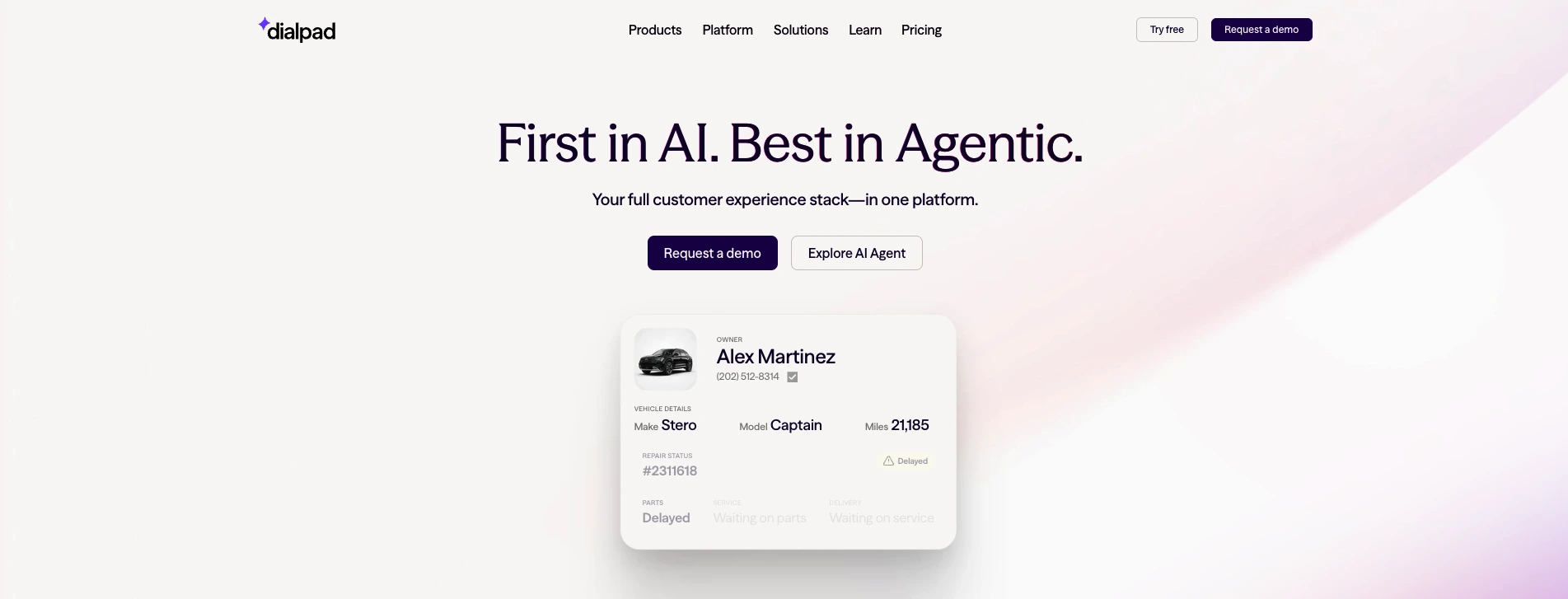
Dialpad is an AI-first unified-communications platform. Its Connect plans are $15/user/month billed annually ($27 monthly) on Standard and $25/user/month annually ($35 monthly) on Pro. Dialpad Sell and Dialpad Support are separate product lines with their own per-seat pricing, and AI Agents are priced on a pool of AI Agent credits rather than a per-seat rate, billable only when the agent retrieves information or completes an action. Dialpad lists HubSpot among its integrations but does not state which plan tier carries it, and publishes no user minimum we could verify.
Consideration: less suitable for HubSpot teams that want to know what the integration costs before they talk to sales, since the sales-focused capabilities sit in a separate Dialpad Sell product line with its own per-seat pricing.
5. Salesfinity
Best for: an individual rep who wants a self-serve parallel-dialing seat, where team admin and the coaching layer are both Enterprise upgrades.
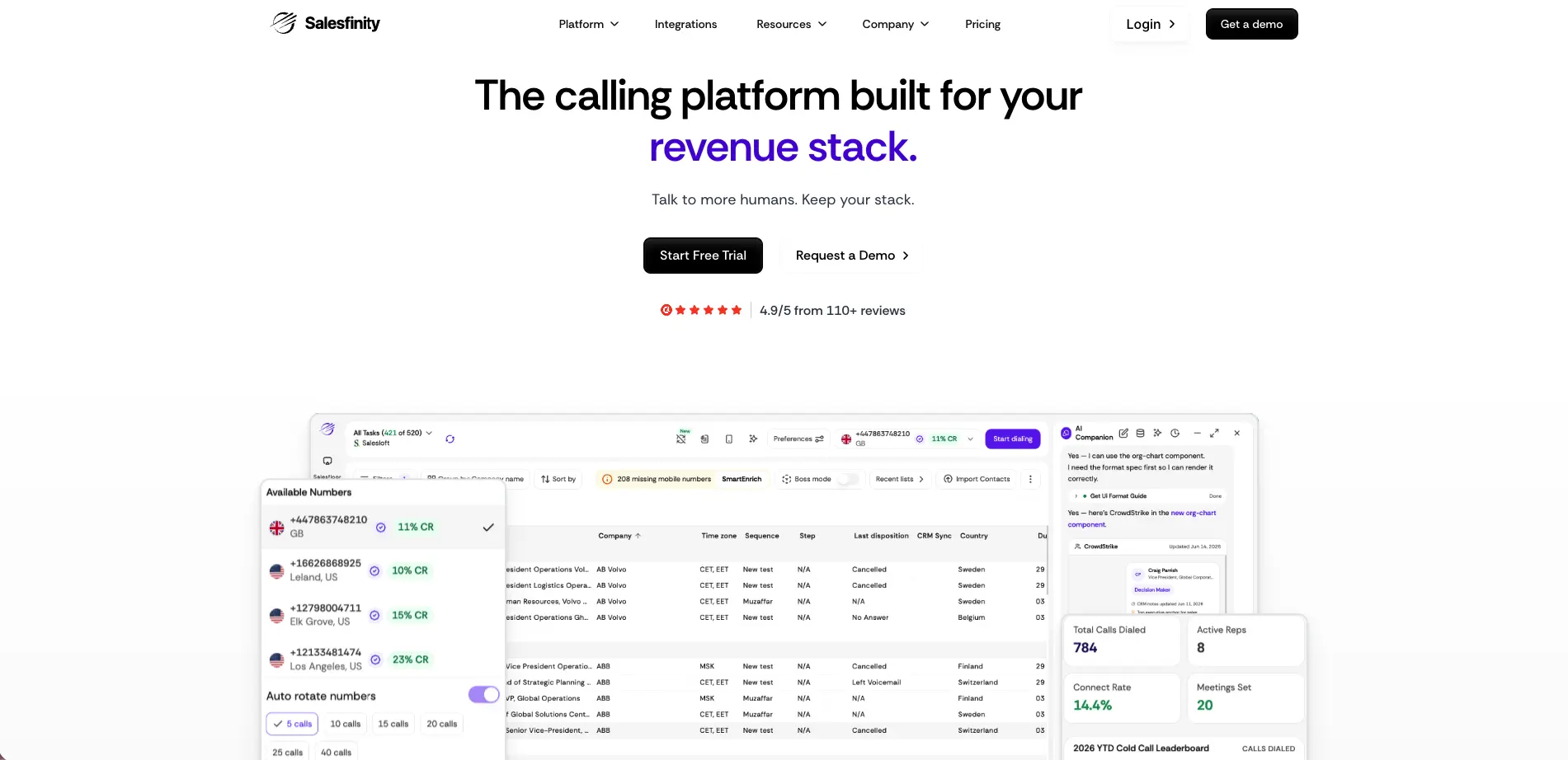
We tested Salesfinity by connecting a HubSpot portal, importing a list, and running a dial session. Salesfinity is an AI parallel dialer for outbound teams, priced at $299/user/month on the self-serve Gold plan, billed monthly with no annual commitment, per its pricing page. Gold runs up to five parallel lines and includes ten rotating caller IDs. Enterprise and Enterprise Plus are quoted custom on annual agreements. The $200/user/month Silver plan this guide listed earlier in 2026 is no longer on that page, and the company has moved to a new domain. HubSpot lists, contacts, and call tasks pull into the dial session, and every connected call writes back a call engagement carrying the disposition, notes, duration and recording URL, marks the open call task complete, and updates contacts and list membership; company, deal and owner records are read into the session, not written to. Number scoring, caller-ID rotation, and spam remediation are handled on the seat. The platform also sells a coaching layer, but not on Gold: the virtual sales floor and automatic call scoring against team criteria sit on Enterprise, and the AI training bots built from recorded calls on Enterprise Plus, both quoted custom on annual agreements. Gold's own scoring is Boss Mode number scoring. Consideration: less suitable for HubSpot teams that rank integration depth over dial speed, since Salesfinity is built around parallel dialing, the criterion this guide does not rank on, its Gold plan at $299/user/month sits well above the entry-tier phone systems here, and HubSpot workflow triggers and dynamic-list-into-dialer sync aren't enumerated the way the system-of-record tools spell them out.
6. RingCentral
Best for: organizations that want HubSpot inside a broad enterprise UCaaS and meetings suite.
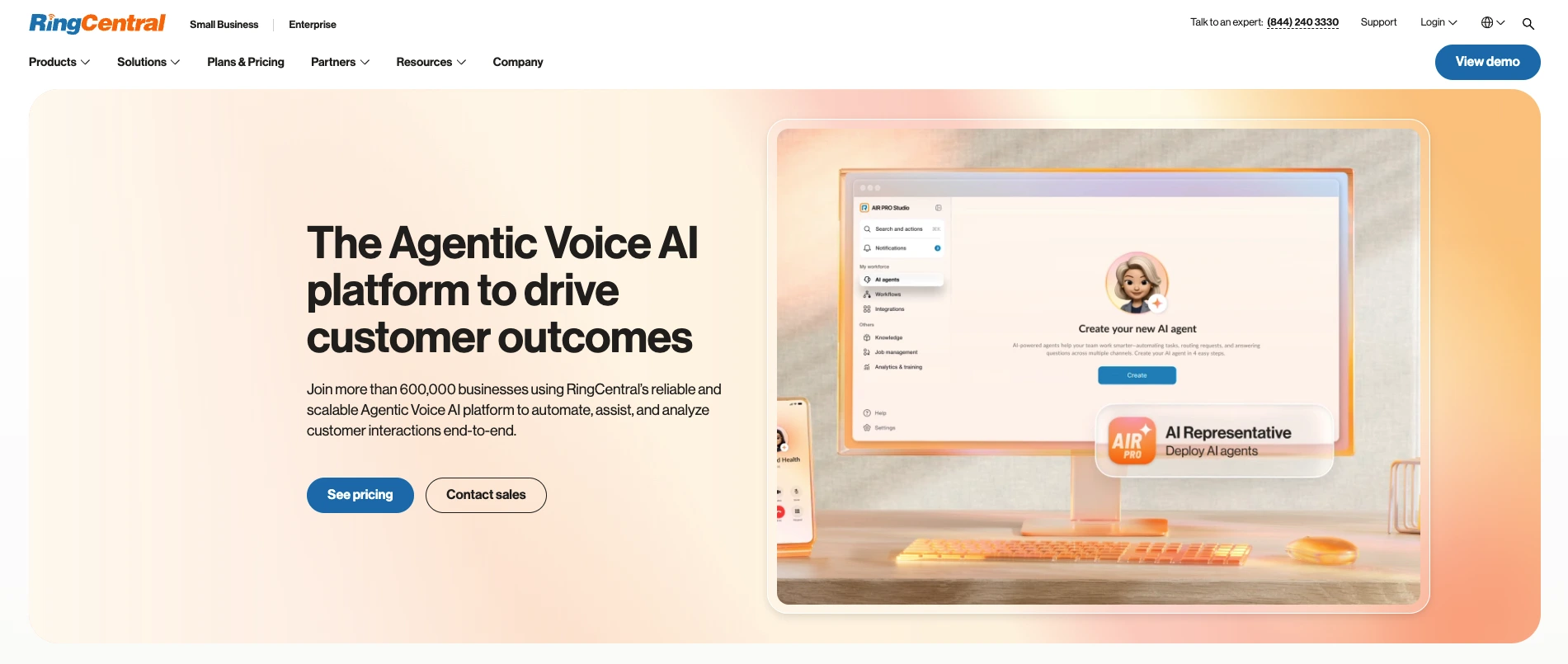
We evaluated RingCentral by reviewing the RingCentral for HubSpot embedded softphone and checking which tier turns on the integration. RingCentral is a per-seat unified-communications platform sold in Core, Advanced and Ultra tiers. It does not publish the per-user price of those tiers as text on its plans page, so the seat cost is a sales conversation. What it does publish: conversation intelligence starts at $60 as an add-on, an AI Receptionist from $39, and boosters for call queues and business SMS. RingCentral names HubSpot among 330+ integrations but does not state which tier turns it on. RingCX contact center is a separate product line.
Consideration: less suitable for HubSpot teams that need a per-seat number before talking to sales, since RingCentral does not publish tier pricing on its plans page, and conversation intelligence is an additional add-on that starts at $60 rather than part of the base plan.
How much does a HubSpot dialer cost in 2026?
Pricing in this category is per seat, and the number on the homepage is rarely the number you pay. Calling minutes, seat minimums, and which tier turns on the HubSpot integration all move the real cost.
From each vendor's own pages, verified September 9, 2026, with one pattern worth naming first: three of these five no longer publish a per-seat price as text at all, so the sticker you can actually read is not the same as the price you will pay: JustCall starts at $29/user/month annually with a two-license minimum, and bidirectional HubSpot custom field sync is on Pro at $49. Aircall starts with a three-license minimum, and its per-license dollar amount renders client-side rather than as readable text. On calling minutes, none of the five state a per-minute rate on the pages checked here, so that cost stays a sales conversation too. On the Aloware side, rep-dialed calls to the US and Canada are unlimited on every Core AI plan, and Power Dialer sessions bill as agent calls rather than automation, because a rep is live on every dial. Dialpad publishes $15/user/month for Connect Standard and $25 for Pro on annual billing, but does not say which tier carries HubSpot. Salesfinity is $299/user/month on the self-serve Gold plan, billed monthly with no annual commitment, after retiring the cheaper Silver plan it listed earlier in 2026. RingCentral does not publish its per-seat tier prices as text, and conversation intelligence is a separate add-on that starts at $60.
Aloware's Power Dialer is on uPro + AI at $60/user/month on the quarterly plan ($70 month to month), and that price covers the HubSpot workflows, dynamic-list sync and in-record texting rather than gating those behind a higher tier. The AI voice and text agents are available on the same plan but metered separately, so they are a usage line rather than part of the seat. AloAi Voice Agent is metered from $0.10 per minute by model tier, so AI minutes are a usage line on the invoice rather than a separate monthly product. The Pickup Stack (NumberGuard, Branded Calling, Local Presence) is a separate add-on, priced on top of the seat. The cheaper iPro + AI tier ($30/user/month on the quarterly plan, $40 month to month) gives you HubSpot integration and logging but not the Power Dialer or workflows, so for a dialing team uPro + AI is the real entry point.
In short: compare on the tier that actually turns on the HubSpot integration plus calling minutes, not the homepage headline. The "cheaper" $15 to $29 entry-tier sticker isn't actually cheaper once you reach the tier a HubSpot outbound team needs, and on three of these platforms you cannot read that tier's price without asking.
Why does pickup rate matter more than dial speed inside HubSpot?
A dialer's output is connections, not dials, and a connection starts before the call, at the carrier. Carriers apply the same "Spam Likely" label to legitimate business numbers that they apply to scam traffic, and most people don't answer a call from an unknown or flagged number. So a dialer that quadruples your dial volume while your numbers decay into the spam folder produces fewer real conversations than a slower one whose calls show up trusted.
That effect holds at scale, not just on one account. In a 90-day study across 720,000 calls by Twilio, branded calls were answered 62% of the time vs. 20% for un-branded calls, more than tripling the answer rate (Twilio, Feb 2024). (Twilio is Aloware's underlying carrier, so this measures the same branded-calling mechanism Aloware's Pickup Stack uses.) That's the carrier-side pickup problem, and it's exactly why your outbound calls land in spam.
The mechanics are worth stating precisely, because vendor pages often blur them. STIR/SHAKEN signing happens at the originating service provider (the carrier, never the dialer) and attaches an attestation level the receiving carrier can verify. Branded calling is a separate layer: a registered company name and logo displayed on supported networks. And neither overrides a poor number reputation; the "Spam Likely" label is a separate carrier decision upstream of the display. Aloware addresses all three through its add-on Pickup Stack:
- NumberGuard monitors your number reputation in real time and surfaces flags before connect rates collapse
- Branded Calling registers your company name for display on supported carrier networks, so an unknown number becomes a recognized one
- Local Presence matches your outgoing area code to the prospect's, because familiar area codes get answered
Key takeaway: Connections, not dials, are the metric. One 73-agent floor got 26.5% more pickups from branded calling alone, so number reputation, engineered through monitoring, branded registration, and local presence, outweighs dial speed.
How do you pick the right HubSpot dialer for your team?
Match the tool to how your team actually runs, not to the leaderboard:
- You run HubSpot, call high volume per rep, and managers live in HubSpot reports: you need deep integration: dynamic lists into the dialer, deal-stage logging, and workflow triggers. Aloware ranks first on those criteria.
- You want the dialer and pickup-rate engineering on one platform: Aloware is the only option here that offers NumberGuard, Branded Calling, and Local Presence (as add-ons) alongside the dialer.
- You're a small team that just needs click-to-call logged to HubSpot: an entry-tier seat on a lighter phone system may be enough if you don't need workflow depth yet.
- You prioritize outbound speed and will buy the coaching layer on a custom Enterprise agreement: Salesfinity is designed around AI parallel dialing, with Boss Mode number scoring on its self-serve Gold plan and the coaching layer reserved for its custom-priced Enterprise tiers.
- You run both HubSpot and Salesforce: check the Salesforce side too, where the same depth question applies, and Aloware's xPro + AI adds Salesforce CTI on the same platform.
For the mechanics of how Aloware's dialer pulls HubSpot lists and logs back, here's how the Power Dialer works with HubSpot.
Bottom line: Pick on integration depth and outbound volume. If managers need trustworthy HubSpot pipeline data and reps shouldn't leave the CRM, you need a system-of-record dialer, not a connected one.
Bottom line
The HubSpot buyer searching "best sales dialer for HubSpot" often starts by asking which tool logs calls to HubSpot. Every tool claims that box. The criteria that actually separate them are deeper: which dialer makes HubSpot the system of record: dynamic lists into the dial session, calls on the right deal, workflows firing off outcomes, reps texting from inside the contact, and gets the calls answered in the first place.
Measured on those objective criteria, Aloware ranks first for high-volume HubSpot outbound, with JustCall, Aircall, Dialpad, Salesfinity, and RingCentral each fitting a different use case. Shop for the dialer that keeps every call, text, and stage change inside HubSpot, and whose calls actually get answered.
See it in your own HubSpot
If you're running outbound inside HubSpot, book a demo. We'll show the Power Dialer pulling a HubSpot dynamic list, texting from inside the contact record, and AloAi Voice Agent catching a callback, all writing back to your own CRM record. For a side-by-side comparison against a specific named platform, see Aloware vs JustCall.
Frequently Asked Questions
What is a HubSpot sales dialer?
A HubSpot sales dialer is a calling tool embedded in HubSpot that lets reps dial straight from CRM records and automatically logs calls and texts to the right contact and deal. The deeper integrations also pull dial lists from HubSpot and trigger follow-up from HubSpot workflows. Shallow versions push a flat call-activity log and stop there; deep ones make HubSpot the system of record for the dial queue, deal-stage updates, and follow-up automation.
What's the difference between a dialer that's integrated with HubSpot and one that's connected?
A connected dialer drops a call-activity record into HubSpot and leaves the rest to reps, who still build lists by hand while the call doesn't move the deal. A deeply integrated dialer reads and writes HubSpot as a first-class system: a dynamic list becomes the dial queue, a completed call logs to the contact, company, and deal, and a call outcome can fire a HubSpot workflow. The checklist looks identical; daily use does not.
Does Aloware's dialer work natively inside HubSpot?
Yes. Aloware offers click-to-call from HubSpot, automatic logging to the contact, the company and the deal, HubSpot workflow actions on uPro + AI and up, HubSpot dynamic lists synced into the Power Dialer, the Talk2 in-record SMS messenger, and inbound calling inside HubSpot through Aloware's newer HubSpot CTI dialer, in beta since March 2026, which is also what carries call logging at the deal level. Aloware is a HubSpot premier partner, positioned as the deepest HubSpot integration in the dialer category.
What plan do I need for the Aloware Power Dialer with HubSpot?
The Power Dialer is on uPro + AI ($60/user/month billed quarterly) and xPro + AI ($85/user/month quarterly). uPro + AI is the tier that turns on the Power Dialer, HubSpot workflow actions, and HubSpot dynamic lists in the dialer. The cheaper iPro + AI plan ($30/user/month) includes HubSpot integration and call logging but not the Power Dialer or workflows, so a dialing team should plan on uPro + AI.
Can a HubSpot dialer pull dynamic lists into the dial session?
Some can; most can't. Aloware syncs HubSpot dynamic lists directly into the Power Dialer, so the dial queue updates itself as contacts enter and leave the segment in HubSpot. That removes the manual CSV-export step shallow integrations force on reps and keeps the dial queue current without anyone rebuilding it by hand.
Will a HubSpot dialer get my numbers flagged as spam?
It can, if the platform does nothing at the carrier level. Dialing volume from unprotected numbers is what triggers "Spam Likely" labeling. Aloware addresses this with its add-on Pickup Stack: NumberGuard (real-time number-reputation monitoring), Branded Calling (your registered name on the screen), and Local Presence (area-code matching). In a Twilio 90-day, 720,000-call study, branded calls were answered 62% of the time against 20% for un-branded, so protecting number reputation is what gets calls answered.
Can the dialer trigger HubSpot workflows automatically?
With Aloware, yes. On uPro + AI and xPro + AI, calls, texts, and sequences are exposed as HubSpot workflow actions, so a call outcome can fire a workflow that sends a follow-up text, creates a task, or advances a deal stage. That's the difference between a dialer that records what happened and one that drives what happens next, without a rep clicking through it by hand.
Does the dialer log calls to the deal, not just the contact?
Yes, with one thing worth knowing about how. Aloware uses multi-entity sync, so texts and calls log to the contact, the company and the open deal rather than the contact alone, and deal-level call logging comes with Aloware's newer HubSpot CTI dialer, in beta since March 2026. That matters for pipeline reporting: when calls only attach to contact records, managers can't see calling activity against deals and forecasts drift from reality. Logging to the deal keeps HubSpot reports trustworthy without manual cleanup.
Can reps text from inside HubSpot?
Yes. Talk2 is an in-record SMS messenger that lets reps send and receive texts from inside the HubSpot contact, so they're not switching to a separate app and losing the thread. Combined with AloAi Text Agent, which handles inbound SMS and qualifies leads, texting stays in the same CRM context as calling.
.png)

Ruby Kootval is Head of Product Marketing at Aloware. She has 12 years in digital marketing, including 8 in B2B SaaS and 5 in telecom, and writes about AI voice agents, dialers, CRM integrations, and contact center operations.