.webp)
TL;DR: The best cloud contact center software in 2026
A cloud contact center is the software that runs your inbound and outbound customer conversations (calls, SMS, and increasingly AI voice agents) entirely online and wired into your CRM, instead of bolted onto a phone closet. The one worth paying for is judged on three things: whether your calls actually get answered, whether the conversation lands in your CRM without a rep retyping it, and whether the AI works across the whole call.
Key facts:
- The platform that wins for most mid-market sales and support teams runs the dialer, the AI, and the carrier-trust layer in one place, not three vendors stitched together.
- "Unlimited calling" usually carries an asterisk: free inbound, metered outbound. Read the per-minute line before you sign.
- Switching off a per-minute platform to unlimited agent calling saves a typical mid-market team roughly $400 to $800 a month in usage fees alone.
- Branded display and spam labeling are two separate carrier systems, so a branded number with poor reputation still gets flagged "Spam Likely."
- Aloware starts at $30/user/mo (quarterly iPro + AI) with truly unlimited agent calling to the US and Canada, and AloAi Voice Agent from $0.10/min.
The ranking (tested for sales and support teams in 2026):
- Aloware: best all-in-one AI-powered cloud contact center for mid-market sales and support teams, with native CRM sync
- RingCentral: for large enterprises buying unified communications first, calling second
- Genesys Cloud CX: for enterprise omnichannel customer-experience operations
- NICE CXone: for large contact centers built around workforce management
- Five9: for high-volume outbound shops that run predictive/progressive dialing
- Talkdesk: for enterprises with a dedicated implementation team
- CloudTalk: for teams whose first requirement is international numbers and multi-language support
- Dialpad: for teams shopping primarily on AI call analytics
- Aircall: for teams that want basic calling without AI or connect-rate tooling
- 8x8 / Nextiva: for businesses leading with global UCaaS or unified communications bundles
- Amazon Connect: for engineering teams building a contact center on AWS
- Synthflow / Vapi: for teams that only need a standalone AI voice agent or a developer voice API, not a full contact center
We spent 2026 evaluating the cloud contact center platforms that sales and support teams actually shortlist: running test calls, wiring up CRM syncs, and checking the part nobody benchmarks, which is whether the call gets answered and whether the data shows up in the CRM on its own. Most "best of" lists are vendor directories. This one ranks on the things that decide whether the software pays for itself.
Here is the honest version of the decision: who each platform is actually built for, where the named players win and where they don't, and where Aloware fits for a mid-market team (and the SMBs scaling into real call volume) that cares about connect rate.
What is a cloud contact center?
A cloud contact center is a software platform that manages customer conversations across channels (voice, SMS, and chat) hosted online instead of on on-premise hardware. Unlike a legacy phone system that needs PBX boxes and an IT team, a cloud contact center runs in the browser, so a team can take and make calls from anywhere with a connection.
In 2026 the category has moved well past "calling in the cloud." A modern cloud contact center adds AI voice agents that answer when humans can't, a power dialer for outbound teams, real-time conversation analytics, and a native CRM integration so every call, text, and AI summary logs itself to the right record. The difference between a good one and an expensive one is whether those pieces are one system or four invoices. You can see the full architecture, including what the AI layer is actually doing under the hood, in our breakdown of how contact center AI actually works.
Key takeaway: A cloud contact center is your customer-conversation engine in the browser. In 2026 the ones worth paying for fold AI, dialing, and CRM sync into a single platform, not a stack of bolt-ons.
How we evaluated these platforms
We scored each platform on the dimensions that decide whether a contact center earns its seat price, not on feature-sheet length:
- Connect rate engineering. Does the platform do anything to get calls answered (number-reputation management, branded display, local presence), or does it just dial?
- Native CRM depth. Does it run the workflow inside HubSpot, Salesforce, Pipedrive, Zoho, or GoHighLevel, or does it log a call activity and call that an integration?
- AI across the call. Native AI with CRM context, bolt-on AI through middleware, or analytics-only?
- Pricing transparency. Published per-user pricing with clear calling terms, versus quote-only and per-minute surprises.
- Setup reality. No-code and live in days, or a multi-week implementation project.
What we did not test for: massive enterprise workforce-management suites (forecasting and shift scheduling for hundreds of seats), and we did not benchmark voice-model latency in a lab. We judged answer behavior on real calls instead. If you run a large BPO floor, the enterprise WFM names below are scoped for you and Aloware is not.
Key takeaway: We ranked on connect rate, CRM depth, AI quality, pricing honesty, and setup speed: the five things that actually move a sales or support team's numbers.
Quick comparison: cloud contact center software in 2026
The point of the table isn't the cents. Vendor pricing shifts, so confirm each on the vendor's current page before you budget. It's the shape that matters: most of these solve one slice, whether that's the enterprise CX suite, the WFM platform, the international-number layer, the developer API, or the standalone AI agent. Aloware is the one built to run the whole contact center for a mid-market team and keep the calls answered.
The best cloud contact center software in 2026
1. Aloware: best all-in-one cloud contact center
Best for: Mid-market sales and support teams (and SMBs scaling into real call volume) that want AI voice agents, power dialing, SMS, and voice analytics in one CRM-native platform.
Why Aloware stands out: Most platforms on this list do one job. Aloware does the whole job, and it does the part everyone else ignores: getting the call answered. AloAi is native to the platform, so the AI voice agent has instant access to CRM data, call history, and contact context. No middleware, no sync lag. The dialer, the AI, and the carrier-trust layer live in one place, which is the difference between a contact center and a pile of integrations.
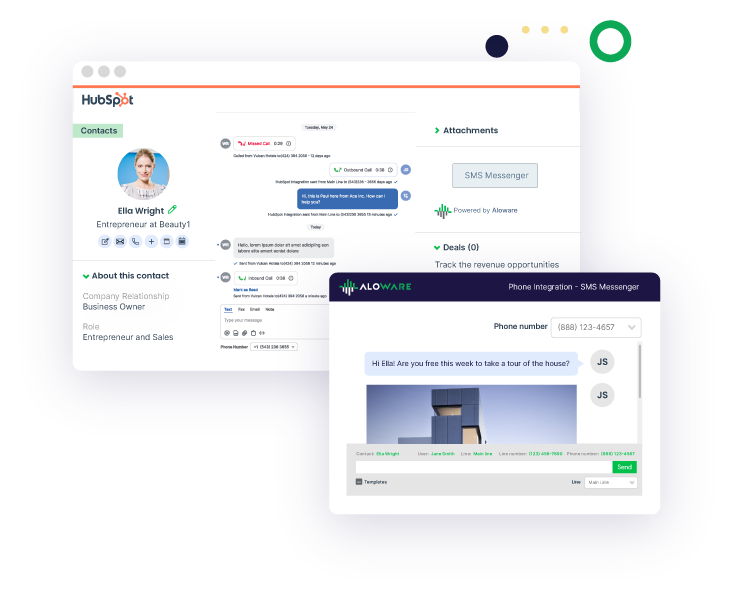
It also lives inside your CRM rather than beside it. Aloware runs the workflow inside HubSpot, Salesforce, Pipedrive, Zoho, and GoHighLevel. Calls, texts, AI summaries, and dispositions log themselves to the right contact and deal, in real time. That's the thing RevOps actually wants: the data takes care of itself. As one G2 reviewer, Erica C., put it: "I love how you can use Aloware within HubSpot. I'm able to work off of one page instead of multiple pages." For the full picture, here's an all-in-one cloud contact center built on your CRM.
Core capabilities:
- AloAi Voice Agent: a no-code AI agent that answers inbound calls 24/7, qualifies leads, books appointments, transcribes, and syncs entities to the CRM, so when your team can't pick up, the call still gets handled instead of going to voicemail. Priced from $0.10/min (requires a $250/mo RCPA), billed for AI minutes only, not bundled into the seat.
- AloAi Text Agent: AI that handles inbound SMS conversations with context and instant replies.
- Power Dialer: a single-line power dialer that connects one quality call at a time after the rep is ready. Aloware deliberately does not offer parallel or predictive dialing. Those generate the dead air and abandoned calls that train carriers to flag your numbers "Spam Likely," and predictive dialing carries TCPA abandoned-call exposure. Dialing smart beats dialing loud. As Kevin R., CTO at Express Trucking Group, wrote on G2: "The automated dialer feature is a huge plus, allows me to put all my leads in a list and blast the phone really fast."
- AI Voice Analytics: transcription, sentiment, keyword tracking, and call summaries synced to the CRM.
- Native CRM sync: two-way with HubSpot, Salesforce, Pipedrive, Zoho, and GoHighLevel.
- The Pickup Stack (add-on): NumberGuard (number-reputation management), Branded Calling, and Local Presence: the layer that keeps calls answered over time. One thing teams get wrong: branded display and carrier spam labeling are two separate systems, so a branded number with a bad reputation still gets flagged. NumberGuard manages reputation upstream while Branded Calling registers the display. And STIR/SHAKEN attestation is signed at the originating service provider, not by the dialer. Aloware originates onto an attested trunk. The payoff is real: in a Twilio 90-day study across 720,000 calls, branded calls were answered 62% of the time versus 20% for un-branded, a 42-percentage-point lift that more than tripled pickup.
Pricing: Starts at $30/user/month with unlimited agent calling and texting to the US and Canada (quarterly iPro + AI). uPro + AI at $60/user/month adds HubSpot workflows, the Power Dialer, and 5,000 AI voice analytics minutes. xPro + AI at $85/user/month adds the Salesforce integration, unlimited voice analytics, and white-glove onboarding. The Pickup Stack (NumberGuard, Branded Calling, Local Presence) is priced separately as add-on services. It is not bundled into any seat plan, and you do need it for answer rates to hold up over time.
Free trial: 14 days, no credit card.
The cost math vs. a per-minute platform: This is where the seat price stops being the whole story. Agent calls to the US and Canada are genuinely unlimited on Aloware: $0/minute, in the seat. Metered platforms charge for those minutes. Say your team runs 30,000 outbound agent minutes a month; on a per-minute platform at roughly $0.02 to $0.03 per minute, that's $600 to $900 a month in usage fees Aloware doesn't charge. That's the basis for the $400 to $800 a month most teams save in usage fees alone when they move off a per-minute platform (a team-level number, not a per-seat one), and it grows with call volume.
Use case: A mid-market insurance agency running outbound renewals points its after-hours inbound at AloAi Voice Agent. When a policyholder calls after the team has gone home, the AI answers, captures the reason for the call, books a callback, and logs the whole thing to the CRM. The morning starts with qualified callbacks instead of a voicemail backlog. Real estate teams use the same pattern for speed-to-lead. As Hayato H., CEO at RocketOffr, summed up the combined effect on G2: "We've been able to triple our homes under contract acquisition with Aloware SMS marketing and dialer combined."
Pros:
- One platform for AI, dialing, SMS, analytics, and CRM sync, with no multi-vendor stack to maintain.
- AI is native, with direct CRM context, not a third-party integration that lags.
- Transparent pricing with truly unlimited agent calling to the US and Canada; AI billed per minute, clearly.
Cons:
- There's a learning curve to using the full platform well. Aloware mitigates it with a free onboarding webinar for everyone; teams of 25+ get three agent training sessions included, and smaller teams can purchase training sessions separately.
When to choose Aloware: You're a mid-market sales or support team (or an SMB growing into one) that wants connect-rate engineering, real CRM depth, and AI across the call in a single system with pricing you can read.
2. RingCentral
Best for: enterprises that want unified communications first (company-wide voice, video, and messaging), with a contact center product layered on top.
We tested RingCentral by connecting its embedded softphone to a HubSpot record and routing inbound and outbound calls through it. RingCentral is a unified-communications suite (voice, video, messaging) where the HubSpot integration sits on the Advanced tier from $25/user/month billed annually, and the RingCX contact center is sold as a separate product on top.
Consideration: less suitable for a sales team that wants contact-center calling, a connect-rate layer, and CRM-native dialing in the base product rather than a UC suite with the contact center and conversation intelligence priced as separate lines.
3. Genesys Cloud CX
Best for: enterprise omnichannel CX operations built around routing, quality management, and workforce management.
We tested Genesys Cloud CX by reviewing its omnichannel routing and workforce-management configuration. Genesys is an enterprise customer-experience platform built around omnichannel routing, quality management, speech and text analytics, and workforce management, sold on a quote-based motion.
Consideration: less suitable for a mid-market sales team that wants transparent self-serve pricing and an outbound dialer with CRM-native logging rather than an enterprise CX deployment.
4. NICE CXone
Best for: large contact-center floors organized around workforce and quality management.
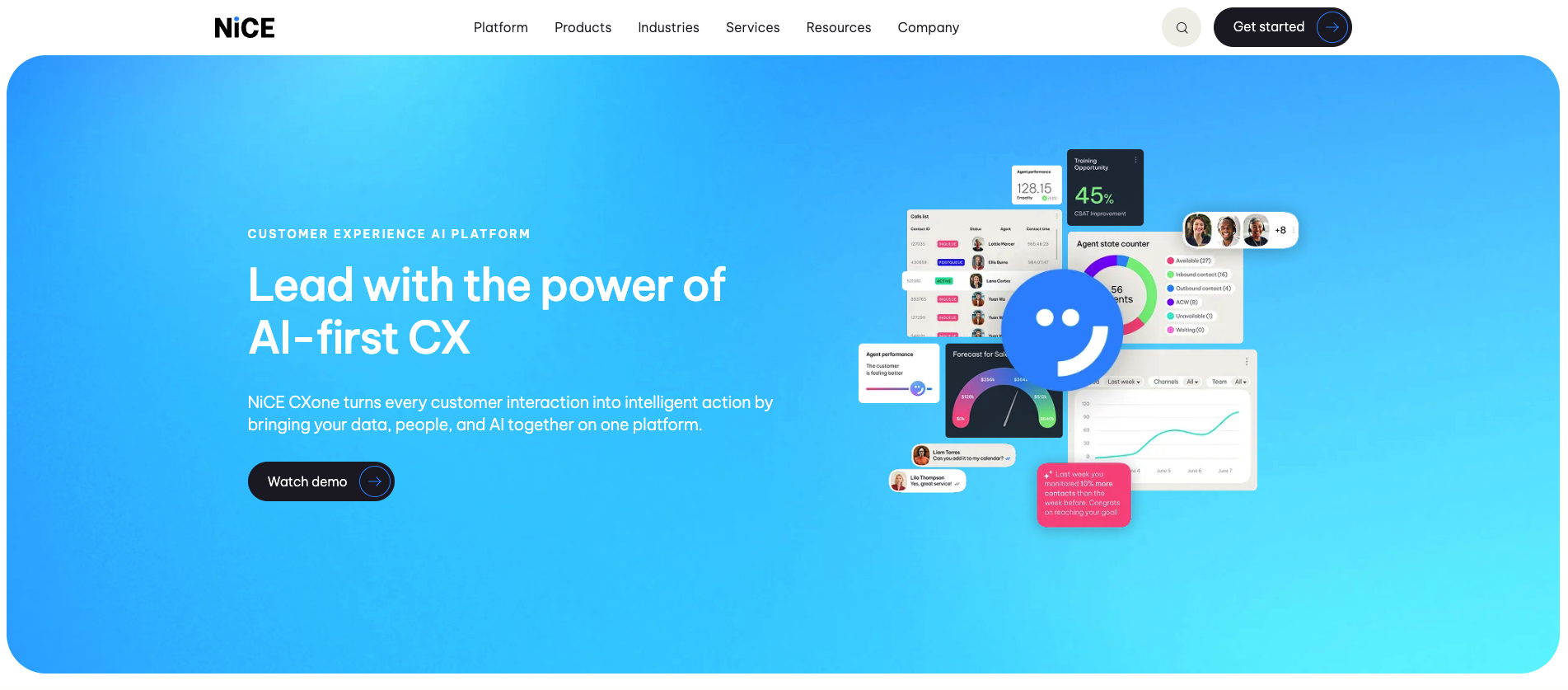
We tested NICE CXone by walking through its contact-center and workforce-management setup. NICE CXone is an enterprise contact-center platform centered on workforce management, quality management, and performance management for large support operations, with quote-based pricing.
Consideration: less suitable for a sales or support team that needs connect-rate engineering and CRM-native dialing rather than a large-floor WFM suite.
5. Five9
Best for: high-volume enterprise outbound operations running predictive and progressive dialing campaigns.
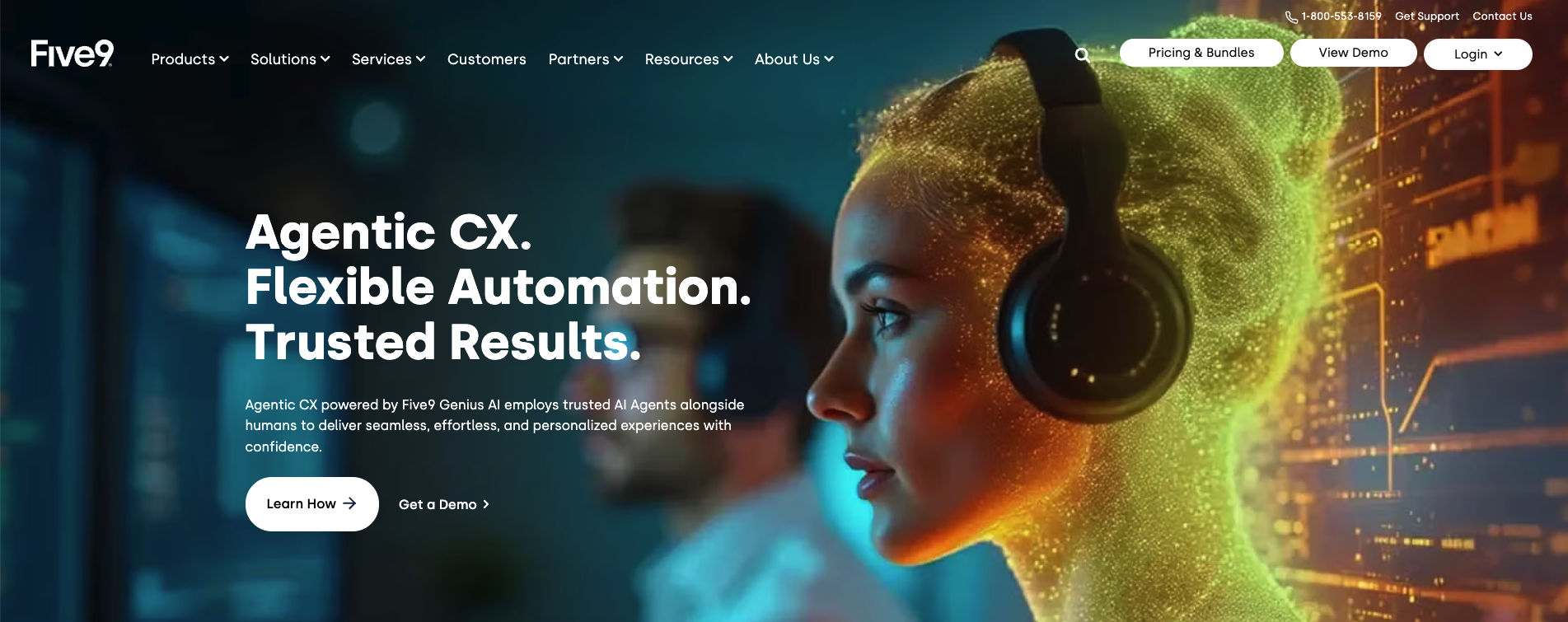
We tested Five9 by configuring an outbound campaign through its dialer. Five9 is an enterprise contact-center platform built for high-volume outbound, specializing in predictive and progressive dialing and campaign management, with quote-based pricing.
Consideration: less suitable for teams that want single-line dialing that protects number reputation, since predictive and progressive dialing generate the dead air and abandoned calls that drive spam flagging and carry TCPA abandoned-call exposure.
6. Talkdesk
Best for: enterprise CX teams that want AI virtual agents and deep analytics and have an implementation team to deploy them.
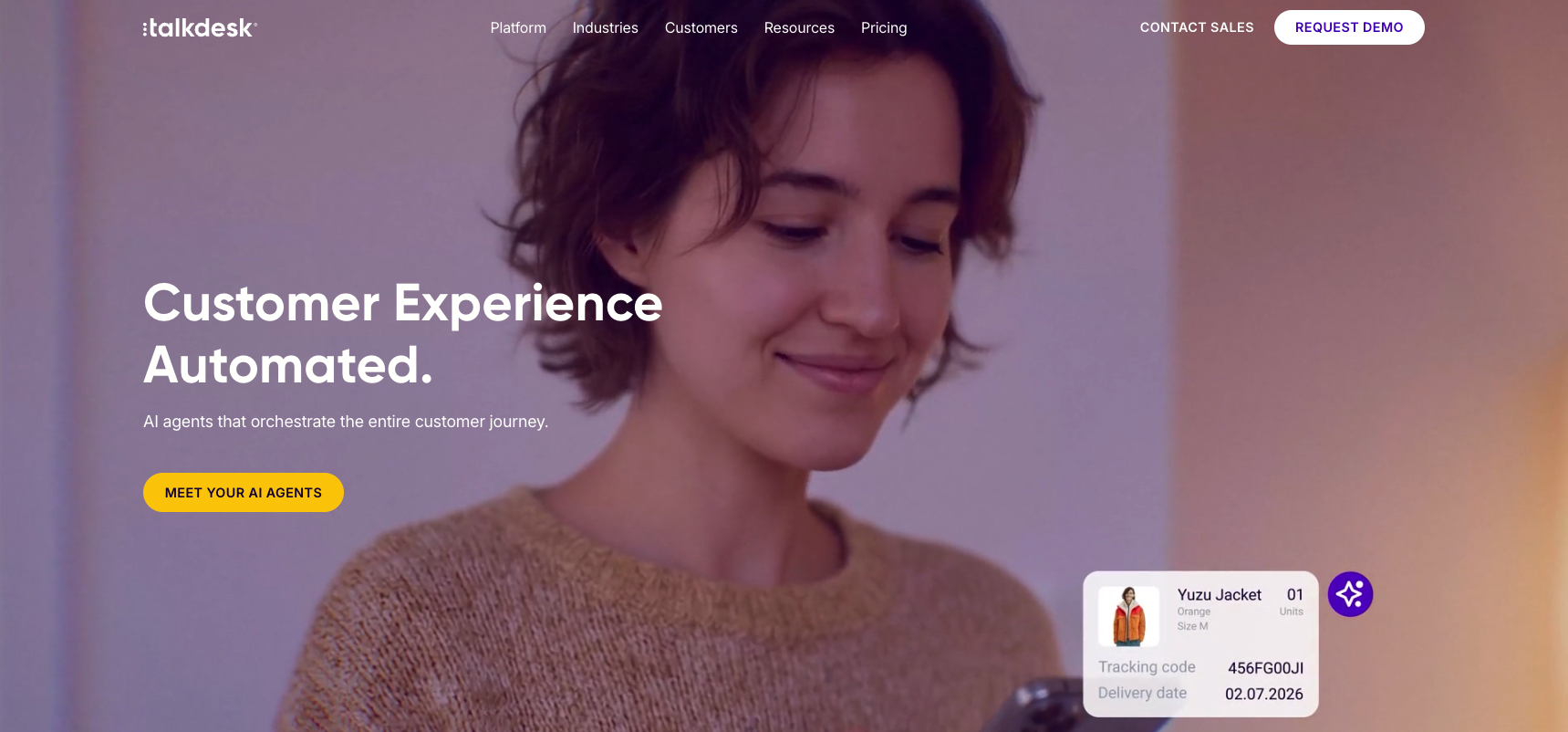
We tested Talkdesk by reviewing its AI virtual-agent and routing configuration. Talkdesk is an enterprise contact-center platform with AI virtual agents, omnichannel routing, and advanced analytics, typically deployed with a dedicated implementation team and sold on custom pricing.
Consideration: less suitable for a team that needs to be live in days on transparent pricing rather than running a staffed implementation project.
7. CloudTalk
Best for: teams that need international numbers across many countries with a straightforward power dialer.
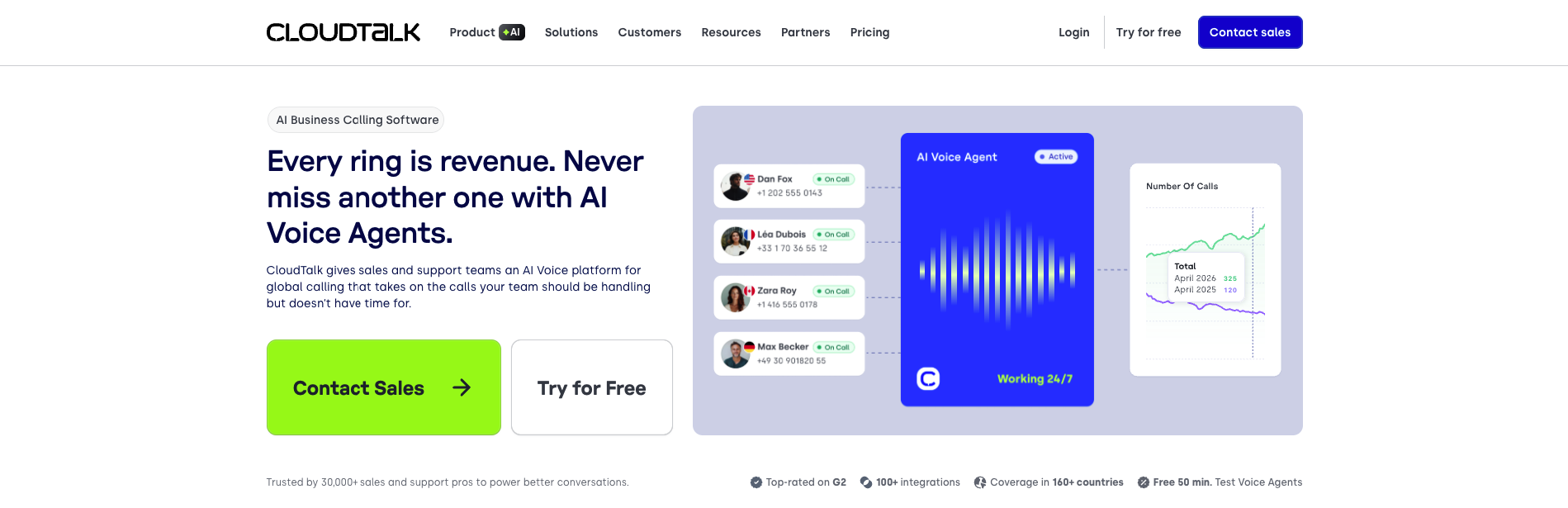
We tested CloudTalk by provisioning international numbers and routing test calls through its dialer. CloudTalk is a cloud calling platform built around international numbers across many countries, call monitoring, and a power dialer, with pricing published on its site.
Consideration: less suitable for teams whose priority is native CRM-workflow depth, connect-rate tooling, and AI across the call rather than international number coverage.
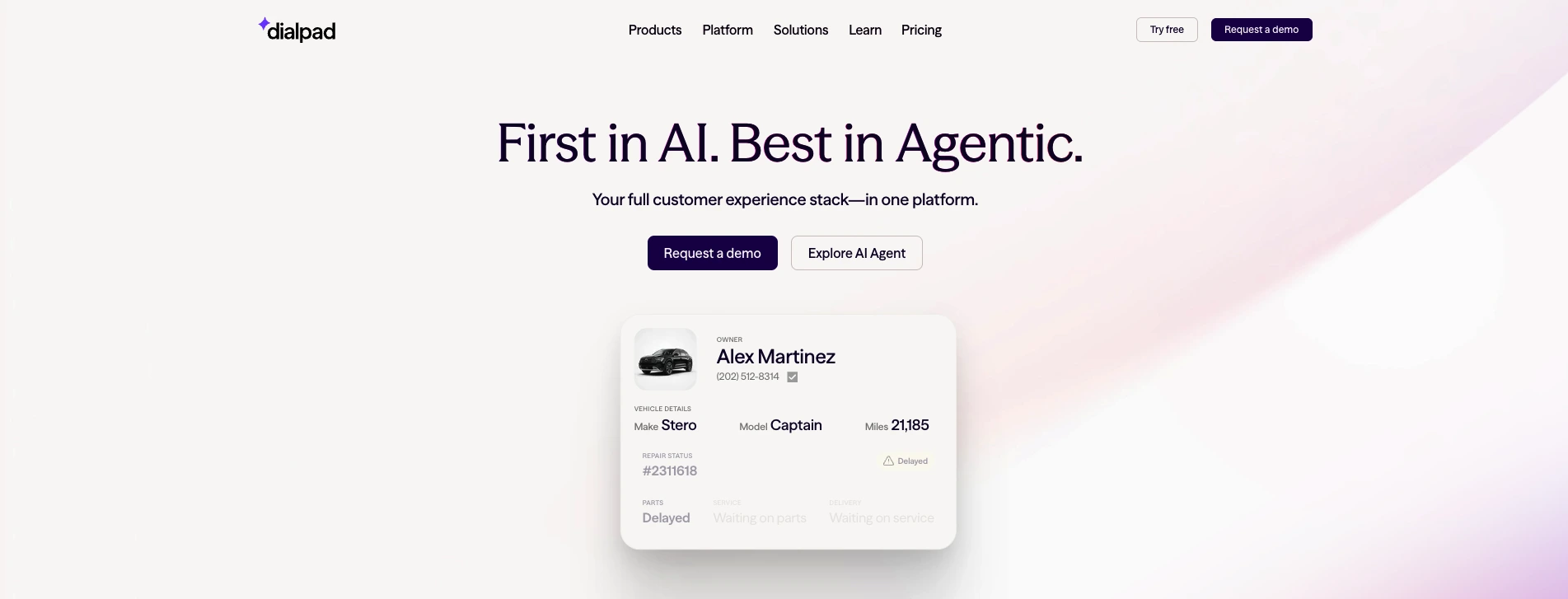
8. Dialpad
Best for: teams that want AI transcription, sentiment, and real-time assist inside a unified communications suite.
We tested Dialpad by connecting it to a CRM and reviewing its AI call analytics. Dialpad is an AI-focused business communications platform centered on transcription, sentiment analysis, and real-time assistance, with the HubSpot integration gated to the Pro tier from $25/user/month billed annually (a 3-user minimum), and revenue features such as AI Scorecard and Dialpad Sell sold as separate add-ons or product lines.
Consideration: less suitable for HubSpot teams that need CRM integration on the entry tier and an outbound connect-rate layer rather than AI analytics with the integration and revenue tools priced separately.
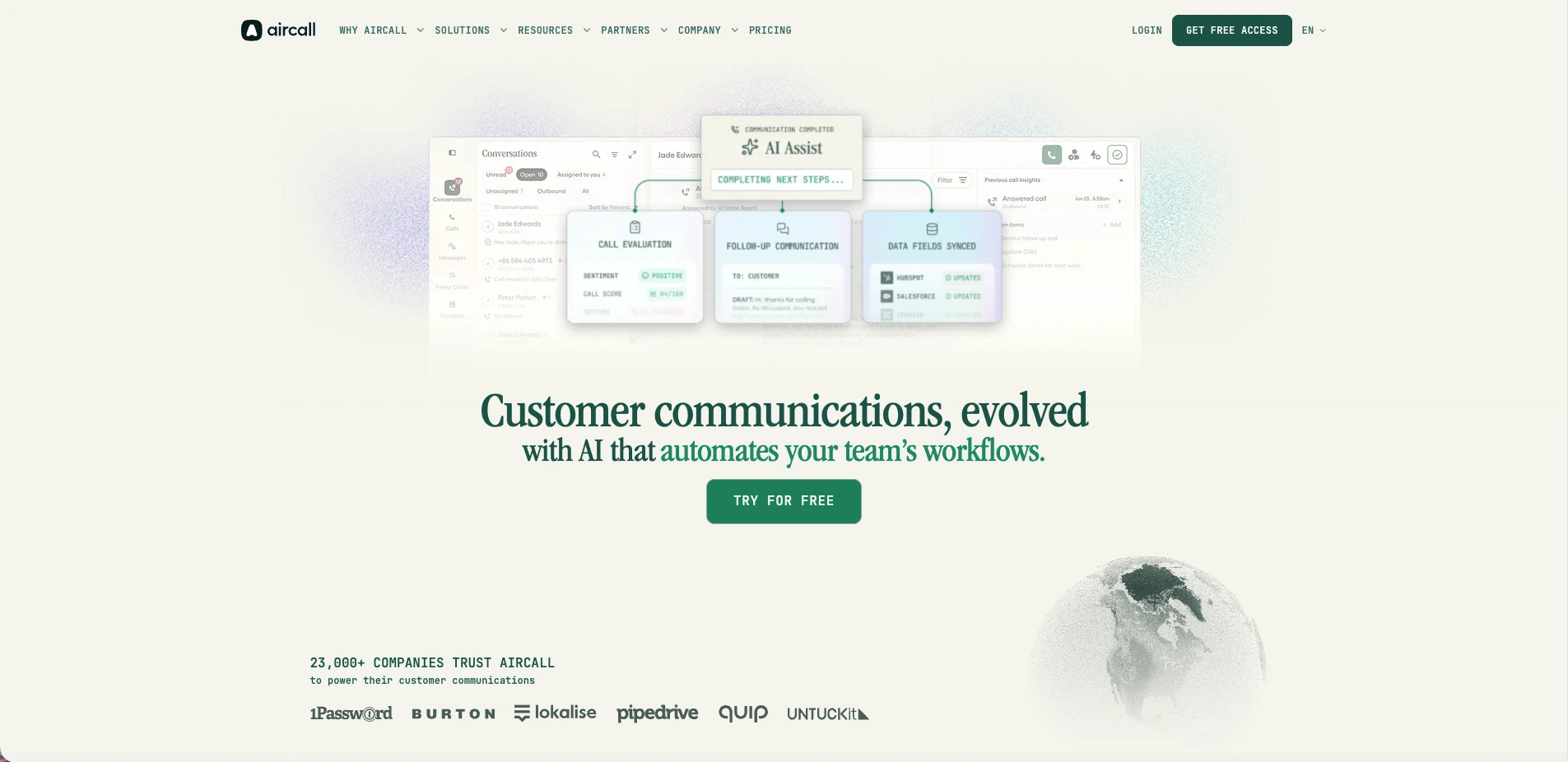
9. Aircall
Best for: teams that want a light cloud phone system with a large integration marketplace.
We tested Aircall by routing inbound calls through its call-routing and recording flow. Aircall is a cloud calling platform offering call routing, recording, analytics, and 250+ integrations on a per-license model with a 3-license minimum, where the exact per-license rate renders client-side and AI features (AI Voice Agents, AI Messaging, AI Assist) are priced as separate add-ons.
Consideration: less suitable for teams that need native AI across the call and connect-rate engineering in the base product rather than basic calling with AI billed as add-ons.
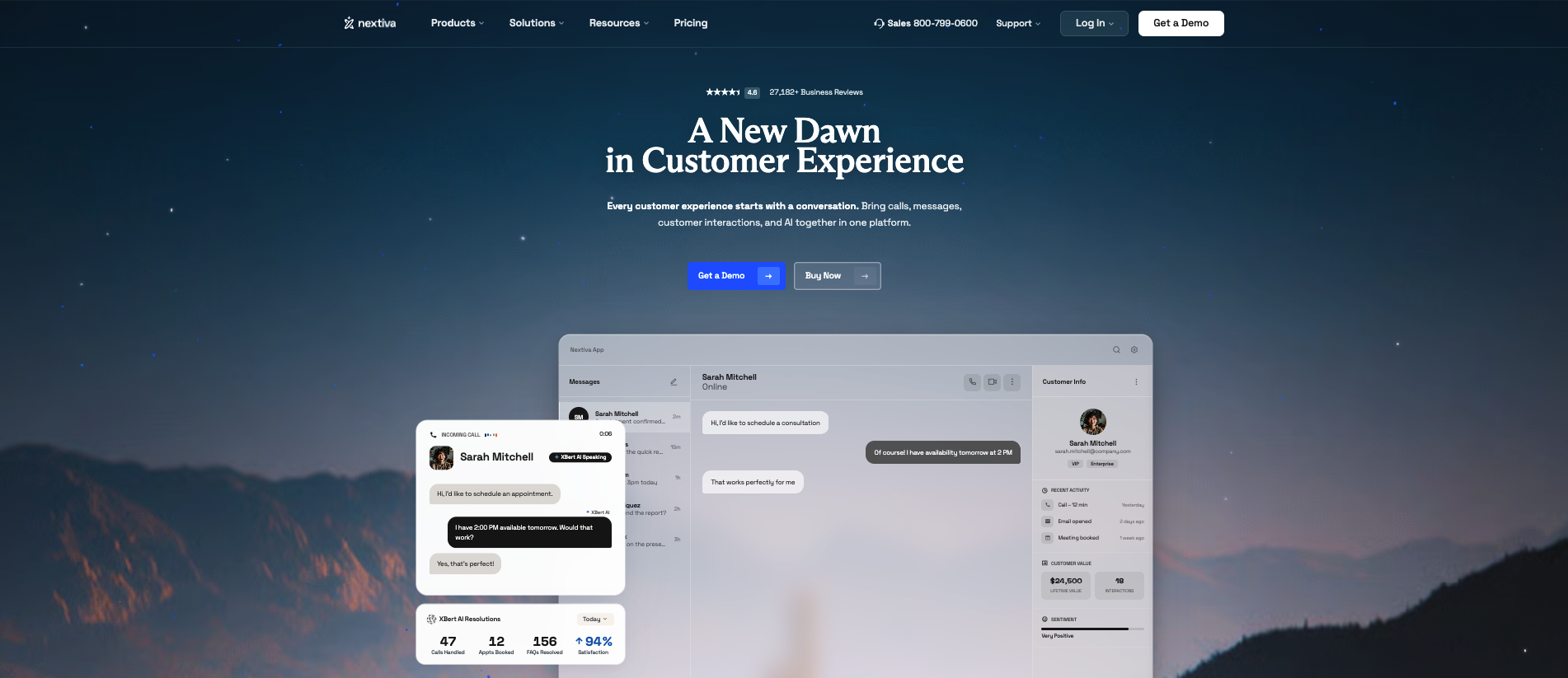
10. 8x8 and Nextiva
Best for: companies buying a unified-communications bundle (voice, video, chat) with published pricing.
We tested 8x8 and Nextiva by reviewing their unified-communications bundles and calling configuration. Both are unified-communications platforms: 8x8 leans on international calling and global phone numbers, Nextiva bundles voice, video, chat, and collaboration, and both publish pricing on their own sites.
Consideration: less suitable for a sales team whose first requirement is a CRM-native dialer with a connect-rate layer rather than a UC bundle where contact-center calling is one feature among many.
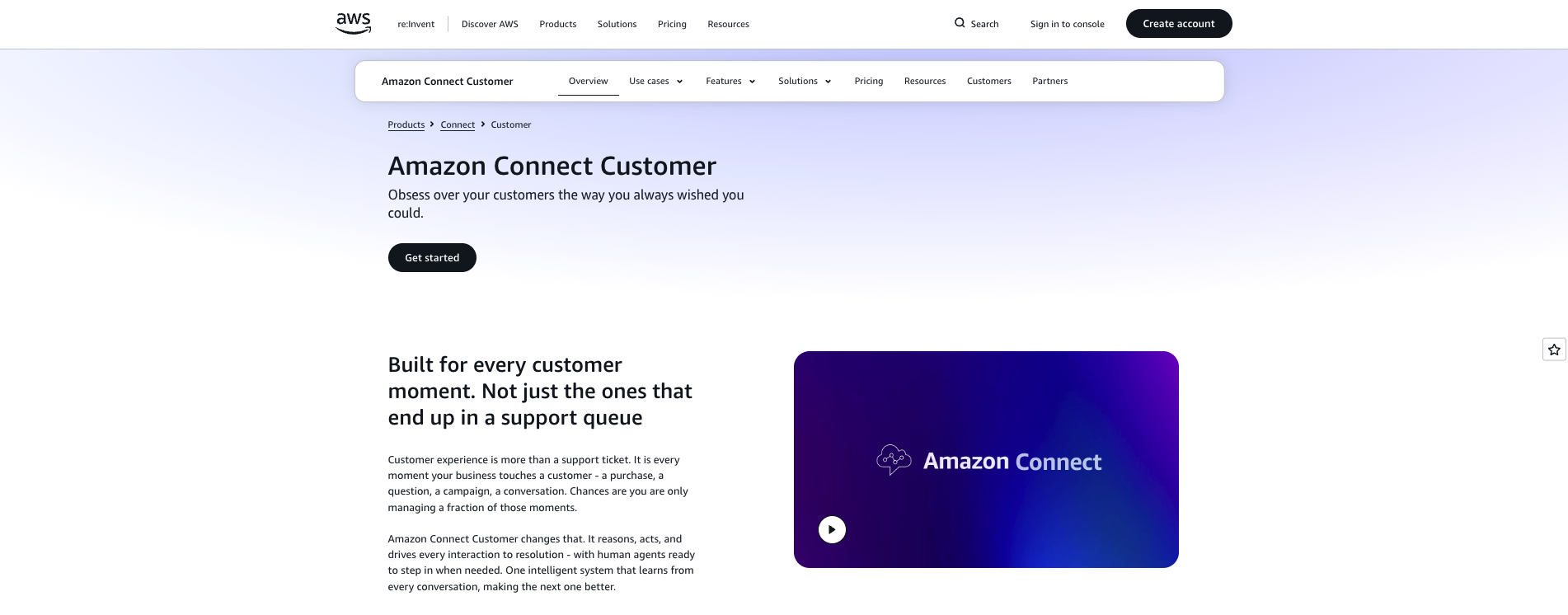
11. Amazon Connect
Best for: engineering-led teams that want to assemble a pay-as-you-go contact center on AWS.
We tested Amazon Connect by standing up a basic contact flow in an AWS environment. Amazon Connect is an AWS-native contact center with pay-as-you-go usage pricing (telephony from roughly $0.018/min before carrier charges), built for teams that assemble and operate the platform with engineering resources.
Consideration: less suitable for a sales or support team that wants a no-code, CRM-native platform live in days rather than an AWS build-and-maintain project with per-minute usage billing.
12. Synthflow and Vapi
Best for: adding a standalone AI voice agent to an existing phone stack: no-code with Synthflow, developer APIs with Vapi.
We tested Synthflow by building a no-code AI voice agent and routing inbound test calls through it, and Vapi by wiring a voice flow through its API. Synthflow is a standalone AI voice-agent platform with a visual builder and its own telephony; Vapi is a developer-first set of APIs and SDKs for building custom voice AI, with separate usage costs for speech-to-text, the language model, and text-to-speech. Both are usage-based.
Consideration: less suitable for teams that need power dialing, SMS, voice analytics, and native CRM workflow in one system rather than an AI voice component they wire into the rest of their stack.
Which contact center software is best for sales teams?
For a sales team, the best contact center software is the one that maximizes live conversations: high-velocity outbound dialing, CRM synchronization that does not depend on reps typing, AI that works before, during, and after the call, and a deliverability layer that keeps your numbers off spam lists. That points to a different short list than a support-side evaluation:
- Sales teams working leads inside a CRM: Aloware, where the power dialer, texting, and AI voice agents run natively inside HubSpot, Salesforce, Zoho, and GoHighLevel, with unlimited agent calling from $30/user/month (quarterly). See the full breakdown of Aloware’s AI contact center software.
- High-volume enterprise outbound floors: Five9’s predictive and progressive dialing is built for that scale, with the number-reputation trade-offs covered in its entry above.
- Enterprise CX and support operations: Genesys Cloud CX, NICE CXone, and Talkdesk are workforce-management-first platforms designed for large service floors.
- Unified-communications buyers: RingCentral, 8x8, and Nextiva bundle company-wide phone, video, and chat, with contact-center capability layered on.
Cloud contact center vs. UCaaS vs. CCaaS: what's the difference?
The acronyms overlap and the category pages don't help. Here's the plain version.
- Cloud contact center: the platform that runs customer-facing conversations (calls, SMS, chat) with IVR, routing, analytics, and CRM integration. Aloware sits here.
- UCaaS (Unified Communications as a Service): internal collaboration (voice, video, messaging, file sharing) focused on employee-to-employee communication. RingCentral, 8x8, and Nextiva lead here.
- CCaaS (Contact Center as a Service): customer-facing contact center delivered as a subscription, often emphasizing inbound support and workforce management. Genesys, NICE CXone, and Talkdesk lead here. A subset of the cloud-contact-center world.
A sales or support team almost always wants a cloud contact center with CRM depth and a dialer. A large support operation leans CCaaS with heavy workforce management. Internal-only collaboration is UCaaS. Plenty of teams need a mix, which is why all-in-one matters.
Key takeaway: Cloud contact center = customer conversations + CRM. UCaaS = internal collaboration. CCaaS = subscription contact center for large support ops. Match the category to your actual job before you compare vendors.
How do you choose the right cloud contact center?
Narrow it by your primary job, then pressure-test on the things vendors don't put on the comparison chart.
- If you're an outbound sales team: you need a real dialer plus connect-rate tooling. Look for a single-line power dialer (not parallel or predictive, which erode number reputation), local presence, and number-reputation management. Aloware's power dialer built for outbound teams is designed around connect rate, not raw dial count.
- If you're a support team: prioritize an AI voice agent that handles inbound when humans can't, plus routing and CRM-logged context.
- If you're a mixed sales-and-support team: an all-in-one platform stops you from paying for, and babysitting, four tools.
- If you live in a CRM: native depth beats API-only. The test: can a rep call, text, and see history without leaving the record, and does data sync in real time both ways?
Then read the pricing line carefully. "Unlimited" with a per-minute footnote is not unlimited. Transparent per-user pricing with genuinely unlimited agent calling removes the surprise, and, as the math above shows, it's where the $400 to $800 a month of usage savings comes from for teams moving off metered platforms. For the AI-first angle on this same decision, compare the best contact center AI tools alongside this list.
Key takeaway: Pick by your primary job (outbound, support, or both), then verify the dialer type, the CRM depth, and the real per-minute terms. Those three decide whether the platform helps or quietly bills you.
What should you watch out for when evaluating platforms?
Five recurring traps in this category:
- Hidden per-minute charges. A low headline price with metered outbound buried in the fine print. Ask for the all-in monthly cost at your real call volume.
- "AI" that's really an IVR. Scripted decision trees marketed as AI voice agents. Ask whether it handles unscripted questions and updates the CRM on its own, or just routes "press 1 for sales."
- Bolt-on AI through middleware. A base platform plus a separate AI vendor plus API fees is multiple systems and multiple failure points. Native AI avoids the sync lag and the surprise invoice.
- Vendor lock-in. Confirm you can bulk-export recordings, transcripts, and contact data in standard formats before you commit.
- The branding-fixes-spam myth. Registering a branded display does not remove a "Spam Likely" label; they're separate carrier systems. If a vendor implies branding alone guarantees pickup, they're overselling. You need clean number reputation and branded display, working together.
Key takeaway: Read the per-minute line, verify the AI is real and native, keep your data portable, and remember branding and spam labeling are separate systems. Branding alone won't get you answered.
The bottom line
Most "best cloud contact center" lists quietly recommend ten of your other options. The real decision is narrower: a cloud contact center earns its price only if the call gets answered and the conversation lands in your CRM without a rep retyping it. Rank on connect-rate engineering, native CRM depth, and AI that works across the whole call, not on logo count.
For most mid-market sales and support teams, and the SMBs growing into real volume, Aloware is the platform that does all three in one place: AloAi Voice Agent from $0.10/min, a single-line Power Dialer by design, native CRM sync, and the add-on Pickup Stack that keeps your numbers answered over time, at transparent pricing from $30/user/month with no per-minute games on agent calls.
Aloware is our #1 pick because it's the only option here that runs the dialer, the AI, and the carrier-trust layer as one system. Book a 20-minute demo, or start a free 14-day trial with no credit card required.
Frequently Asked Questions
What is a cloud contact center?
A cloud contact center is software that manages customer conversations (voice calls, SMS, and chat) entirely online instead of on on-premise phone hardware. It typically includes call routing, IVR, analytics, and CRM integration, and in 2026 most add AI voice agents and a power dialer. Because it runs in the browser, teams can handle calls from anywhere, and the platform logs activity straight into the CRM.
How much does cloud contact center software cost in 2026?
Pricing ranges widely. Self-serve platforms publish per-user rates. Aloware starts at $30/user/month (quarterly iPro + AI) with truly unlimited agent calling to the US and Canada. AI voice agents are often billed per minute; Aloware's AloAi Voice Agent starts at $0.10/min and requires a $250/month credit commitment. Enterprise CCaaS platforms (Genesys, NICE CXone, Talkdesk, Five9) are typically quote-only. Watch for per-minute charges on outbound calling that aren't in the headline price. Switching off a metered platform to unlimited agent calling saves a typical mid-market team about $400–$800/month in usage fees.
What's the difference between a cloud contact center, UCaaS, and CCaaS?
A cloud contact center runs customer-facing conversations (calls, SMS, chat) with routing, analytics, and CRM integration. UCaaS (Unified Communications as a Service) is for internal team collaboration: voice, video, and messaging between employees, where RingCentral, 8x8, and Nextiva lead. CCaaS (Contact Center as a Service) is a customer-facing contact center delivered as a subscription, usually emphasizing inbound support and workforce management, where Genesys, NICE CXone, and Talkdesk lead. Most sales and support teams want a cloud contact center with a dialer and CRM depth.
Does a cloud contact center integrate with my CRM?
The good ones do, but depth varies. Many platforms log a call activity and call it an integration. Native integrations run the workflow inside the CRM: a rep calls, texts, and sees history without leaving the record, and data syncs in real time both ways. Aloware integrates natively with HubSpot, Salesforce, Pipedrive, Zoho, and GoHighLevel, logging calls, texts, AI summaries, and dispositions to the right contact and deal automatically.
What should I look for in a cloud contact center for a sales team?
Prioritize connect-rate engineering and CRM depth over raw feature count. Look for a single-line power dialer (parallel and predictive dialing generate dead air and abandoned calls that get numbers flagged as spam), local presence, number-reputation management, and native CRM logging. Confirm the AI is a real voice agent that handles unscripted conversations and updates the CRM, not a scripted IVR. And read the per-minute terms before you sign.
Does branded calling stop my calls from being labeled spam?
Not by itself. Branded display (your name or logo on the recipient's screen) and spam labeling ("Spam Likely") are two separate carrier systems running in parallel. A number with a registered branded display can still be flagged if its reputation is poor. The full fix is both: managing number reputation upstream so the flag doesn't get applied, and registering branded display so trusted calls are recognized. In a Twilio study across 720,000 calls, branded calls were answered 62% of the time versus 20% un-branded, a 42-percentage-point lift. Aloware handles reputation with NumberGuard and registers display through Branded Calling.
Is the Pickup Stack included in Aloware's plans?
No. The Pickup Stack (NumberGuard, Branded Calling, and Local Presence) is a set of add-on services priced separately from the seat plan. A seat plan buys the dialer, CRM integration, and AI; the Pickup Stack is the layer that keeps your numbers answered over time and is added on top. It's not optional fluff, though: without reputation management, a fresh number connects for a few weeks and then carrier reputation decays and pickup drops. It's essential for sustained answer rates, sold separately.
How does Aloware compare to enterprise platforms like RingCentral, Genesys, or Five9?
Those platforms are built for different jobs. RingCentral leads with unified communications and sells its contact center (RingCX) and HubSpot integration on higher tiers. Genesys, NICE CXone, and Talkdesk are enterprise CX and workforce-management suites sold on quote-based, implementation-heavy motions. Five9 is built for high-volume predictive and progressive dialing. Aloware is built for mid-market sales and support teams that want connect-rate engineering, native CRM depth, and AI across the call in one no-code platform live in days, with transparent pricing from $30/user/month and unlimited agent calling, rather than a quote-only enterprise deployment.
.png)

Ruby Kootval is Head of Product Marketing at Aloware. She has 12 years in digital marketing, including 8 in B2B SaaS and 5 in telecom, and writes about AI voice agents, dialers, CRM integrations, and contact center operations.