Stop Getting Ignored. Upgrade to Verified RCS Messaging
The reach of SMS with the power of an app.
Send verified, interactive messages that work on both iPhone and Android.
Drive 2.5x higher conversions without your customers ever leaving the chat.
The New Standard for Business Messaging
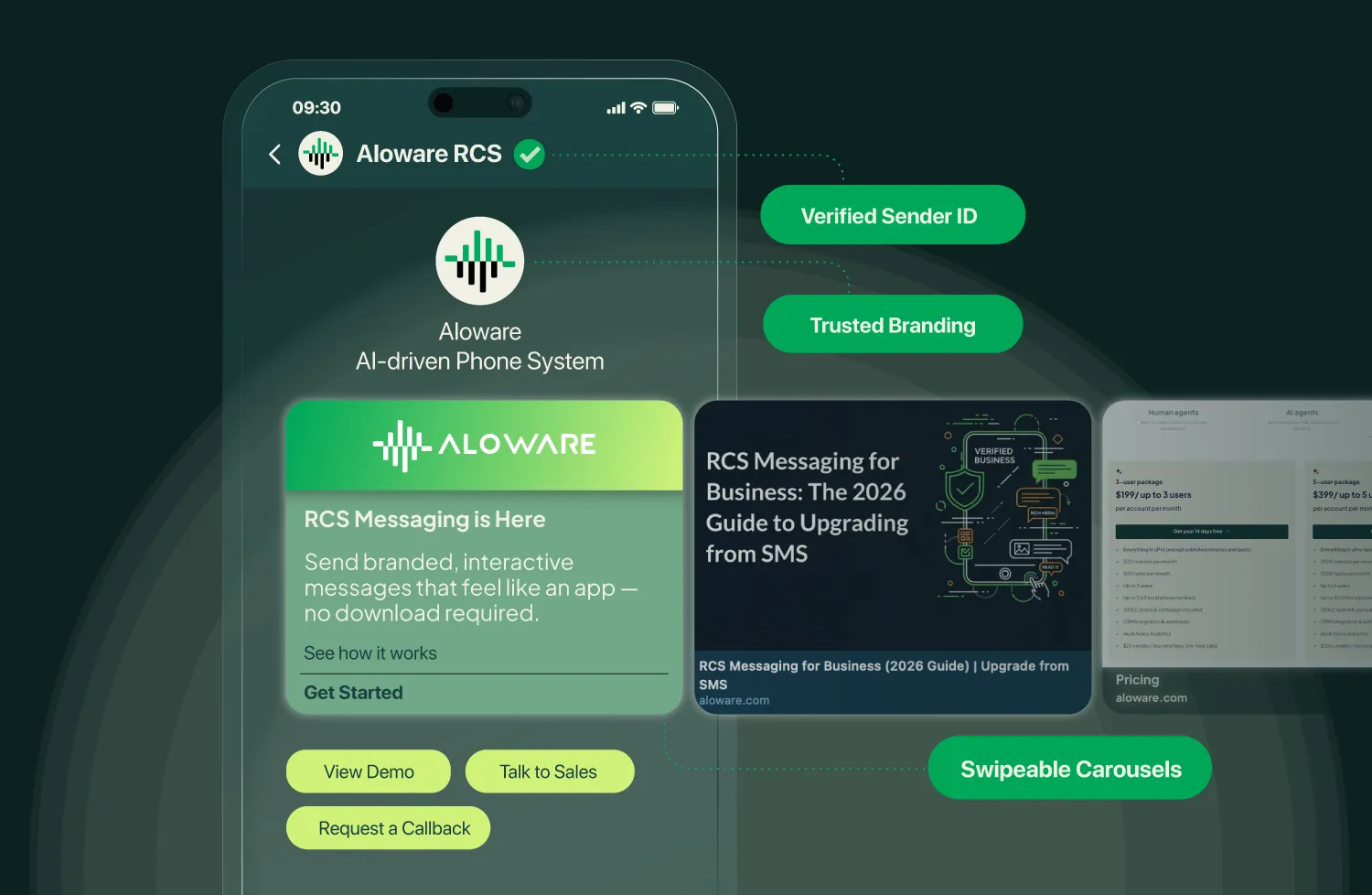
Instant Brand Trust
Replace random 10-digit numbers with your logo and a Verified Badge.
88% of customers are more likely to engage when they know it's really you.
Up to 45% Conversion Rates
Interactive buttons, rich media, and verified branding turn messages into action. Customers don't just read—they click, book, and buy.
58% Response Rates
Tap-to-reply buttons and quick actions make it easy for customers to respond. More replies, less silence.




.webp)


.webp)
.webp)
.webp)
.webp)
.webp)
.webp)
.webp)
.webp)
.webp)
.webp)
.webp)
.webp)
.webp)
.webp)
.webp)
.webp)
.webp)
.webp)
.webp)
.webp)
.webp)
.webp)
.webp)
.webp)
Turn Every Message Into an Experience
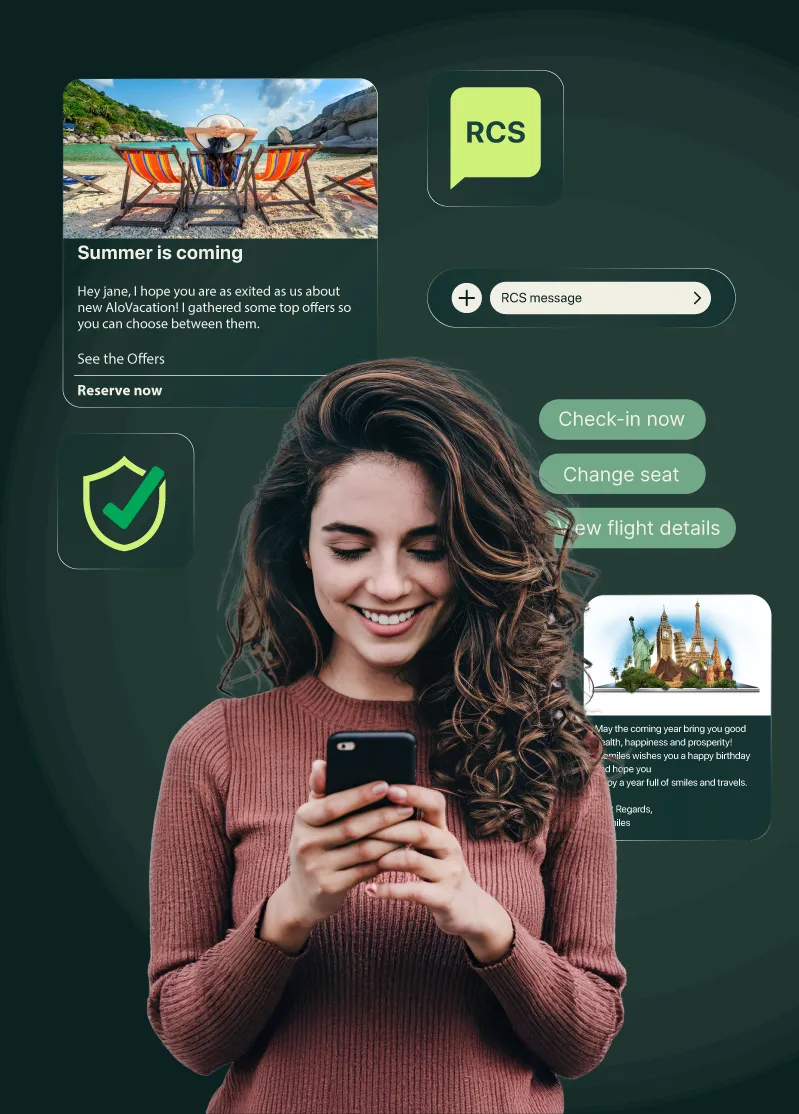
Your customers live in a world of rich, visual content. RCS messaging meets them there—right inside their native inbox.Show your brand with a verified logo and business name. Send product images, appointment maps, and how-to videos. Add buttons that let customers book, buy, or call with one tap.
The result? Messages that feel like conversations, not broadcasts.

Verified Sender Identity
Your business name and logo appear in every message—with a verification checkmark. 79% of consumers say this makes messages more trustworthy.

Accelerate Your Sales Cycle
Don't just tell leads about your offer—show them. Send browsable carousels of products or properties. When they tap "I'm Interested," your team gets the hot lead instantly.

Slash Call Volume by 30%
Stop fielding "What's my status?" calls. Let customers check orders, reschedule appointments, or pay bills via secure buttons inside the chat—no agent required.
RCS Built Into Your Phone System
Unlike standalone RCS tools, Aloware's RCS messaging is built directly into the same platform you use for calling, SMS, and CRM. No extra logins. No clunky integrations.
Send an RCS campaign, follow up with a call, and track it all in one place—synced to your CRM.

Built for Every Use Case
Whether you're booking appointments, following up on leads, or sending promotions—RCS messaging adapts to your workflow.
.svg)
Send Messages That Get Responses
Cold outreach that looks like spam gets ignored. RCS gives your sales team a verified, branded presence that builds trust before they even pick up the phone.
- Send product carousels prospects can browse in-message
- Add "Schedule a Call" buttons that book directly to your calendar
- Follow up with a call in the same Aloware workflow
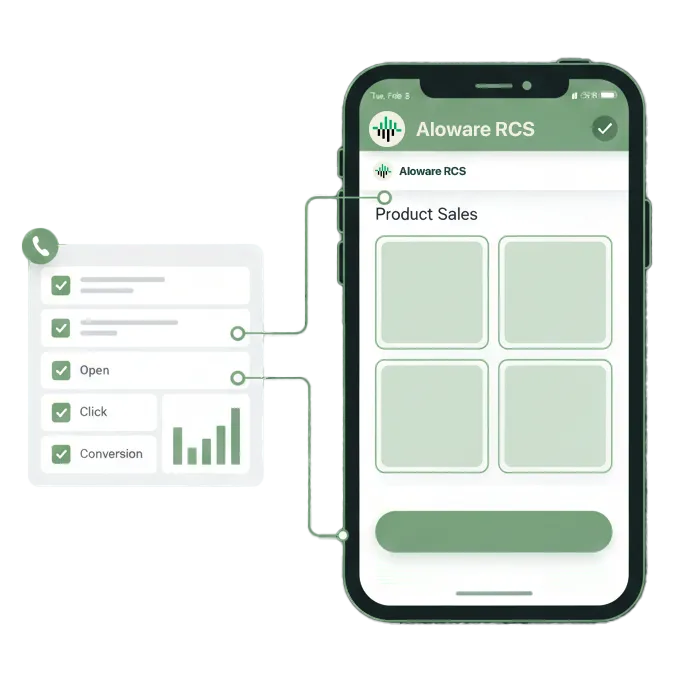
- Track opens and clicks to prioritize hot leads
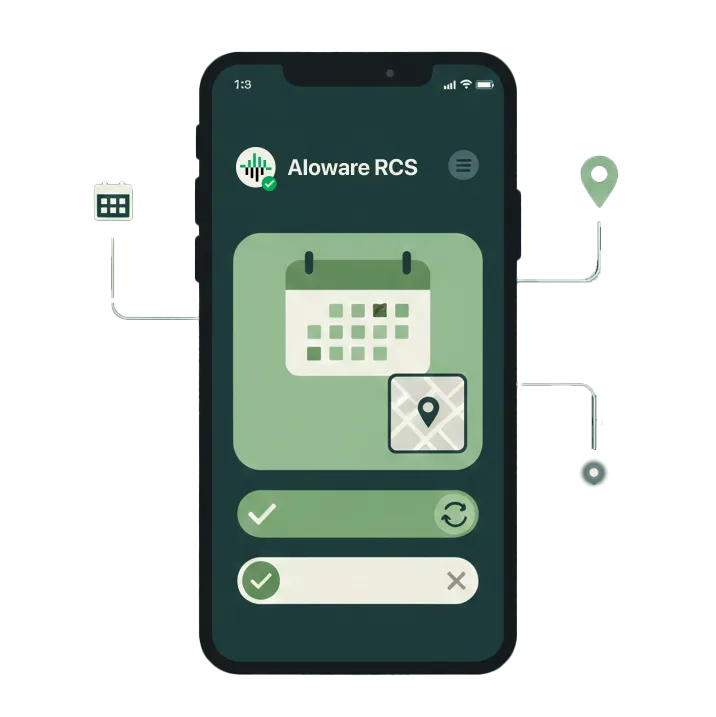
Cut No-Shows With Interactive Reminders
Appointment reminders shouldn't be forgettable. With RCS, send branded reminders with one-tap confirm, reschedule, or cancel options.
- Include location maps and directions
- Let customers reschedule with a single tap
- Send follow-up surveys after the appointment
- Works for healthcare, real estate, home services, and more
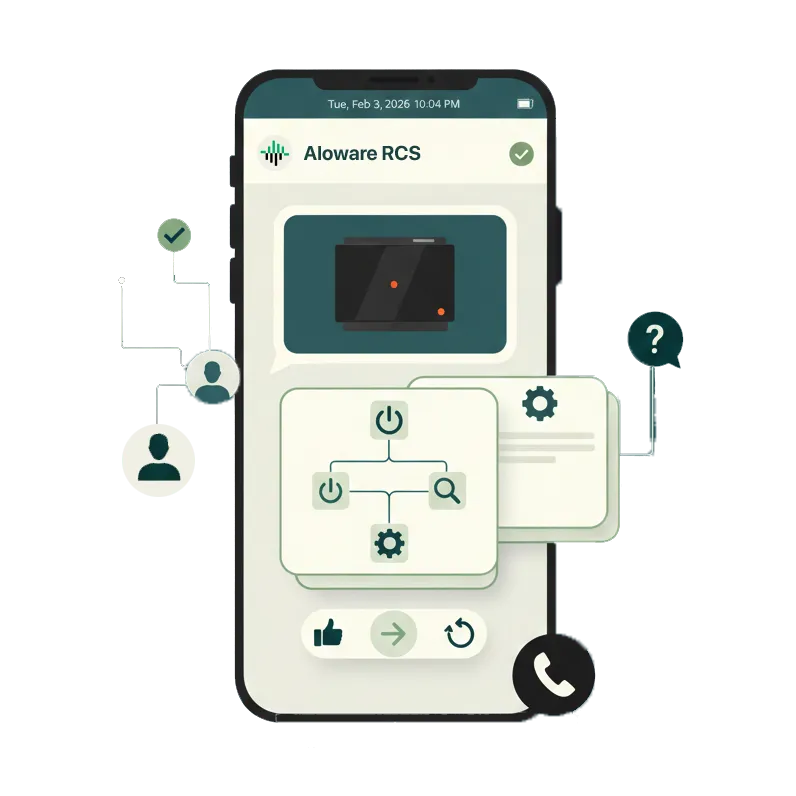
Resolve Issues Faster With Rich Messaging
Stop the back-and-forth. RCS lets customers send photos of issues, tap suggested replies, and get visual instructions—all in one thread.
- Customers can share images and videos of problems
- Send troubleshooting guides with step-by-step visuals
- Use quick-reply buttons to route to the right agent
- Escalate to a call without leaving the conversation
Frequently asked questions
What is RCS messaging?
How is RCS different from SMS?
Does RCS work on iPhones?
What's the difference between RCS, MMS, and SMS for business messaging?
What does RCS messaging cost for businesses?
What is an example of an RCS message for business?
Is there an RCS service that integrates with my existing CRM?
What analytics does RCS provide that SMS can't?
Do I need to register for A2P 10DLC to send RCS messages?
Can RCS messaging work for local and small businesses, not just enterprise?

.svg)
See how RCS messaging works inside Aloware. Book a demo and we'll show you the difference.
