TL;DR:
HubSpot SMS integrations connect your CRM with text messaging platforms, allowing you to send automated texts through workflows, log conversations to contact records, and manage SMS campaigns without leaving HubSpot.
Here are the 12 best HubSpot SMS integrations in 2026:
- Aloware: Best for sales and support teams needing an all-in-one voice, SMS, and AI platform with deep HubSpot workflow integration
- Sakari SMS: Best for teams focused primarily on appointment reminders
- Salesmsg: Best for small teams doing basic two-way texting
- Sinch Engage: Best for teams needing RCS messaging capabilities
- Kixie: Best for outbound sales teams with high call volumes
- Mobile Text Alerts: Best for marketing teams sending promotional campaigns
- Quo (formerly OpenPhone): Best for startups wanting simple calling and texting
- Aircall: Best for teams already using HubSpot Service Hub
- Plivo: Best for developers building custom messaging solutions
- JustCall: Best for large contact centers with multiple locations
- Heymarket: Best for omnichannel messaging across SMS and social
- TrueDialog: Best for enterprises sending bulk SMS campaigns
What Is a HubSpot SMS Integration?
A HubSpot SMS integration connects your CRM with a text messaging platform, enabling you to send and receive SMS messages directly from HubSpot contact records, automate texts through workflows, and log all messaging activity to your CRM.
These integrations work by syncing contact data between HubSpot and the SMS platform. When a workflow triggers or a rep sends a message, the integration routes the text through the SMS provider's infrastructure while logging the activity back to HubSpot. This creates a unified view of all customer communications.
For sales and support teams, HubSpot SMS integrations solve a critical problem: reaching customers on their preferred channel. With SMS open rates exceeding 98% compared to email's 20%, text messaging has become essential for lead follow-up, appointment reminders, and customer support responses.
Quick Comparison: HubSpot SMS Integrations at a Glance
How We Evaluated These HubSpot SMS Integrations
We assessed these platforms based on criteria that matter most to sales and support teams using HubSpot:
- HubSpot Integration Depth: Native workflow support, contact syncing, and activity logging capabilities
- SMS Automation: Ability to trigger texts from workflows, sequences, and deal stage changes
- Two-Way Messaging: Real-time conversation threading and team collaboration features
- Pricing Transparency: Clear per-user or per-message costs without hidden fees
- Compliance Support: A2P 10DLC registration assistance and TCPA compliance tools
- Additional Channels: Voice calling, MMS, and AI capabilities that complement SMS
The 12 Best HubSpot SMS Integrations in 2026
1. Aloware
Best for: Sales and support teams that need a complete SMS platform with native HubSpot workflow integration, two-way messaging, and bulk broadcasting capabilities
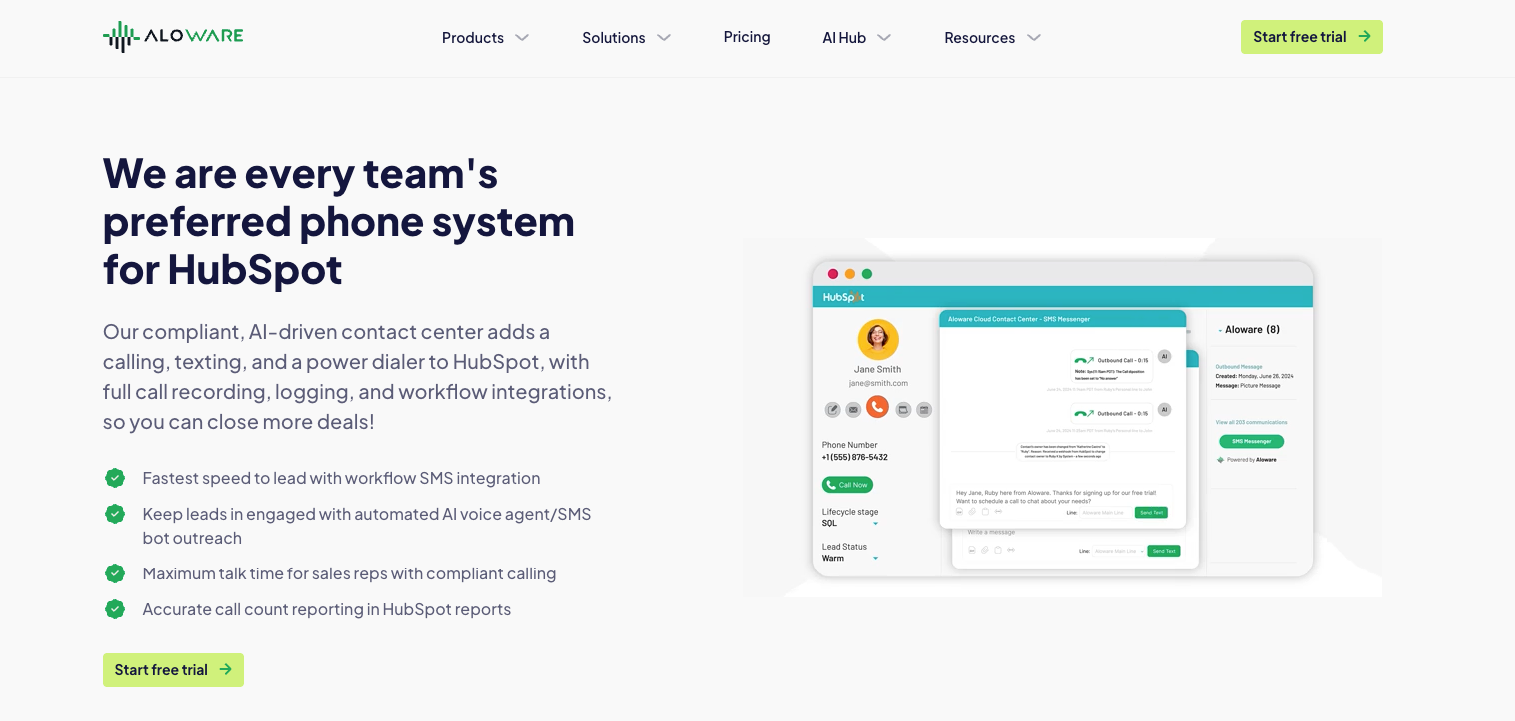
Aloware delivers the deepest HubSpot SMS integration on the market. As a HubSpot-certified partner, Aloware connects text messaging directly to your CRM workflows—so you can send SMS through HubSpot without switching tools or relying on third-party connectors like Zapier.
The platform supports the full spectrum of business texting:
- Two-way SMS and MMS conversations that log automatically to contact records
- Bulk SMS broadcasts to segmented HubSpot lists
- Automated SMS sequences triggered by workflow actions
When a lead submits a form or a deal changes stages, Aloware fires the right message instantly.
What sets Aloware apart is how SMS lives inside HubSpot. The native integration adds an SMS channel directly to HubSpot's Conversations Inbox and embeds messaging across contacts, companies, deals, and tickets. Reps can send texts from any HubSpot record type without leaving the CRM, and every message threads with full history so your team always has context.
Key Features:
- Two-Way SMS/MMS Across All HubSpot Objects: Send and receive text messages from contacts, companies, deals, and tickets—messages log automatically to the appropriate record with complete conversation history
- Native HubSpot Inbox Integration: SMS conversations appear directly in HubSpot's Conversations UI alongside emails and calls, eliminating the need to switch between tools
- HubSpot Workflow SMS Triggers: Add SMS actions directly to HubSpot workflows to send texts when forms submit, deals move stages, tickets update, or contacts meet specific criteria
- Bulk SMS Broadcasting: Send mass text campaigns to HubSpot lists with personalization tokens, scheduled delivery, and delivery tracking
- SMS Templates and Sequences: Create reusable message templates and multi-touch SMS sequences that automate follow-up based on response or non-response
- Shortcode and RCS Messaging: Access high-throughput shortcode numbers for large campaigns and RCS messaging for richer, branded text experiences
- A2P 10DLC Compliance Built-In: Guided registration and campaign verification ensure your messages reach recipients without carrier filtering
Integrations: HubSpot (certified partner with native workflow support), Salesforce, Pipedrive, Zoho, HighLevel, Zapier (100+ apps)
Pricing: Plans start at $30/user (billed quarterly) with unlimited agent-initiated SMS to US and Canada. HubSpot workflow integration requires the uPro plan at $60/user/month. Bulk SMS and automated messages billed at $0.015-0.02/segment depending on plan. 14-day free trial available with no credit card required.
What Users Say:
"I love how you can use Aloware within HubSpot. I'm able to work off of one page instead of multiple pages. The automated dialer feature is a huge plus—if the customer is not available, I send them a text automatically." — Verified G2 Review
Pros:
- SMS embedded across contacts, companies, deals, and tickets gives full CRM context for every conversation
- Native HubSpot Inbox integration means SMS conversations live alongside your other channels without tab-switching
- Workflow SMS triggers eliminate manual follow-up and ensure instant lead response
- Unlimited agent SMS removes per-message anxiety for high-volume teams
- Shortcode and RCS support future-proofs your messaging as channels evolve
Cons:
- HubSpot workflow integration requires the uPro plan ($60/user/month); base iPro plan includes HubSpot sync but not workflow triggers
Teams using Aloware for HubSpot SMS typically see faster response times because texts fire the moment leads enter the CRM. The combination of workflow automation, two-way conversations across all HubSpot objects, and bulk broadcasting in one platform means fewer tools to manage and cleaner data in HubSpot.
2. Sakari SMS
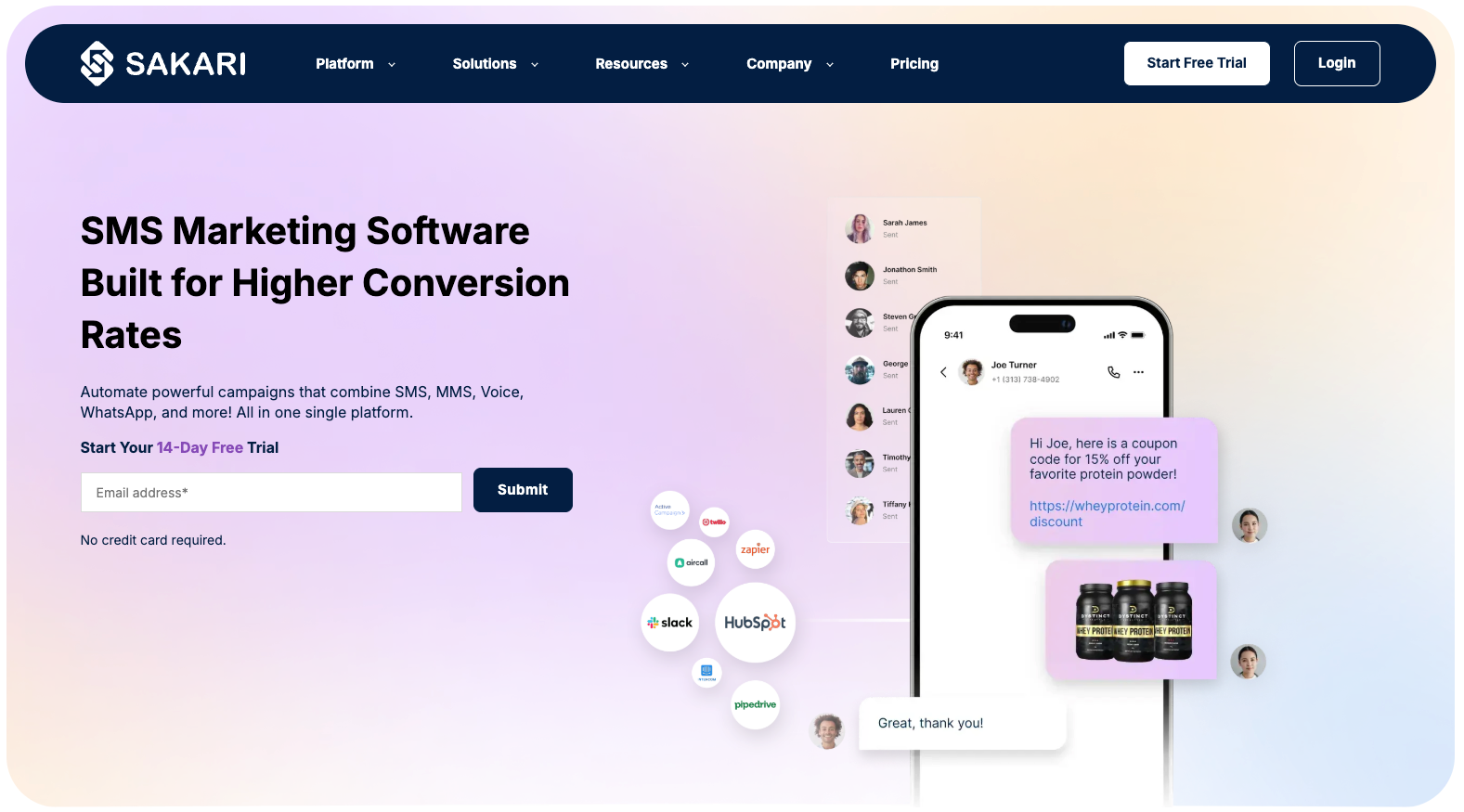
Best for: Teams focused on appointment reminders and confirmation texts
Sakari provides an SMS panel for HubSpot contacts, deals, and tickets. The platform handles reminders, confirmations, and basic bulk sends with international number support in 20+ countries.
Key Features:
- Two-way SMS from HubSpot records
- Template library for quick responses
- Workflow automation for triggered messages
Pricing: $25/month for 823 message segments. Additional segments at $0.0304 each.
Pros:
- Simple setup process
- International number availability
Cons:
- No shared inbox for team collaboration
- Voice calling not supported
3. Salesmsg
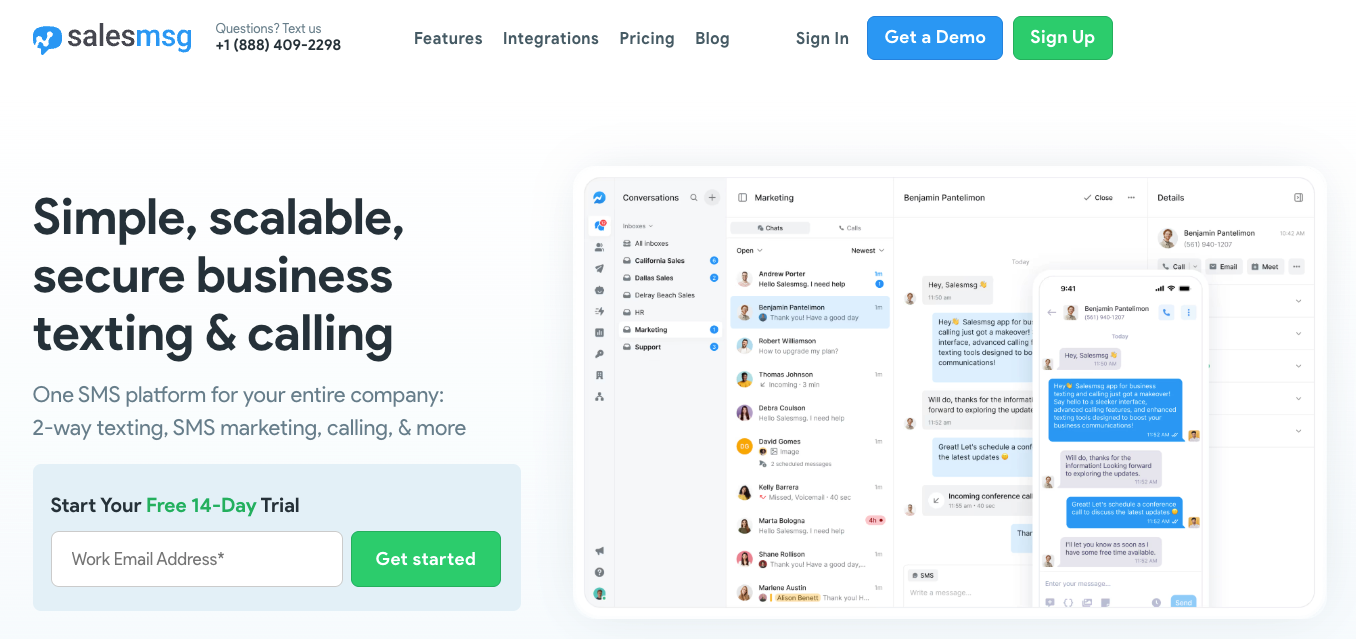
Best for: Small sales teams doing basic two-way texting
Salesmsg offers bi-directional SMS and calling within HubSpot with support for one-to-one texting, mass broadcasts, and workflow-triggered campaigns.
Key Features:
- Two-way SMS and MMS messaging
- Mass SMS to HubSpot lists
- Round-robin assignment for inbound responses
Pricing: $25/month for 500 message segments. Additional segments at $0.04 each. Extra seats $10/month.
Pros:
- Video and audio texting capabilities
- Direct HubSpot list integration
Cons:
- Per-segment pricing adds up quickly
- Users report integration glitches and slow support
4. Sinch Engage (formerly MessageMedia)
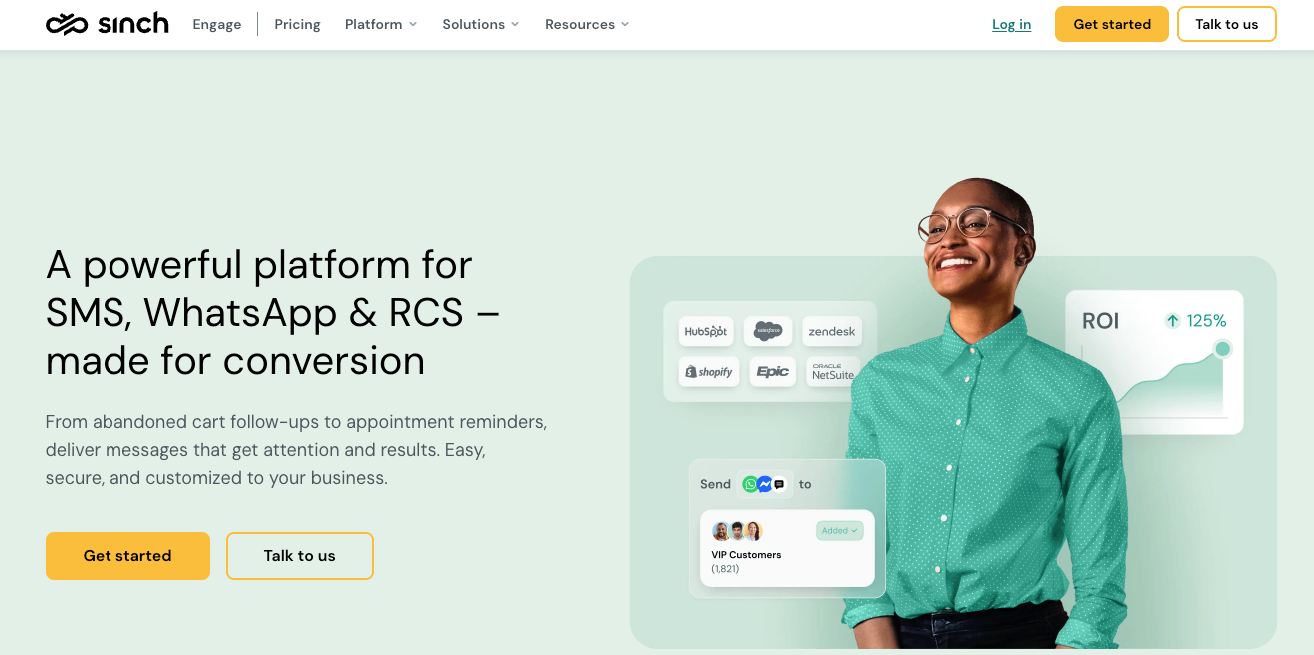
Best for: Teams needing RCS messaging capabilities
Sinch Engage supports SMS, MMS, and RCS messaging through HubSpot with workflow automation and delivery tracking.
Key Features:
- SMS, MMS, and RCS support
- Workflow automation with visual builder
- Delivery and engagement tracking
Pricing: $49/month for 1,000 SMS messages. Additional seats $20/month.
Pros:
- RCS messaging for richer interactions
- HubSpot Essential Apps partner
Cons:
- No voice calling support
- Higher base price than alternatives
5. Kixie PowerCall and SMS
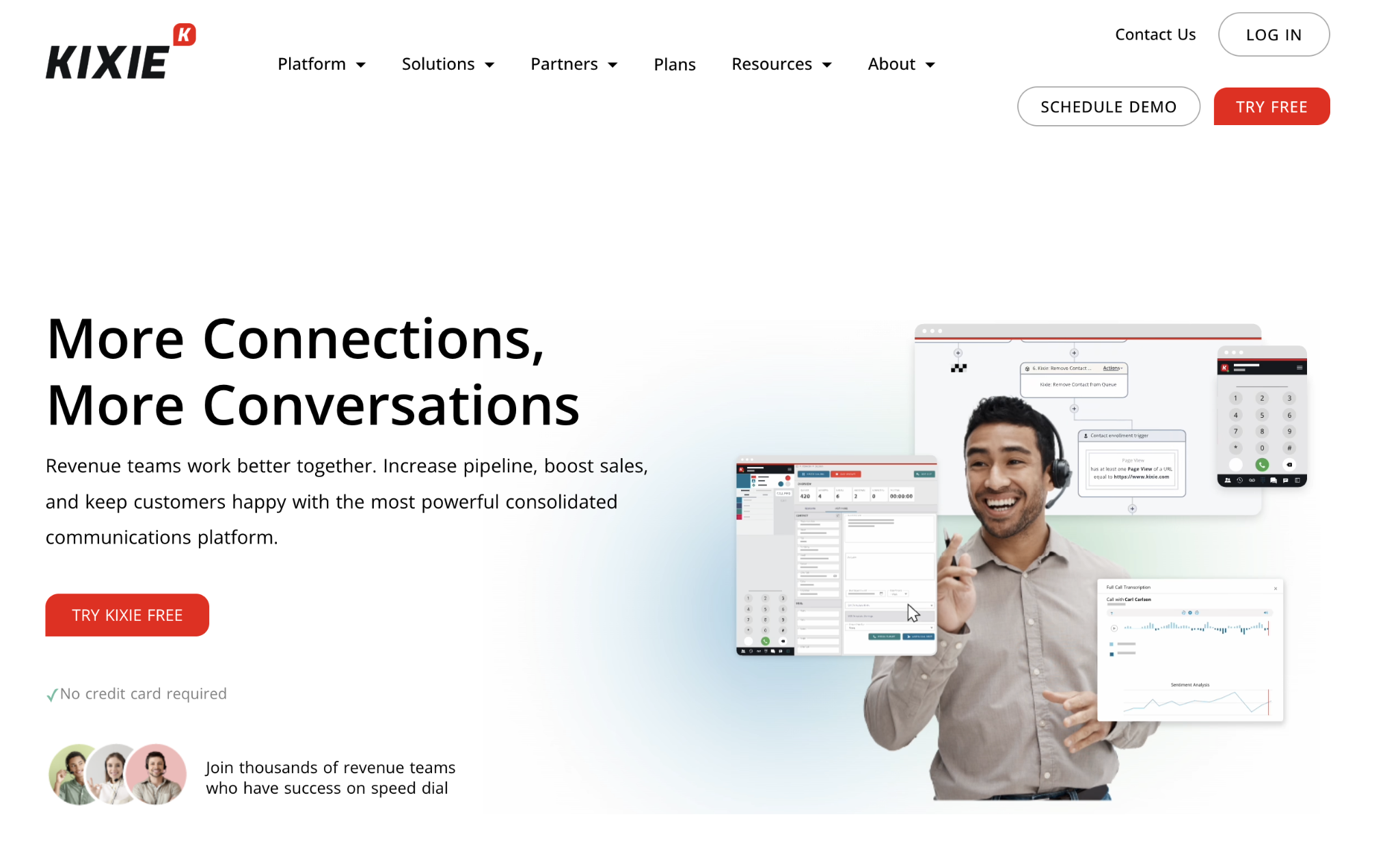
Best for: Outbound sales teams with high call volumes
Kixie focuses on sales engagement through calling and texting with power dialer capabilities and HubSpot workflow triggers.
Key Features:
- Power dialer for high-volume outreach
- SMS and calling from same app
- HubSpot workflow triggers
Pricing: Contact sales. All plans include HubSpot integration. Power dialer requires upgrade.
Pros:
- Strong power dialing capabilities
- Automatic activity logging
Cons:
- No unlimited texting ($0.01-$0.03 per message)
- Texting limited to select countries
6. Mobile Text Alerts
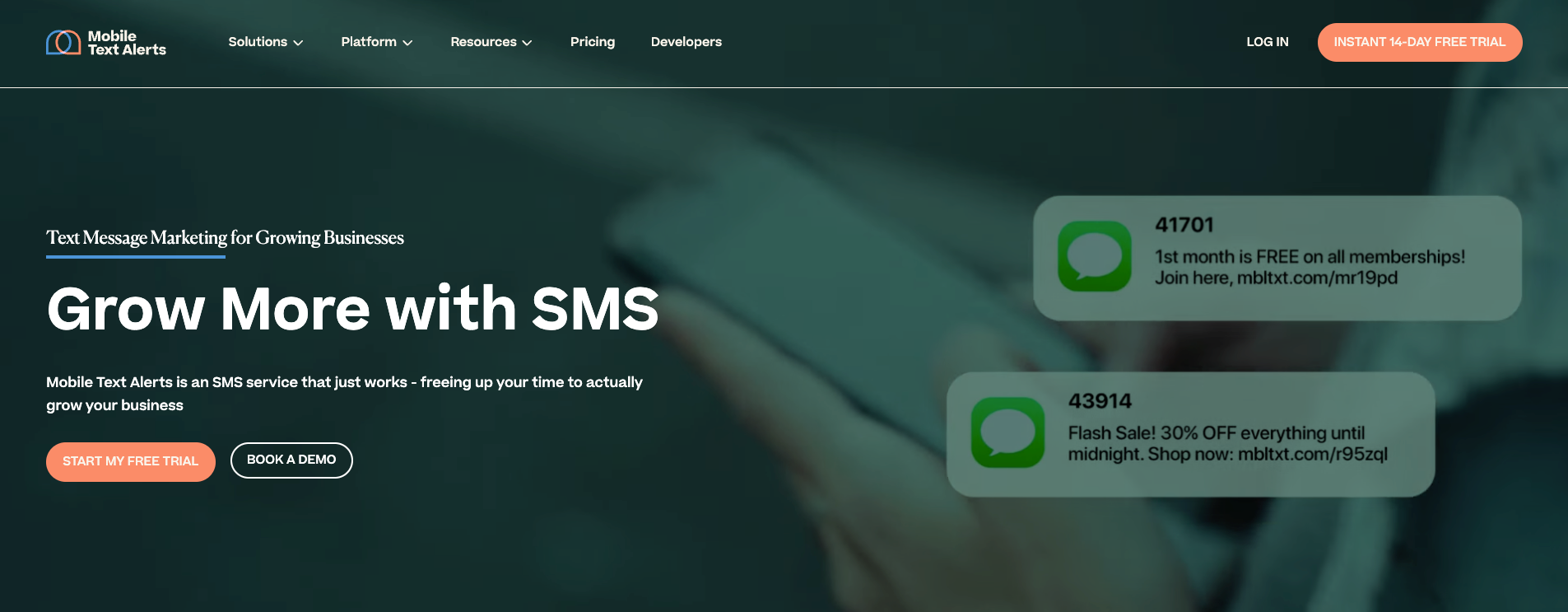
Best for: Marketing teams sending promotional campaigns
Mobile Text Alerts offers native HubSpot integration with two-way messaging, workflow triggers, and contact sync without Zapier.
Key Features:
- Two-way personalized messaging
- HubSpot workflow triggers
- Keyword-based autoresponders
Pricing: $20/month. 14-day free trial with 50 test messages.
Pros:
- Easy setup without technical configuration
- Good customer support ratings
Cons:
- Advanced features require separate dashboard
- Newer integration with fewer reviews
7. Quo (formerly OpenPhone)
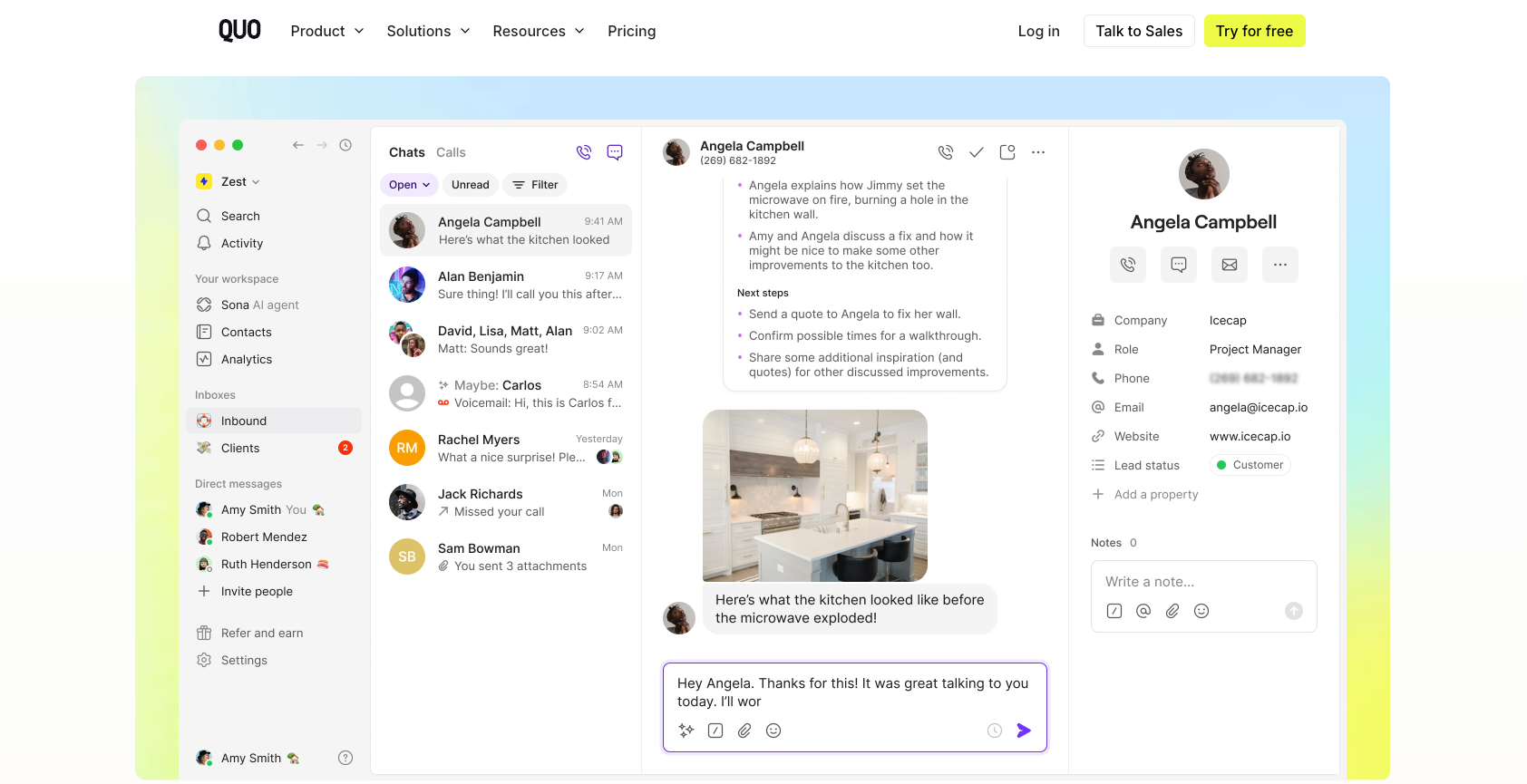
Best for: Startups wanting simple calling and texting
Quo offers unlimited texting and calling through local and toll-free numbers with automatic logging to HubSpot.
Key Features:
- Unlimited SMS/MMS to US and Canada
- Automatic call and text logging
- Shared phone numbers
Pricing: $23/user/month for HubSpot integration.
Pros:
- Truly unlimited calling and texting
- Clean interface
Cons:
- Three-user minimum on some plans
- Limited to US and Canada only
8. Aircall
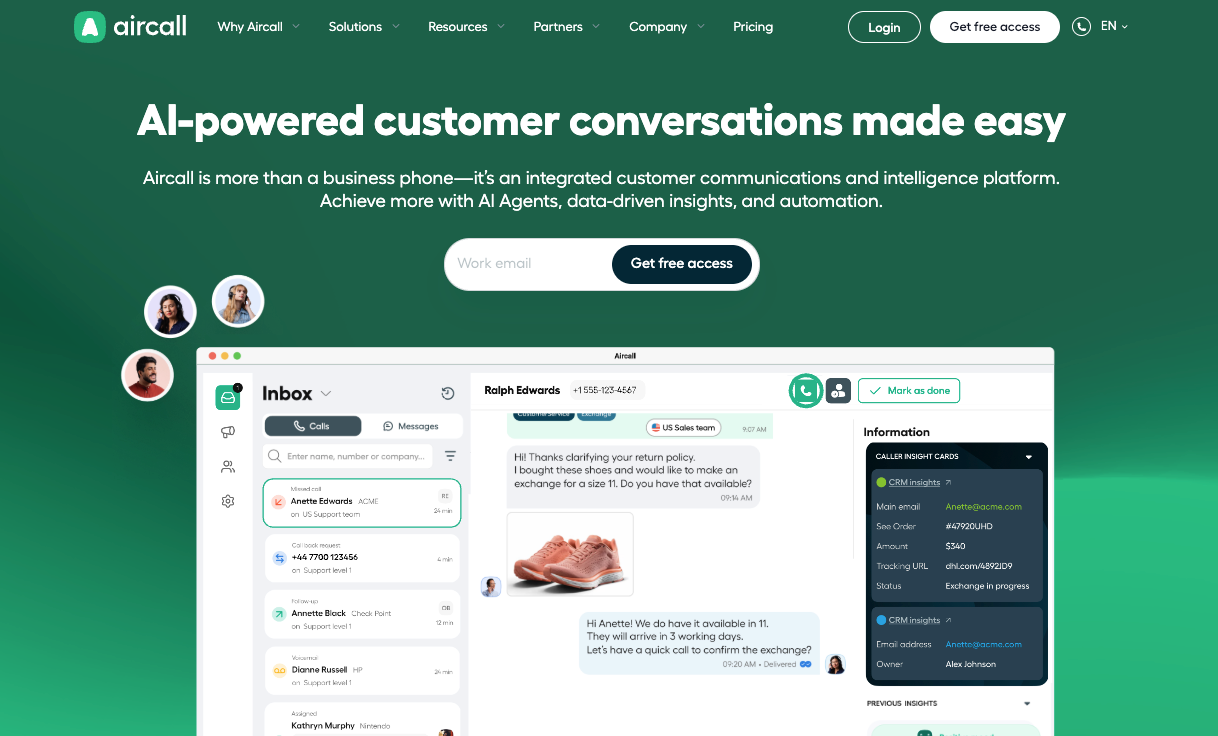
Best for: Teams already using HubSpot Service Hub
Aircall is a VoIP system that connects to HubSpot Marketing and Service Hub with SMS logging capabilities.
Key Features:
- Two-way SMS in supported regions
- Automatic call and SMS logging
- Click-to-dial functionality
Pricing: $30/user/month with three-user minimum ($90/month minimum).
Pros:
- HubSpot HelpDesk integration
- Customer sentiment analysis
Cons:
- SMS volume limits and regional restrictions
- Three-user minimum increases entry cost
9. Plivo
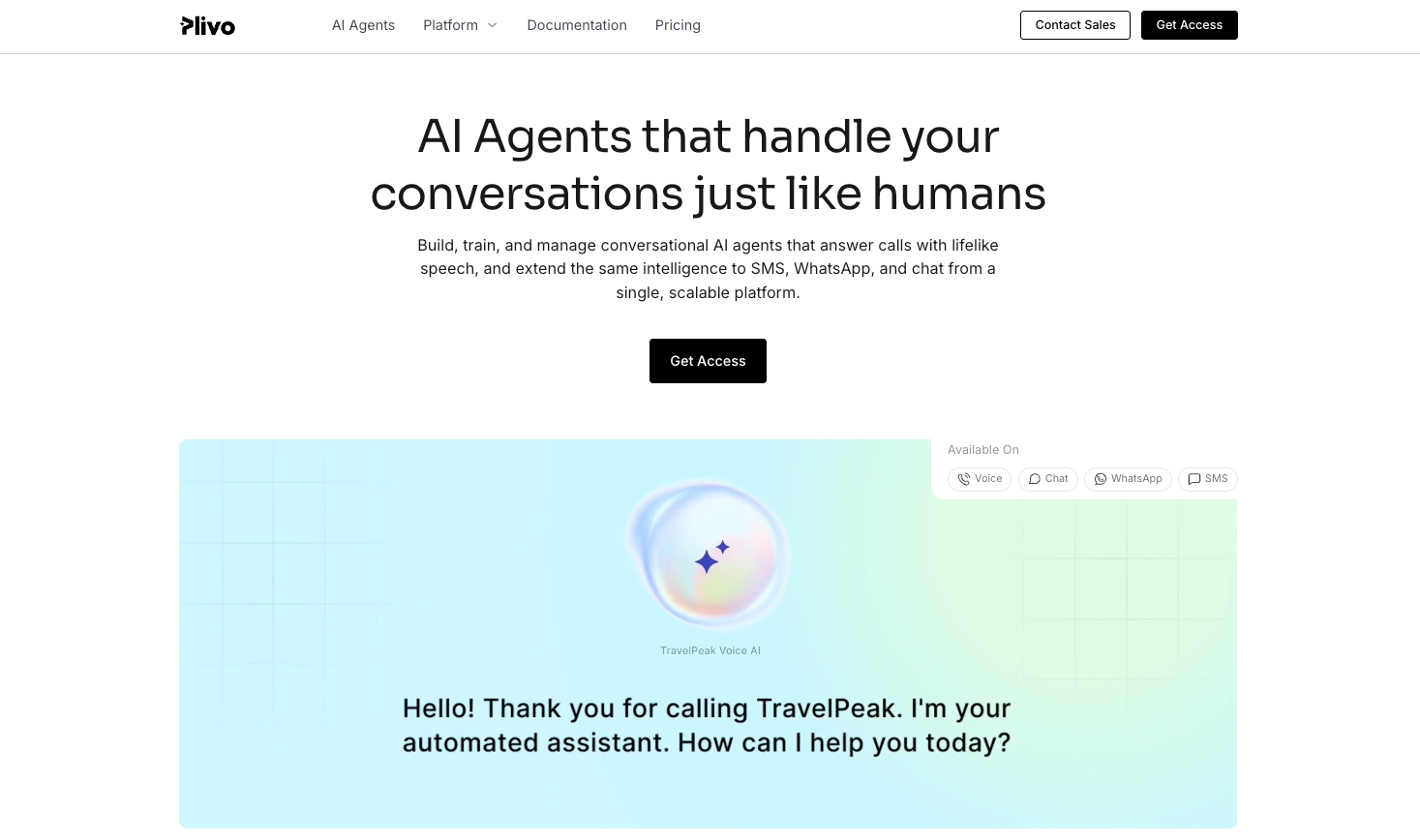
Best for: Developers building custom messaging solutions
Plivo provides API-based telecom infrastructure for high-volume messaging with global SMS coverage.
Key Features:
- API-first architecture
- Global SMS coverage
- High-volume message queuing
Pricing: Pay-per-use based on volume and destination.
Pros:
- Extensive global coverage
- Enterprise-grade infrastructure
Cons:
- Requires Zapier or custom development for HubSpot
- Steep learning curve for non-technical users
10. JustCall
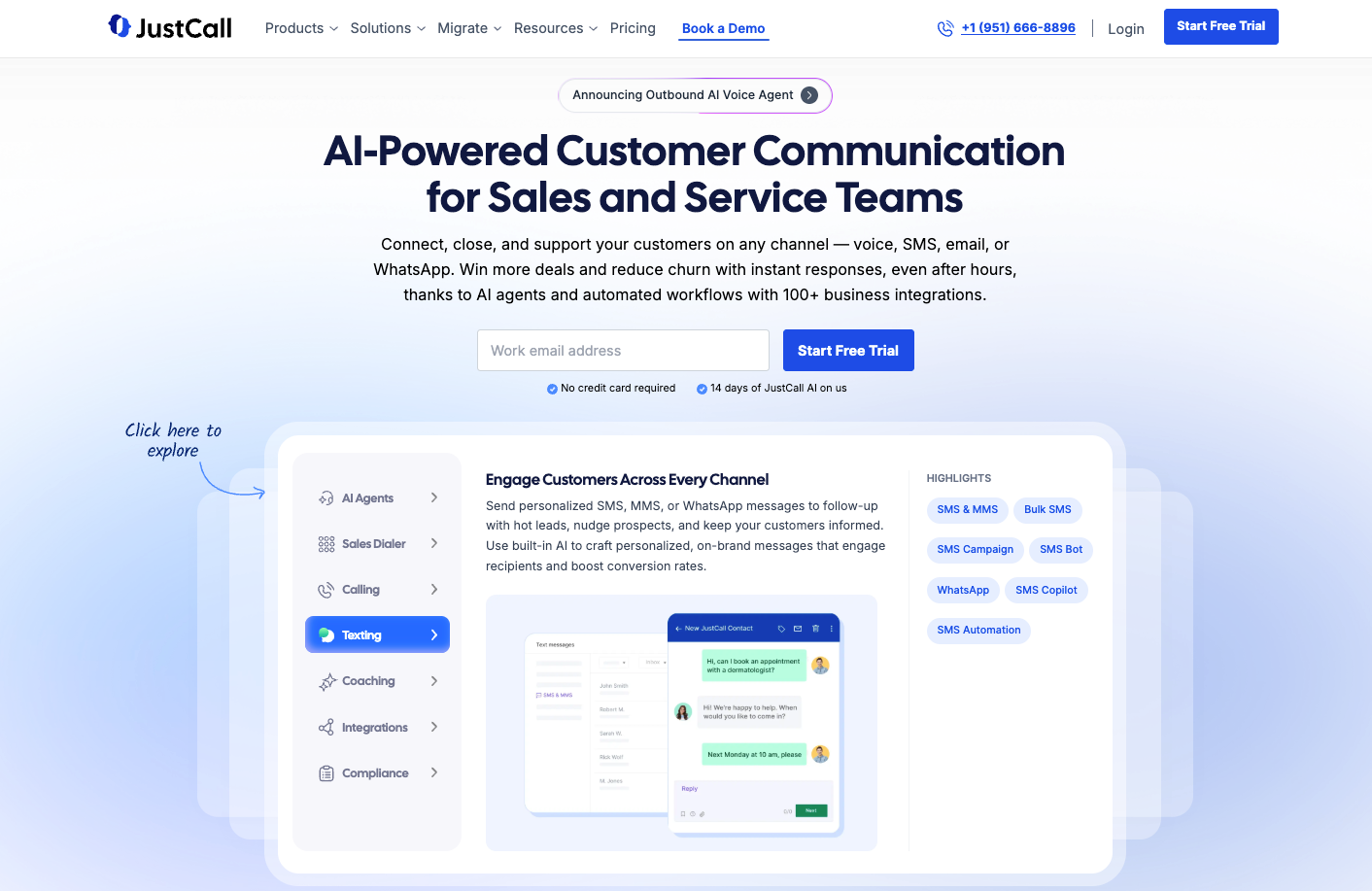
Best for: Large contact centers with multiple locations
JustCall offers phone numbers in 70+ countries with bulk SMS campaigns and multiple dialer options.
Key Features:
- Power, Dynamic, and Predictive Dialers
- Bulk SMS campaigns from HubSpot
- Multi-channel support including WhatsApp
Pricing: $29/user/month with two-license minimum.
Pros:
- International number coverage
- Multiple dialer options
Cons:
- Base plan caps SMS at 500 segments
- Users report reliability issues with syncing
11. Heymarket
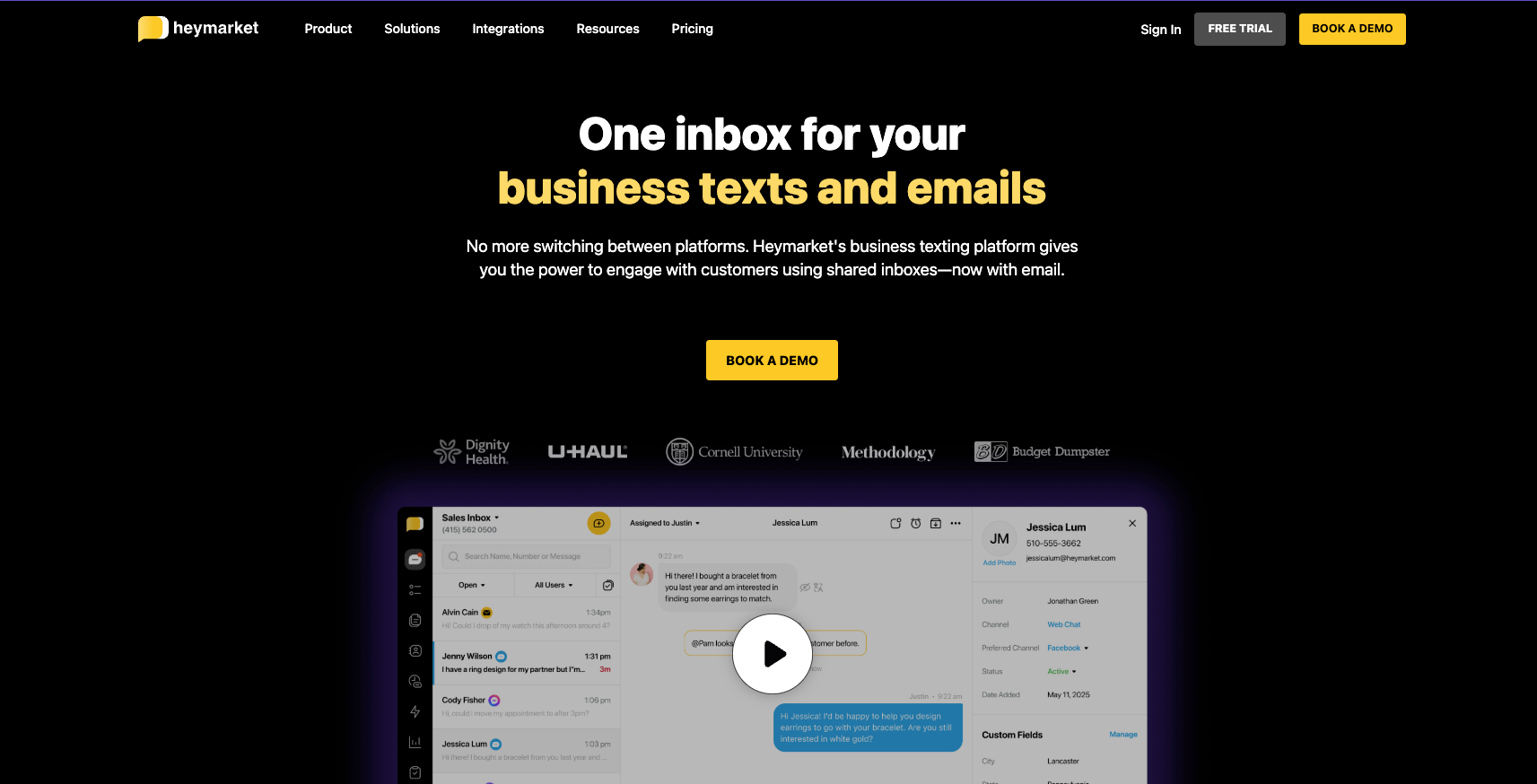
Best for: Customer service teams needing omnichannel messaging
Heymarket routes messages from SMS, email, and social apps into one shared inbox with bulk texting to HubSpot lists.
Key Features:
- Shared inbox with assignment rules
- Bulk texting to HubSpot lists
- Omnichannel message routing
Pricing: $20/user/month with two-user minimum.
Pros:
- True omnichannel capability
- Team collaboration features
Cons:
- Tiered message pricing causes unexpected billing
- Users report setup difficulties
12. TrueDialog
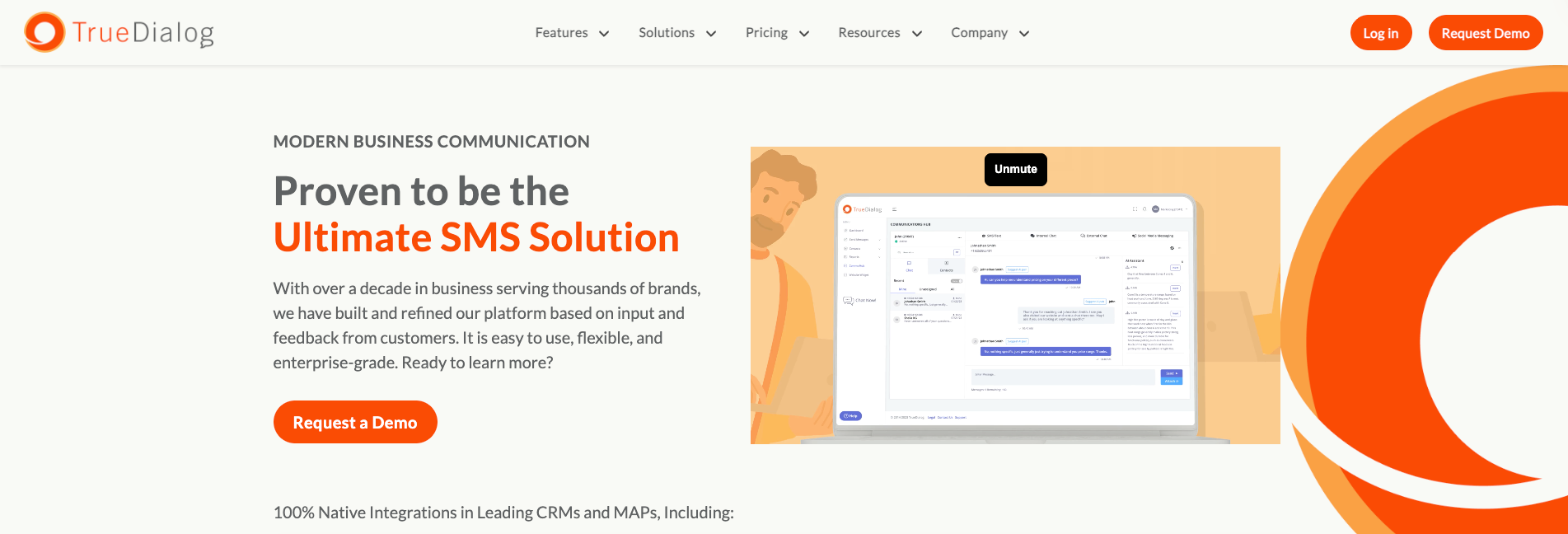
Best for: Enterprises sending bulk SMS campaigns at high volume
TrueDialog handles large-volume messaging with short code and long code number options and real-time reporting.
Key Features:
- Bulk messaging with delivery tracking
- Short code and long code support
- Real-time reporting tools
Pricing: $425/month for HubSpot integration (Business Pro plan).
Pros:
- High-volume message capacity
- Short code availability
Cons:
- Base plan excludes HubSpot integration
- Expensive compared to alternatives
Key Benefits of HubSpot SMS Integrations
Why Does SMS Automation Matter for Sales Teams?
SMS automation eliminates manual follow-up tasks and ensures consistent lead engagement. When a prospect fills out a form, an automated text can reach them within seconds—a critical advantage when response time directly impacts conversion rates. Teams using workflow-triggered SMS typically see higher contact rates because texts arrive when interest is highest.
How Does SMS Integration Help With Lead Response Time?
Speed-to-lead is often the difference between winning and losing deals. HubSpot SMS integrations allow you to trigger immediate text messages when new leads enter your CRM, reducing response time from hours to seconds. Some platforms like Aloware offer Form2Call features that initiate outbound calls within 60 seconds of form submission.
What Impact Does SMS Have on Customer Support Resolution?
Support teams using SMS can resolve issues faster because customers respond to texts more quickly than emails. Two-way messaging allows for real-time troubleshooting, while automated appointment reminders reduce no-shows. SMS also provides a written record that syncs to HubSpot, giving agents full context for every interaction.
Top Use Cases for HubSpot SMS Integrations
Quick Summary: HubSpot SMS integrations are commonly used for lead follow-up, appointment reminders, deal stage notifications, customer support, and promotional campaigns.
Lead Follow-Up and Nurturing
When a lead submits a form or downloads content, an automated SMS can welcome them and offer next steps. Multi-touch sequences can nurture cold leads with periodic check-ins until they're ready to engage.
Appointment Reminders and Confirmations
Reduce no-shows by sending automated reminders 24 hours and 1 hour before scheduled meetings. Two-way messaging lets recipients confirm or reschedule directly via text.
Deal Stage Notifications
Trigger texts when deals move through your pipeline. Send congratulatory messages when deals close, or re-engagement texts when opportunities go stale.
Customer Support and Service
Route support requests to shared inboxes where team members can respond collaboratively. Use templates for common questions and escalate complex issues to calls when needed.
Promotional Campaigns and Announcements
Send bulk SMS campaigns to segmented HubSpot lists for product launches, flash sales, or company updates. Track delivery and engagement metrics alongside your other marketing channels.
Internal Team Notifications
Alert sales reps when high-value leads come in or when assigned contacts take specific actions. Keep teams coordinated without relying on email.
How to Choose the Right HubSpot SMS Integration
Consider these factors when evaluating options:
- Integration Depth: Does the platform offer native HubSpot workflow actions, or does it require Zapier? Native integrations typically provide more reliable automation and cleaner data.
- Pricing Model: Per-message pricing makes sense for low-volume use cases, but unlimited plans are more cost-effective for active sales teams. Calculate your expected monthly volume before committing.
- Channel Needs: If your team also makes calls, look for platforms that handle both voice and SMS. Managing separate tools creates friction and fragments your contact history.
- Compliance Support: A2P 10DLC registration is required for business texting in the US. Choose platforms that guide you through registration and monitor compliance.
- Team Collaboration: Shared inboxes, assignment rules, and internal notes matter for teams where multiple reps engage the same contacts.
Limitations and Challenges of HubSpot SMS Integrations
No solution is perfect. Here are common challenges and how to address them:
- Carrier Filtering and Deliverability: Messages can be flagged as spam, especially with new numbers. Mitigation: Use established numbers, maintain consistent sending patterns, and complete A2P 10DLC registration.
- Compliance Complexity: TCPA regulations require explicit consent before texting. Mitigation: Build consent collection into your forms and honor opt-out requests immediately.
- Message Length Limits: SMS messages over 160 characters split into multiple segments, increasing costs. Mitigation: Keep messages concise and use MMS for longer content when supported.
- International Limitations: Many platforms restrict SMS to US and Canada. Mitigation: Verify coverage before committing if you have international contacts.
Final Thoughts: Choosing Your HubSpot SMS Integration
The right HubSpot SMS integration depends on how your team communicates with customers. If your workflows involve both calling and texting, an all-in-one platform eliminates tool switching and keeps your data unified. If you're primarily sending appointment reminders or marketing campaigns, a focused SMS tool may be more cost-effective.
For sales and support teams that want to centralize voice, SMS, and AI-powered insights in one platform with deep HubSpot integration, Aloware delivers the most comprehensive solution—from workflow-triggered texts to Power Dialer campaigns to AI call summaries that sync automatically to your CRM.
Ready to add SMS to your HubSpot workflows? Start your free 7-day Aloware trial and see how native HubSpot integration accelerates your sales process.
Frequently Asked Questions
What is the best HubSpot SMS integration?
The best HubSpot SMS integration depends on your team's needs. For sales and support teams wanting voice, SMS, and AI capabilities in one platform with native HubSpot workflow support, Aloware offers the most comprehensive feature set. Teams focused purely on SMS may find simpler tools like Sakari or Mobile Text Alerts sufficient.
How much do HubSpot SMS integrations cost?
Pricing varies significantly. Entry-level plans start around $20-25/month for basic SMS with limited segments. Mid-tier options like Aloware and JustCall range from $30-60/user/month with more robust features. Enterprise solutions like TrueDialog start at $425/month. Most platforms charge additional fees for message segments beyond included allotments.
What is a HubSpot SMS integration used for?
HubSpot SMS integrations are used for automated lead follow-up, appointment reminders, deal stage notifications, customer support conversations, bulk marketing campaigns, and internal team alerts. They connect your CRM with text messaging capabilities so all communications log to contact records.
How do I choose between Aloware and other HubSpot SMS tools?
Choose Aloware if you need voice calling, SMS, and AI capabilities in one platform with direct HubSpot workflow integration. Choose simpler alternatives if you only need basic two-way texting without calling features or advanced automation. Aloware requires a minimum of 5 users, so smaller teams may prefer per-seat options.
Is HubSpot SMS integration worth it for small businesses?
Yes, for teams that actively engage leads and customers via phone. SMS has significantly higher open and response rates than email. Even small businesses benefit from automated appointment reminders and lead follow-up. The key is choosing a plan that matches your volume—pay-per-message for low volume, unlimited for high volume.
Can I send SMS through HubSpot workflows?
Yes, but it requires a compatible integration. HubSpot's native SMS add-on (through Twilio) and platforms like Aloware allow you to add SMS actions directly in HubSpot workflows. Other integrations may require Zapier to connect workflow triggers to SMS sends.
What compliance requirements apply to HubSpot SMS?
Business SMS in the US requires A2P 10DLC registration, which verifies your business and intended use cases with carriers. You must also comply with TCPA regulations, including obtaining prior express consent before texting and honoring opt-out requests. Most reputable SMS platforms include compliance guidance and tools.
How do I set up SMS in HubSpot?
Setup varies by integration. Generally, you install the integration from the HubSpot App Marketplace, connect your accounts, configure contact syncing preferences, and set up workflow actions. Most platforms offer guided setup that takes 15-30 minutes. Native integrations like Aloware provide in-app configuration without external tools.
.png)

Ruby Kootval is Head of Product Marketing at Aloware. She has 12 years in digital marketing, including 8 in B2B SaaS and 5 in telecom, and writes about AI voice agents, dialers, CRM integrations, and contact center operations.