


.png)
If you manage a sales team, you know the feeling: You have a list of high-intent leads, a killer script, and a motivated team. But when you dial, you’re met with silence.
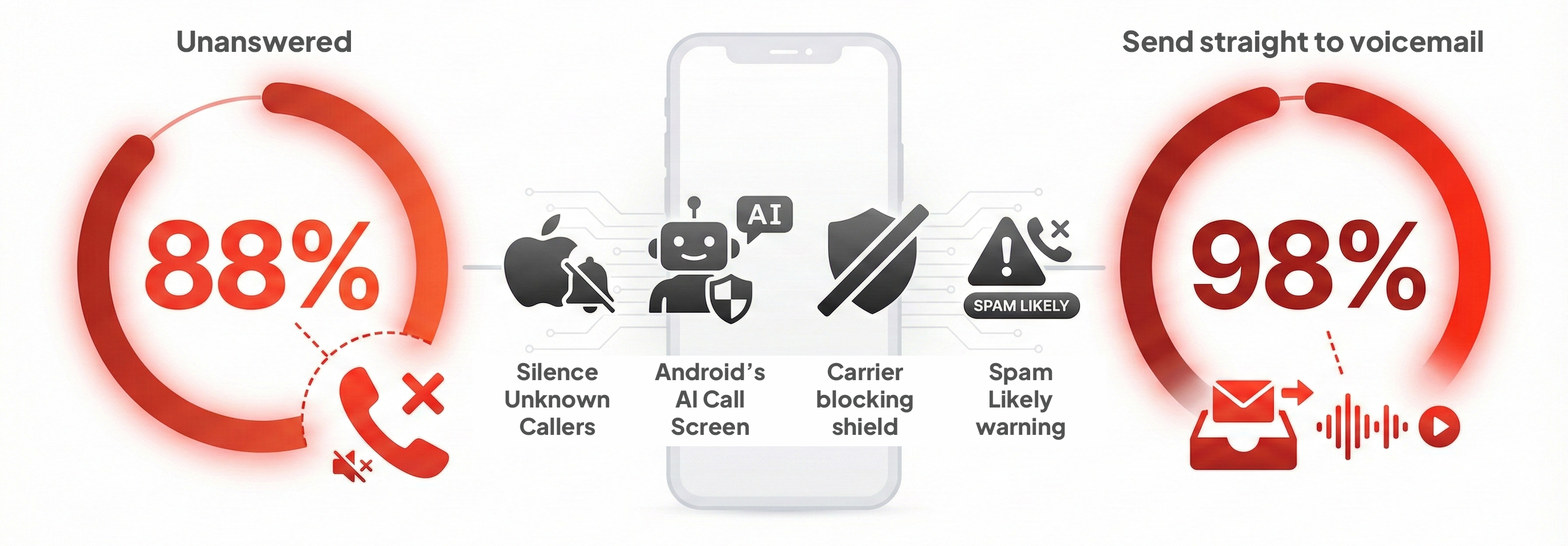
The data confirms what you’re feeling. In the US, 88% of business calls now go unanswered, and nearly 98% of consumers send unknown numbers straight to voicemail.
Why? Because the phone ecosystem has shifted from an open network to a "Zero-Trust" environment. Between Apple’s "Silence Unknown Callers," Android’s AI Call Screen, and aggressive carrier blocking, the days of "dialing for dollars" with anonymous numbers are over.
But here is the good news: The phone isn’t dead. It just requires a new key to unlock the door. That key is Authenticated Identity.
We reviewed the latest carrier protocols and device features for late 2026. Here is the proven, data-backed roadmap to restoring your connection rates using the Aloware tools.
1. The "Safe Zone": Volume Control & Number Warm-Up
One of the fastest ways to burn a phone number in 2026 is to buy it today and make 200 calls tomorrow. Carrier algorithms monitor "velocity"—how fast calls originate from a single source. If a new number spikes in volume instantly, it looks like a robocall attack.
The Rule: Research indicates that to avoid triggering aggressive spam filters, you should aim for a threshold of roughly 70 calls per day per Caller ID.
The Aloware Fix: Smart Rotation
- The Warm-Up: Treat your phone numbers like athletes. Start slow (10–20 calls on Day 1) and ramp up volume over 1–2 weeks.
- Number Rotation: If your high-velocity reps need to make 150+ calls a day, do not let them use a single number. Use Aloware to rotate through a pool of 3–4 numbers throughout the day. This keeps each individual line in the "safe zone" (under 70 calls) while allowing the agent to maintain high productivity.
2. Stop Using "Shared" Numbers (The Local Presence Upgrade)
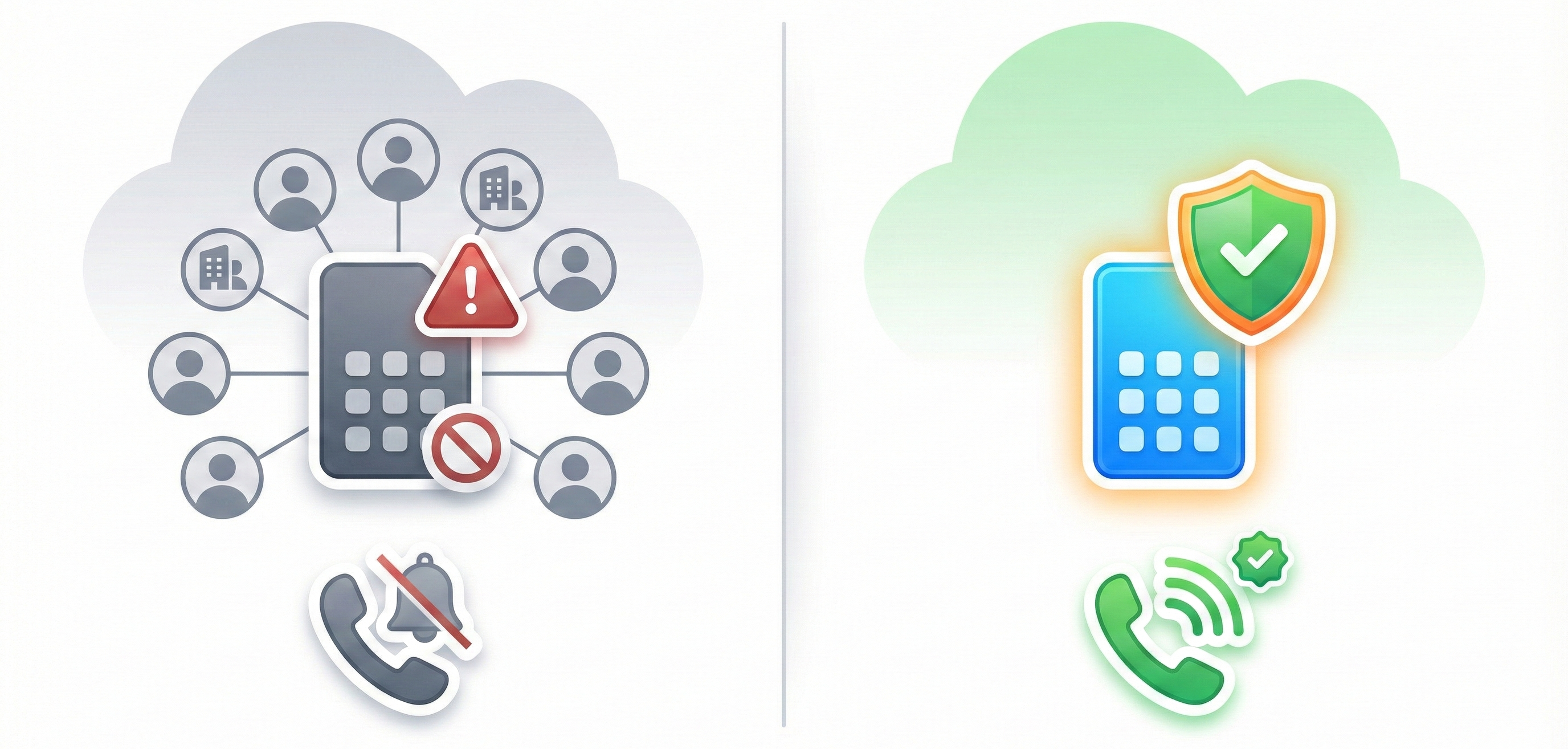
For years, "Local Presence" (matching your area code to the prospect’s) was the silver bullet for pickup rates. But recently, many teams saw effectiveness drop. Why? Because most dialers use shared number pools.
If you are sharing a number with 50 other companies, and one of them spams a prospect, your calls get blocked.
The Aloware Fix: Private Local Presence
To win in 2026, you must use Private Local Presence.
- How it works: Aloware assigns local numbers that belong exclusively to your account. No one else uses them.
- The Result: You control the reputation. Data shows that clean, private local numbers can still drive a 4x improvement in connection rates compared to generic toll-free numbers, without the risk of inheriting someone else's "Spam Likely" label.
3. Ditch the Predictive Dialer for a Power Dialer
This is a technical nuance that is killing connection rates for thousands of sales teams.
The Problem: Old-school "Predictive Dialers" dial multiple numbers at once and only connect an agent when a human answers. This causes a "silence gap" of 1–3 seconds at the start of the call. Carriers hate this. Their algorithms detect that silence and immediately flag the number as a robocall.
The Aloware Fix: The Sales Power Dialer
- How it works: Aloware’s Power Dialer dials one lead at a time, ensuring the agent is live on the line before the call connects.
- The Result: No silence gap. Carriers see a human-to-human interaction, which protects your number's reputation and prevents your calls from being blocked at the network level.
4. Treat Your Phone Number Like a Credit Score (NumberGuard)
In 2026, carrier algorithms are aggressive. If your rep makes 200 calls in an hour from a single number, T-Mobile and Verizon will likely flag it as "Spam Likely" by lunchtime. Once that label sticks, your pickup rate drops to near zero.
The Aloware Fix: NumberGuard
You cannot fix what you don’t measure. Aloware NumberGuard is your reputation firewall.
- Monitor: It proactively scans your numbers across major carrier databases to check for flags.
- Remediate: If a number is wrongly flagged, NumberGuard helps automate the dispute process to clear your reputation.
- Rotate: It allows you to rest "burned" numbers and rotate in fresh ones, ensuring your reps always have a clean line to dial on.
5. Go on the Offense with Voice Integrity
While NumberGuard monitors your reputation, Voice Integrity is how you proactively secure it. Think of this as a "pre-check" for your phone numbers directly with the telecom authorities.
The Solution: The Voice Integrity Wizard Carriers rely on third-party analytics vendors to decide which calls are "Spam" and which are legitimate. With Aloware’s Voice Integrity, you can register your numbers directly with these gatekeepers before you even start dialing heavily.
- Direct Registration: We submit your business profile, use case, and call volume data directly to the carrier analytics engines. This tells them, "We are a verified business, and these calls are legitimate."
- Streamlined Remediation: If a number does pick up a negative label, Voice Integrity acts as a fast-track for dispute resolution, helping you scrub the "Spam" label faster than standard appeals.
- Easy Setup: You don't need a compliance officer to figure this out. The Voice Integrity Wizard inside Aloware guides you through the process, auto-collecting your data and handling the submission for you.
6. Identity is Everything: Branded Caller ID & STIR/SHAKEN
iPhone users aren't just listening to calls; they are looking at them. If your caller ID says "Unknown" or just a city name, you are invisible.
The Aloware Fix: Trusted Identity
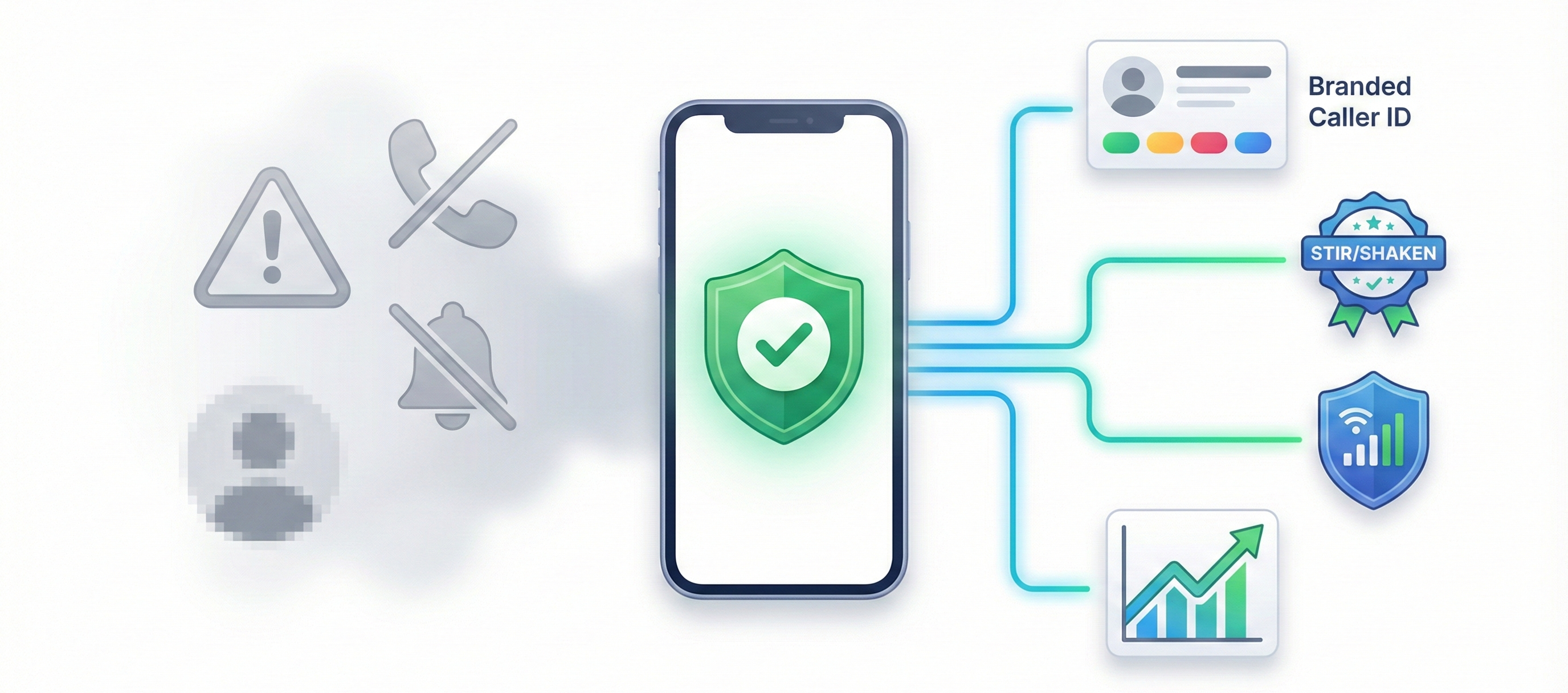
- STIR/SHAKEN Compliance: Aloware ensures your calls are signed with "A-Level" attestation. This is the digital handshake that tells carriers, "We know this caller, and they are legitimate."
- Branded Caller ID: This is your most robust defense. Aloware helps you register your brand directly at the carrier level. This ensures your Company Name is displayed natively on the recipient's screen across major networks (Verizon, AT&T, T-Mobile). Unlike basic CNAM, this travels with the call data, turning a random 10-digit number into a verified business identity on both Android and iOS devices.
- Apple Business Connect: For the specific needs of iPhone users, we recommend registering with Apple Business Connect. This works in tandem with Branded Caller ID but is optimized for the iOS ecosystem, projecting your Brand Logo and Name onto the lock screen to instantly bypass the "stranger danger" reflex.
7. The "Visual" Voicemail Strategy
With iOS 18+ and the latest Android updates, prospects are reading your voicemails in real-time on their lock screens (Live Voicemail).
The Tactic: Stop optimizing your scripts for the ear. Optimize them for the eye.
- The First 10 Words: These are the only words that appear in the lock screen preview.
- Bad: "Hi, my name is Alex and I'm calling from..." (Boring. Deleted.)
- Good: "As promised, I'm calling with the info on [Product]..." (Creates curiosity. implies a relationship. Gets read.)
8. Warm Up the Lead (The Omni-Channel Sequence)
Cold calling is hardest when it is truly cold. The highest pickup rates in 2026 come from "Warm Calling."
The Aloware Fix: Automated Sequences
Use Aloware Sequences to create a "pre-call" digital footprint.
- The "SMS Bridge": Send a text 10 minutes before the call. "Hi [Name], sending over that info shortly. I'll give you a quick call to walk you through it."
- Why it works: When you call 10 minutes later, your number is already in their recent notifications. The brain recognizes the number, drastically lowering the psychological barrier to answering.
Summary: Your Checklist for Higher Pickup Rates
- Respect Limits: Adhere to the 70-call daily rule per number and use "warm-up" periods for new lines.
- Audit: Use NumberGuard to check if your current numbers are flagged as spam.
- Secure: Use Voice Integrity to register your numbers directly with carrier analytics engines.
- Switch: Move from shared pools to Private Local Presence to control your own destiny.
- Dial Smart: Use the Power Dialer (not predictive) to keep carriers happy.
- Register: Ensure STIR/SHAKEN and Branded Caller ID are active to display your business name and logo.
- Write: Update your voicemail scripts for Live Voicemail transcription.
The technology to block calls has never been better, but the technology to verify trust has evolved to match it. Use these tools, and you won't just be another unknown number—you'll be the call they answer.

Frequently Asked Questions
Why do my business calls show up as "Spam Likely" even though we are a legitimate company?
The Short Answer: Your dialing behavior or lack of registration has triggered carrier algorithms. Legitimacy does not guarantee a clean reputation; behavior does.
The Details:
Carriers and analytics engines (like First Orion, Hiya, and TNS) use AI to monitor traffic patterns. Your numbers are likely being flagged for one of three reasons:
- Volume Spikes: Making more than 60–100 calls per day from a single number triggers "robocall" filters.
- Short Duration: If you have many calls under 6 seconds (unanswered or immediate hang-ups), algorithms assume you are a spammer blasting numbers.
- Lack of Registration: If your numbers aren't registered with the Free Caller Registry, carriers have no "identity" to attach to the traffic, making it look suspicious by default.
The Fix: Use a reputation management tool (like Aloware NumberGuard) to monitor your numbers daily. If a flag appears, swap the number out immediately and file for remediation. Never "burn" a number by continuing to dial on it once flagged.
Can we bypass the "Silence Unknown Callers" feature on iPhones to get our calls to ring?
The Short Answer: No, you cannot pay to technically bypass this user setting. However, you can "unlock" the phone by establishing a relationship before you call.
The Details:
When "Silence Unknown Callers" is active, iOS blocks any number not found in the user's Contacts, Mail, or Messages. There is no "premium" bypass.
However, iOS has a "recency" exception. If a number recently appeared in the user’s text messages or email, Siri may recognize it as "known" and allow it to ring.
The Fix:
- The "SMS Bridge": Send a text message before you call (e.g., "Hi [Name], this is from [Company]. sending you the info now, will call in 5 mins to discuss."). This establishes your number in the device's recent history.
- Branded Caller ID: Registering with Apple Business Connect (available late 2026) allows your Company Name and Logo to appear. While it doesn't force a ring if the setting is strictly "Contacts Only," it significantly increases trust for users with standard filtering.
Is "Local Presence" dialing still effective, or should we switch to Branded Caller ID?
The Short Answer: "Shared" Local Presence is dead. "Private" Local Presence works well, but Branded Caller ID is the future of high-trust dialing.
The Details:
- The Risk of Local Presence: Many dialers use "shared pools" where you share local numbers with other companies. If they spam, you get blocked. This has degraded the trust in unknown local numbers (the "Neighbor Spoofing" effect).
- The Power of Branding: Data shows that 76% of consumers are willing to answer if they see a verified business name and logo. It shifts the dynamic from "Who is this?" (Suspicion) to "Oh, it's [Company]" (Recognition).
The Fix: If you use Local Presence, ensure you are using Private Number Pools (numbers exclusively yours). However, your long-term roadmap must be to register for Branded Calling (CNAM and Rich Call Data) to display your business name.
How should we change our voicemail scripts to handle the new iOS "Live Voicemail" transcription?
The Short Answer: Stop writing for the ear. Write for the eye. The prospect is reading your voicemail on their lock screen in real-time.
The Details:
With iOS 17+, users see a live transcript of your message as you speak. They decide to pick up based on the first 10-15 words.
- Bad Script: "Hi, my name is Alex, I'm calling from Acme Corp, and I hope you are having a wonderful Tuesday..." (The user sees fluff and ignores).
- Good Script: "As promised, I'm calling with the quote you requested. I sent it to your email..." (The user sees value/context immediately).
The Fix: Front-load your script. The first sentence must contain the Context (why me?) and the Value (what's in it for them?).
Does using a Predictive Dialer (multi-line) hurt our pickup rates compared to a Power Dialer?
The Short Answer: Yes. Predictive dialers are the #1 cause of "Spam" labels. Switch to a Power Dialer immediately.
The Details:
Predictive dialers call multiple people at once and only transfer the call to an agent after someone says "Hello." This causes a "silence gap" of 1–3 seconds at the start of the call.
- Consumer Reaction: They hear the silence, know it's a telemarketer, and hang up.
- Carrier Reaction: The network detects this specific "silence gap" signature and automatically flags the number as a robocaller.
The Fix: Use a Sales Power Dialer (like Aloware’s). It dials 1:1, meaning the agent is already on the line when the prospect answers. No delay = No spam flag = Higher trust.
How do we handle the Google AI "Call Screen" on Android devices?
The Short Answer: Treat the AI like a secretary. Do not hang up. Speak clearly using specific keywords.
The Details:
When a Google Pixel screens your call, the Assistant asks you to state your name and reason. The user is watching a live transcript.
- Mistake: Hanging up immediately (wasted lead) or trying to "sell" the robot.
- Strategy: The user is reading the text. Use "safe" keywords that look legitimate in text format.
The Fix: When the AI prompts you, say: "This is [Name] calling regarding the [Appointment/Information] they requested. I have an update."
Avoid sales jargon like "Synergy," "Opportunity," or "Solution," which trigger the user's mental spam filter when read as text.
.png)

Ruby Kootval is Head of Product Marketing at Aloware. She has 12 years in digital marketing, including 8 in B2B SaaS and 5 in telecom, and writes about AI voice agents, dialers, CRM integrations, and contact center operations.
.webp)


