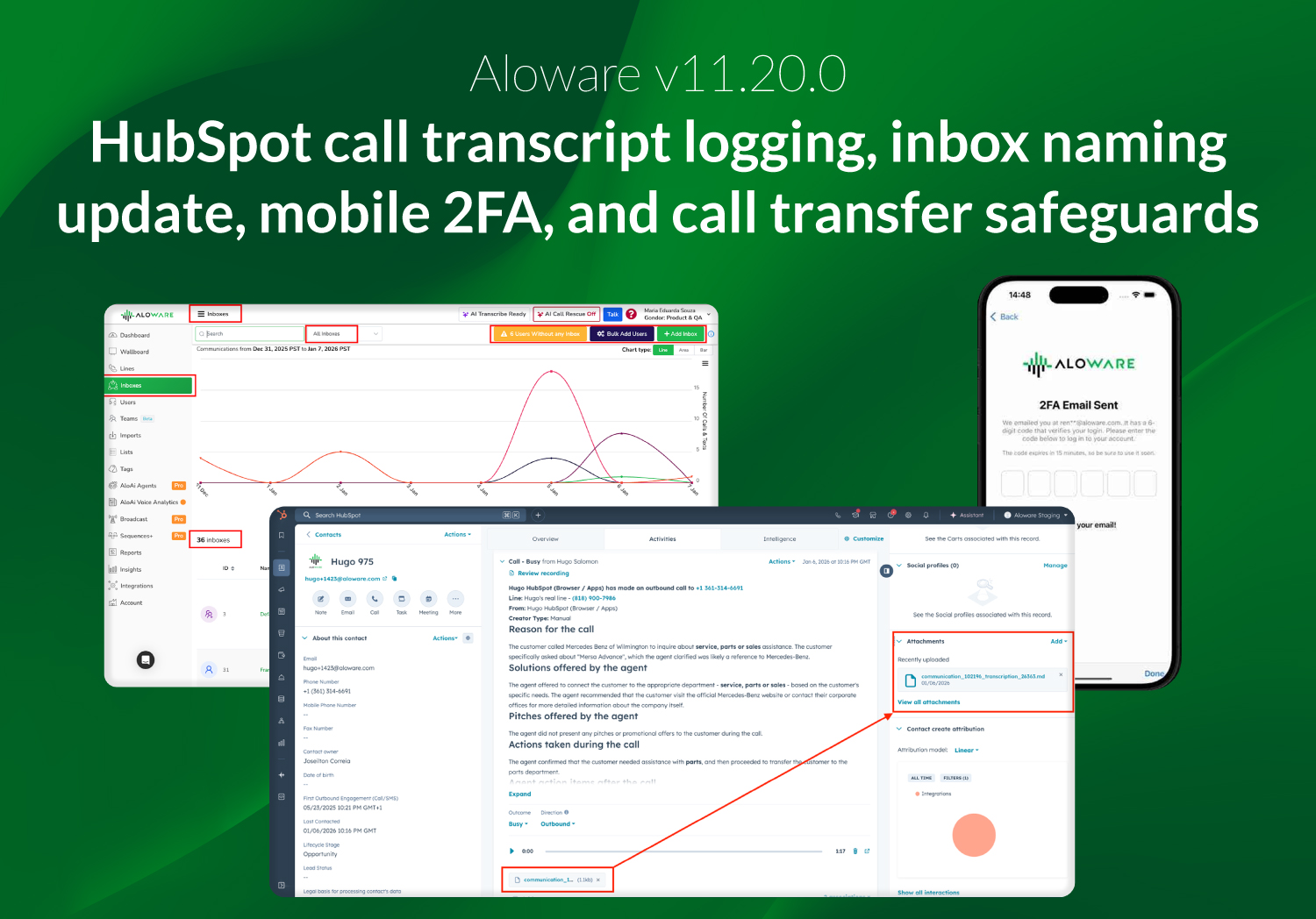
Aloware v11.20.0 focuses on data visibility, consistency across the platform, and stronger security and compliance controls. This release expands HubSpot logging, standardizes inbox terminology, adds new sorting options for outbound workflows, introduces mobile app two-factor authentication, and enforces international traffic rules during call transfers.
Log full call transcripts in HubSpot
Aloware now supports automatic logging of full call transcripts to HubSpot call engagement activities, alongside existing AI-generated summaries.
When HubSpot call logging is enabled:
- Call transcripts are uploaded as formatted text/Markdown attachments
- Transcripts match the content shown in Aloware for consistency
- Users can review summaries and full conversations directly in HubSpot without switching systems
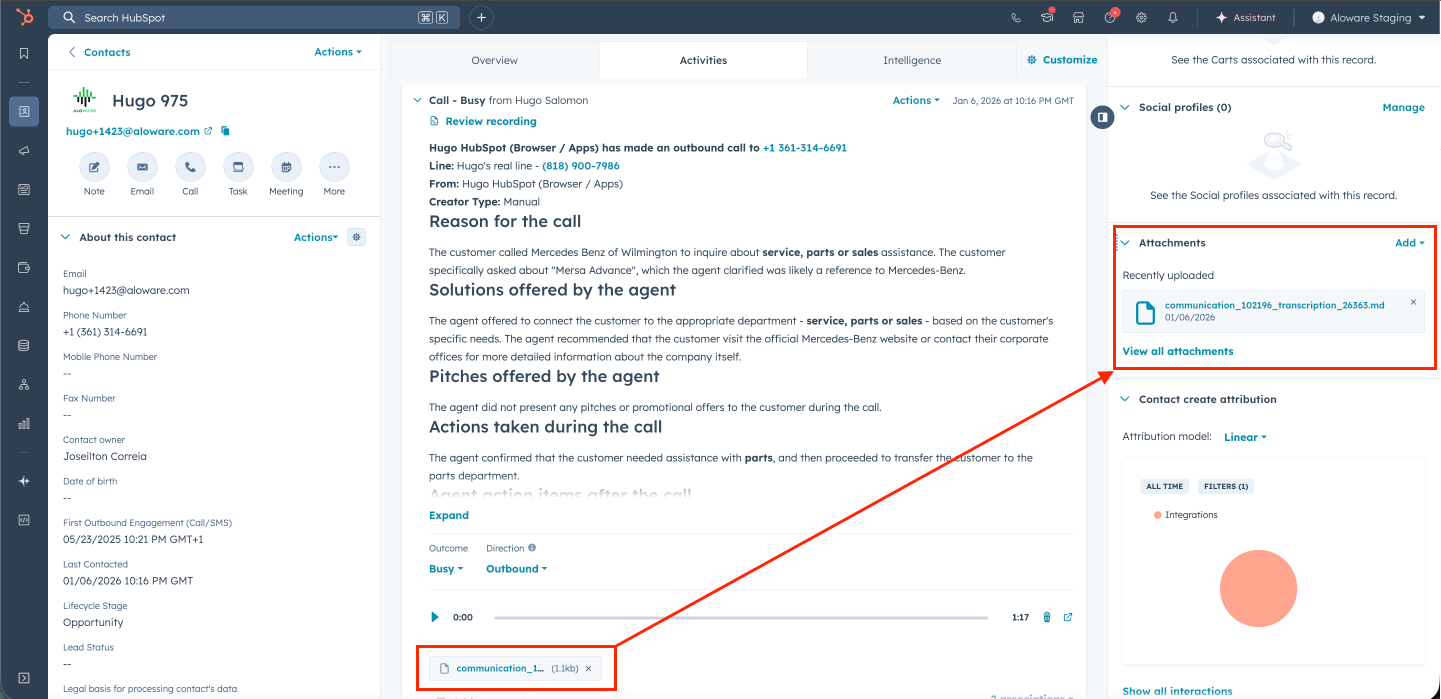
Admins manage this feature through a new toggle in the HubSpot integration settings. The setup requires selecting a destination folder and includes built-in validation to prevent misconfiguration, following the same behavior used for existing SMS logging.
The integration respects HubSpot character limits and supports multiple call types, improving record-keeping and collaboration across sales, support, and customer success teams.
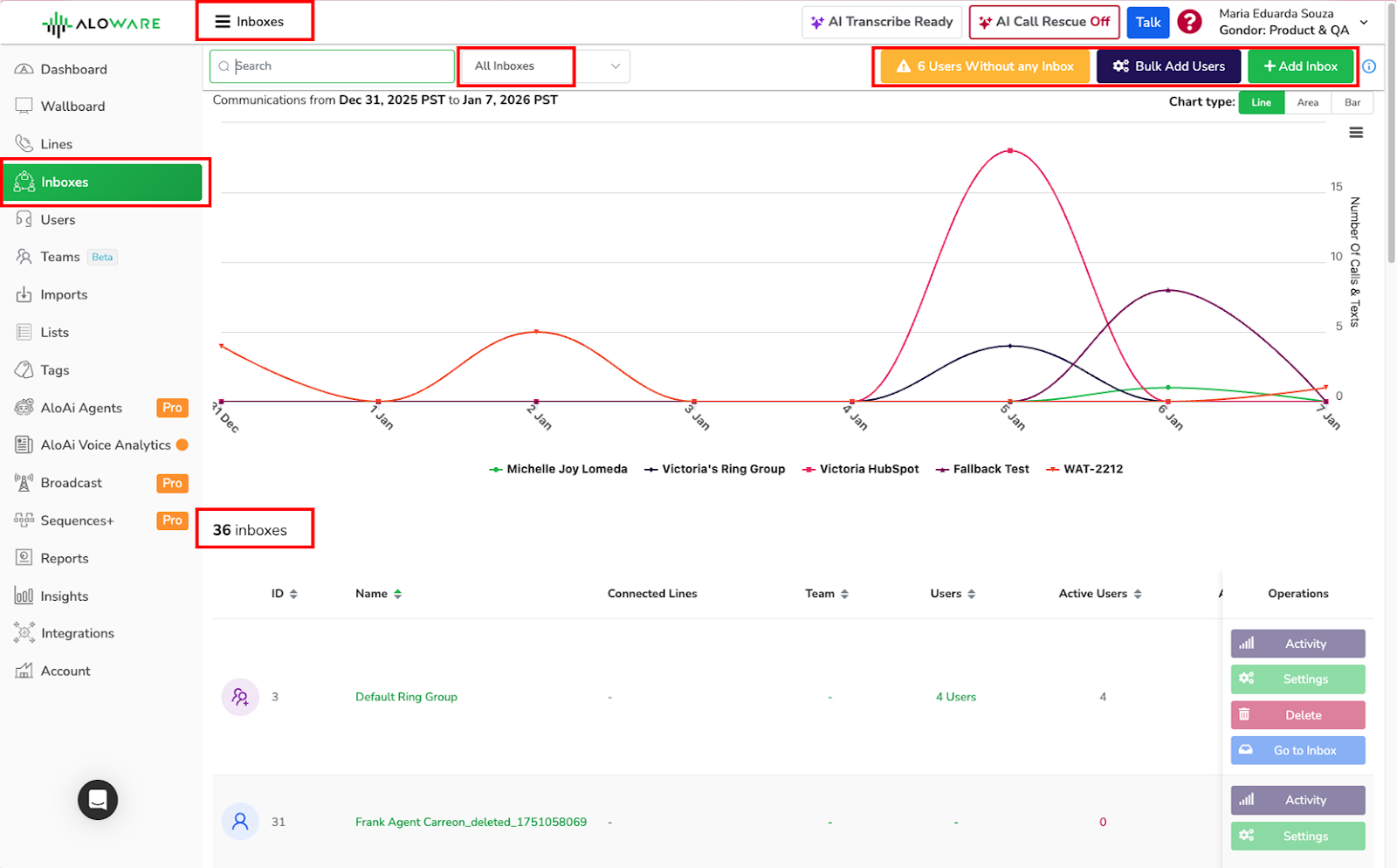
“Ring Group” is now called “Inbox” across Aloware
To standardize terminology, all references to “Ring Group” and “Team Inbox” have been replaced with “Inbox” or “Inboxes”, depending on context.
This update applies consistently across Aloware, including:
- Admin and Talk interfaces
- Filters, reports, dropdowns, and notifications
- Wallboards, teams, users, and line settings
The change aligns UI labels with Aloware’s current product direction while preserving existing behavior and configurations.
Sort power dialer and contact lists by lead source
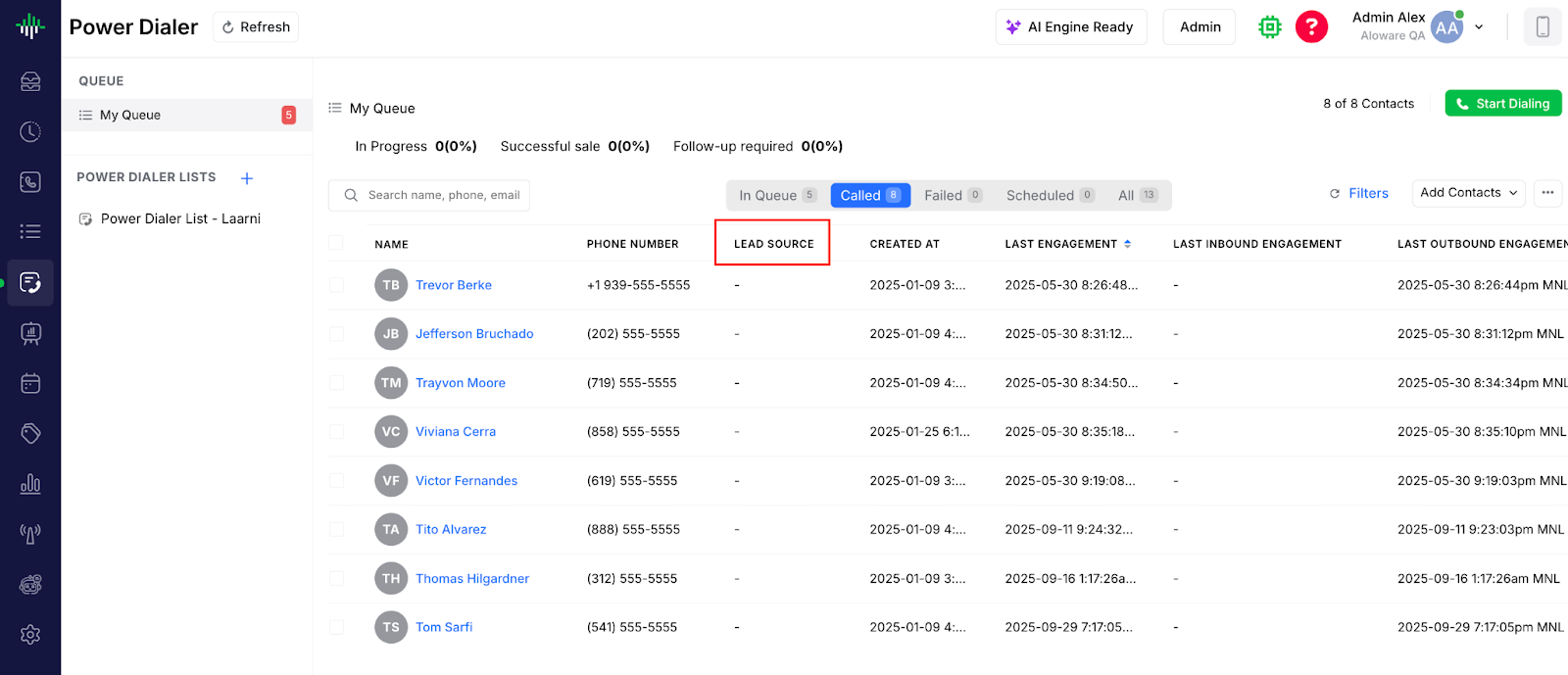
Users can now sort Power Dialer sessions and Contact Lists by the Lead Source column. This allows agents to prioritize leads based on where they originated, such as ads, website inquiries, or referrals.
The selected sort order is saved per user and directly determines the power dialer call sequence, giving teams more control when working with high-priority or time-sensitive lead sources.
Two-Factor authentication for mobile app login
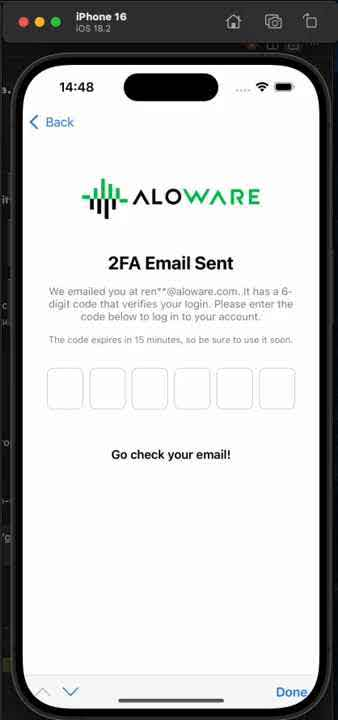
Two-Factor Authentication (2FA) is now available for Aloware mobile apps on iOS and Android. This adds an extra layer of protection for accounts accessed on mobile devices.
After entering valid credentials:
- Users must enter a one-time verification code sent to their email
- Login security on mobile now aligns with the web experience
International traffic tier enforcement on call transfers
Call transfers are now validated against the account’s configured International Traffic Tier.
- Transfers are blocked if the destination country is not allowed under the account’s tier
- Validation applies to all transfer methods:
- Transfer via Add
- Transfer via Introduce
- Transfers to extensions that route to phone numbers
- The system resolves the final destination number before applying rules
If a transfer exceeds the allowed tier, users receive a clear in-app error message explaining why the transfer is blocked. This update helps prevent unauthorized international calls, unexpected charges, and compliance issues.
