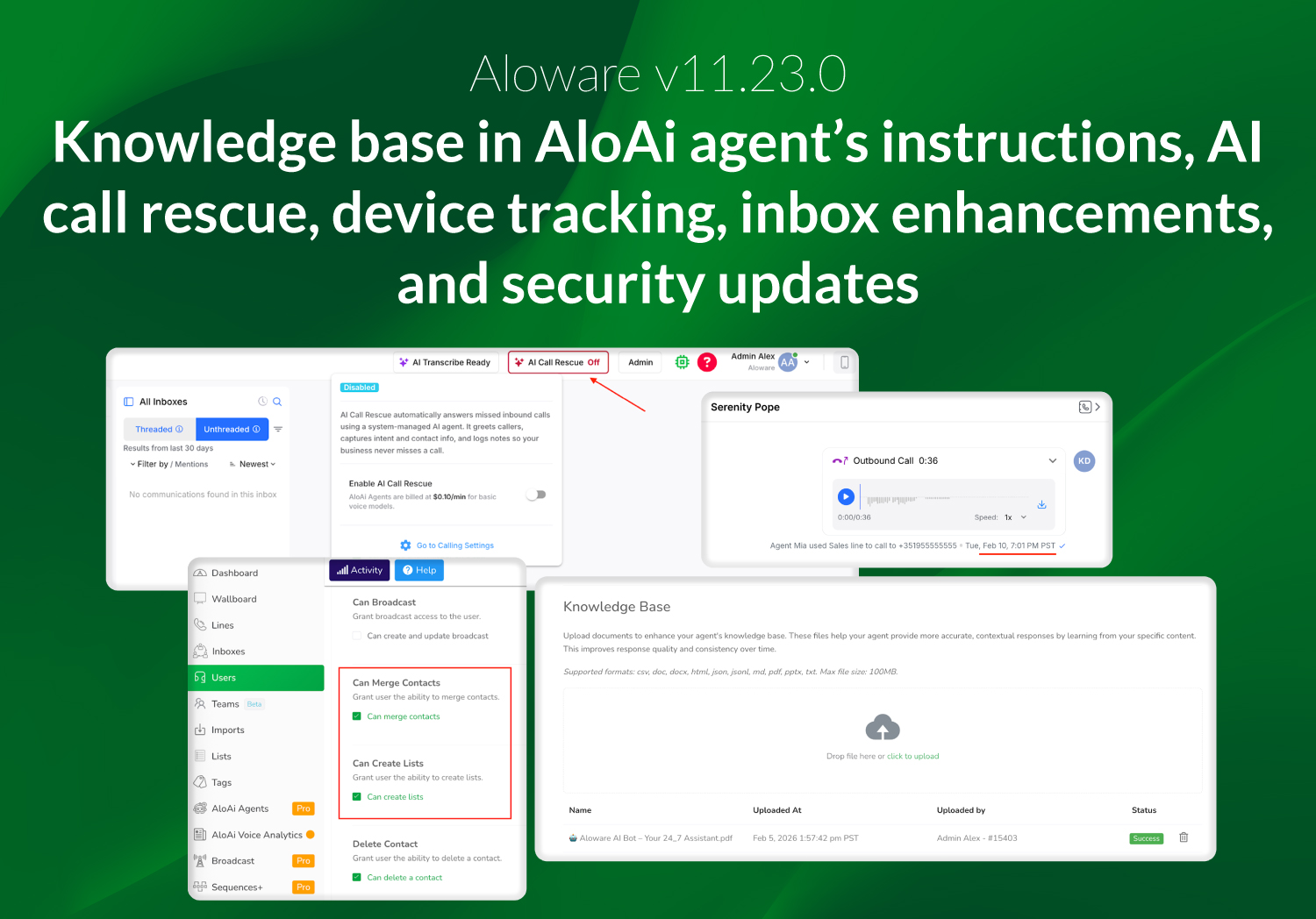
Aloware v11.23.0 focuses on improving agent efficiency, making device usage and Inbox context more transparent, and giving admins more granular control over permissions and workflow configuration. This release also lays the groundwork for stronger password enforcement and upcoming security enhancements.
Knowledge Base integrated into AloAi Agent instructions
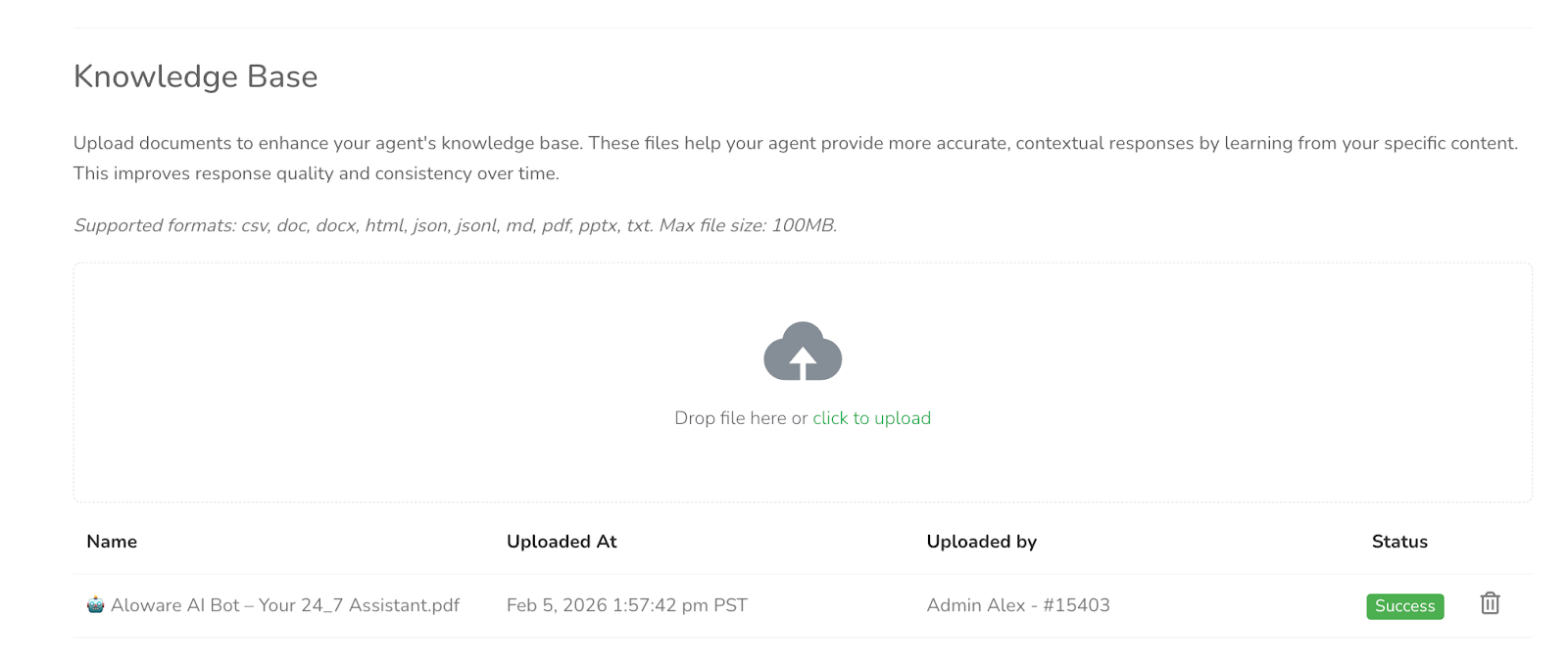
Admins can now access the Knowledge Base directly within the agent instruction flow, instead of a separate tab. This change keeps knowledge management in the same context where agent behavior is configured, simplifying setup and navigation. Existing data remains unchanged, while the updated interface provides clearer guidance and structure for configuring both Voice and Text Agents.
AI Call Rescue CTA now visible in Talk (Admin only)
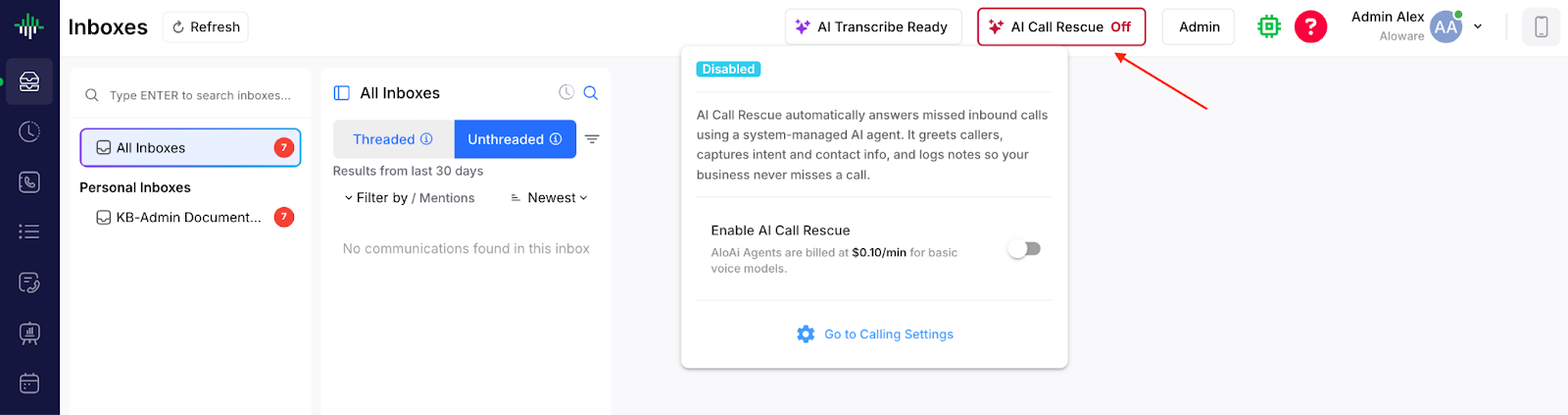
Admins can now see and act on the AI Call Rescue consent and enablement directly inside Talk. The button is only visible to Admin users and does not appear for regular agents, so daily workflows remain uninterrupted.
Track device type used to make and receive calls
Aloware now tracks which device agents use for calls, including Mobile App, Desktop App, Web Browser, and iframe integrations (HubSpot, Salesforce, etc.). This visibility supports reporting, feature prioritization, and usage analysis. Mobile OS versions and desk phone extensions are not tracked yet.
New admin permission settings
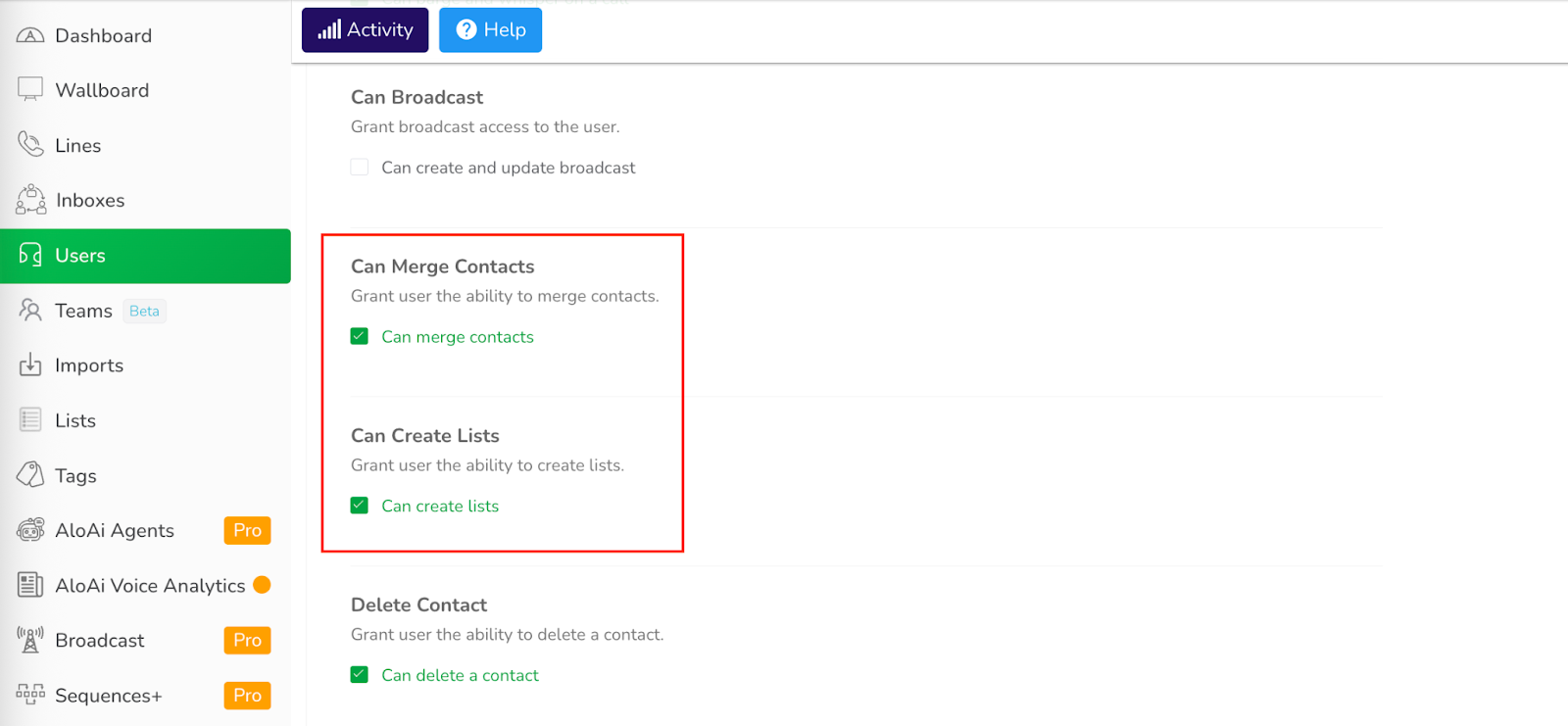
Admins can now set more precise controls over user actions related to contacts and lists. For example, they can allow specific users to merge contacts while restricting list creation at the user or account level. These updates help maintain cleaner workflows and prevent unauthorized changes without disrupting daily operations.
Improved timestamp display in Inbox
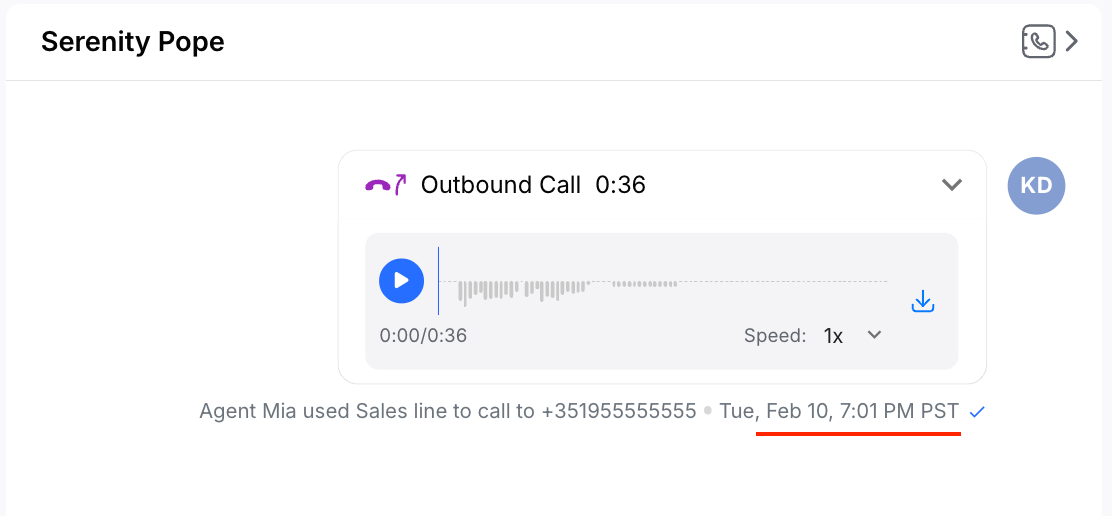
Timestamps now show precise date and time instead of relative labels like “18 days ago,” giving agents accurate context for every engagement.
Example improvement:
- Before: “18 days ago”
- Now: Feb 10, 2026, 3:45 PM
Link notes directly to an Inbox
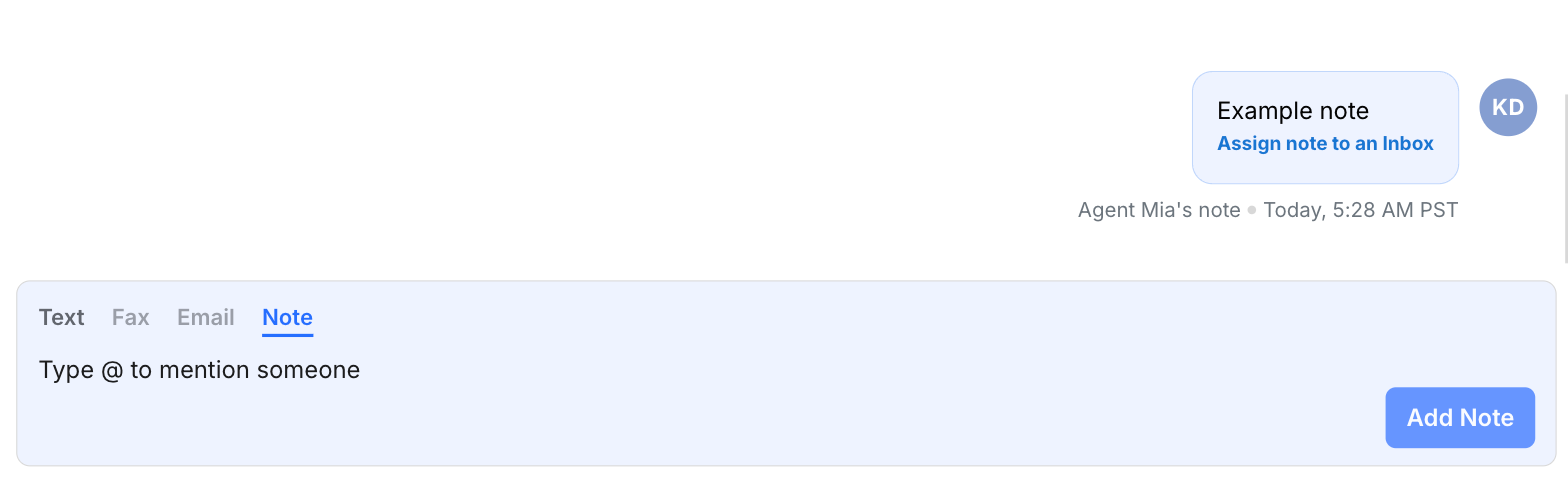
Users can assign contact notes to a shared Inbox from the Contacts page. Once linked, these notes are visible to anyone working inside that Inbox, improving team alignment and context visibility.
Unified password policy standardization (internal improvement)
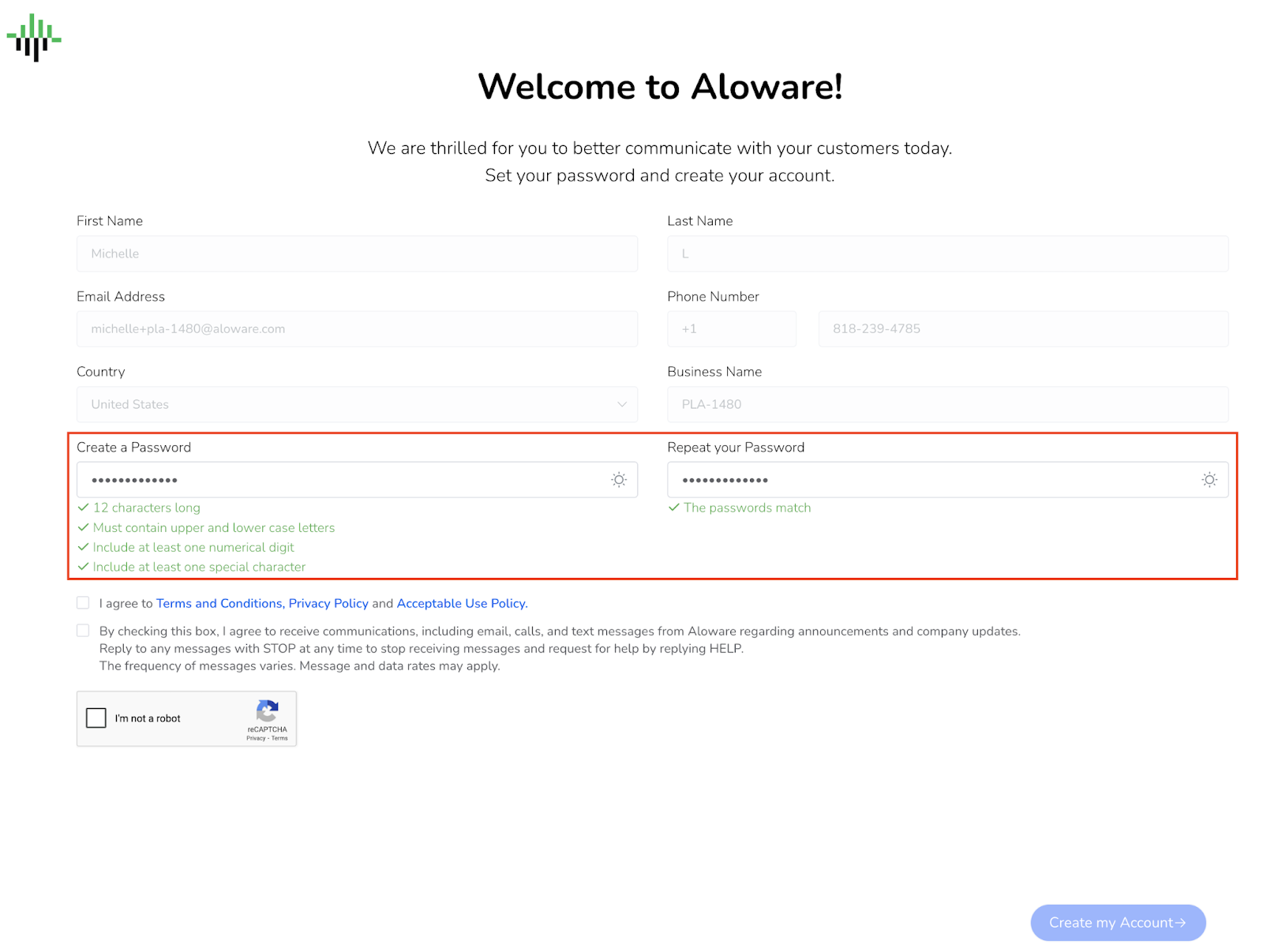
All password flows now follow a single, consistent policy, improving security, error handling, and user experience across account registration, password resets, in-app changes, and admin-initiated updates.
This update also lays the foundation for upcoming security enhancements, including mandatory password expiration, enforced periodic rotation, and shorter “Keep Me Signed In” sessions.