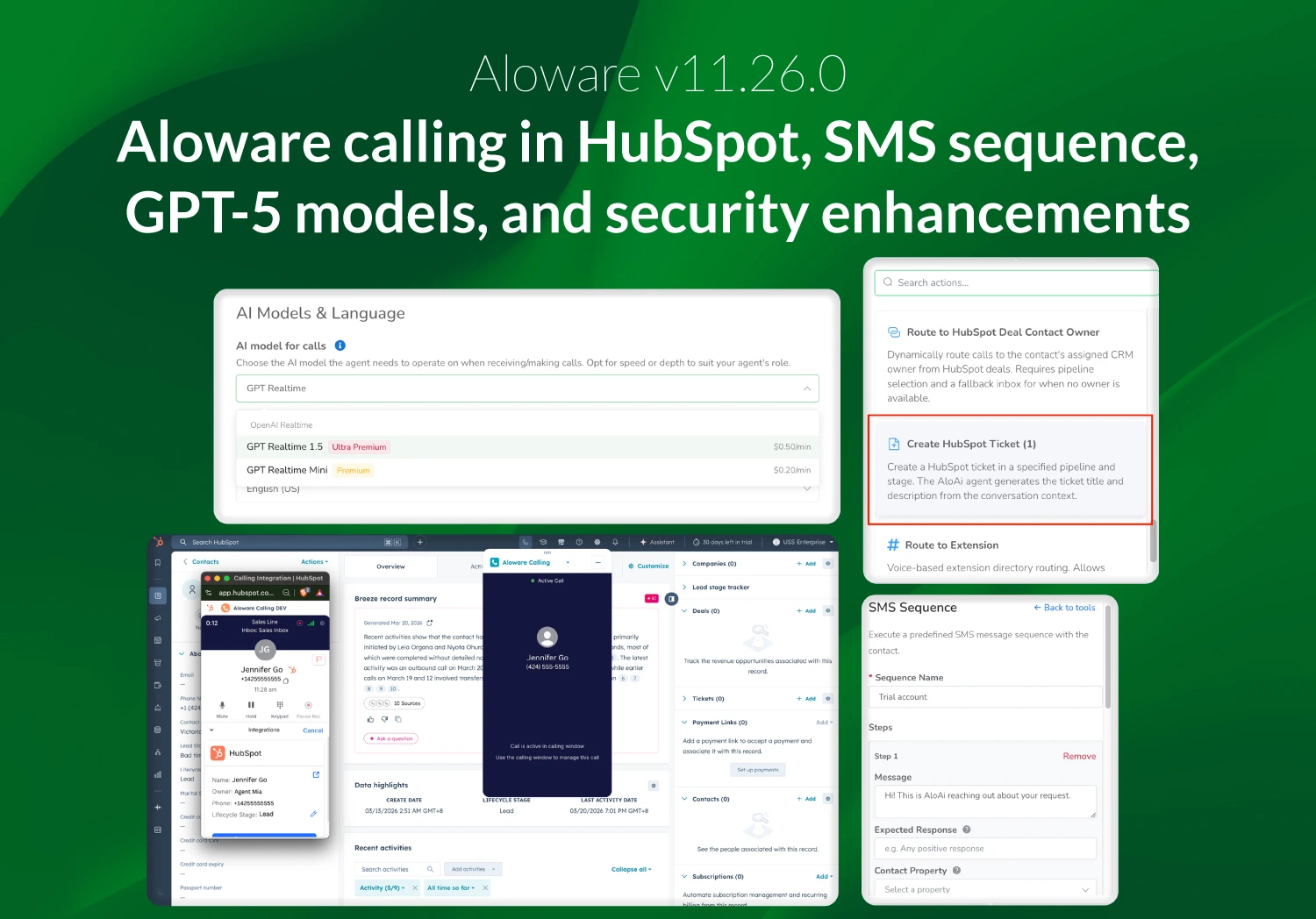
Aloware v11.26.0 introduces the general availability of the new Aloware CTI for HubSpot (Beta), improvements to AI messaging and handoff workflows, expanded GPT-5 model options, and updates to voice agent infrastructure, along with password security enhancements.
Aloware CTI for HubSpot (Beta) – General Availability
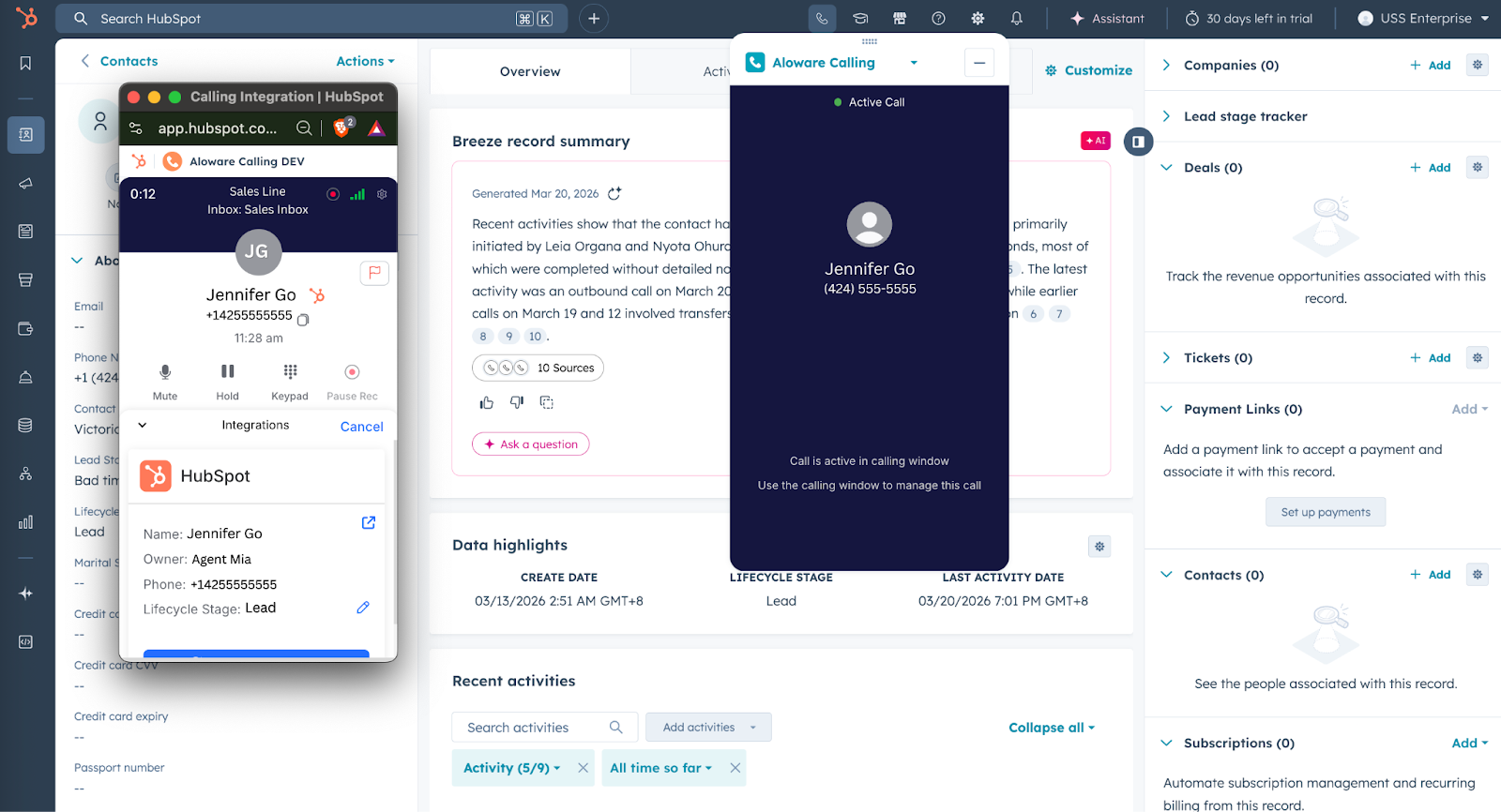
The new Aloware CTI for HubSpot is now generally available, enabling agents to make and receive calls directly inside HubSpot across Contacts, Leads, Deals, Companies, and Tickets.
It includes native inbound calling, click-to-call from any record, and a persistent call window that stays active across tabs, keeping conversations uninterrupted. The full Talk2 experience is embedded in the CRM, along with features like call transfers, call parking, voicemail drops, call waiting, agent scripts, and automatic call logging.
SMS Sequence action for AloAi Agent
SMS Sequence Action lets admins create structured, template-based SMS flows that run step-by-step with consistent messaging. Each step waits for a reply, evaluates responses, and can update contact properties.
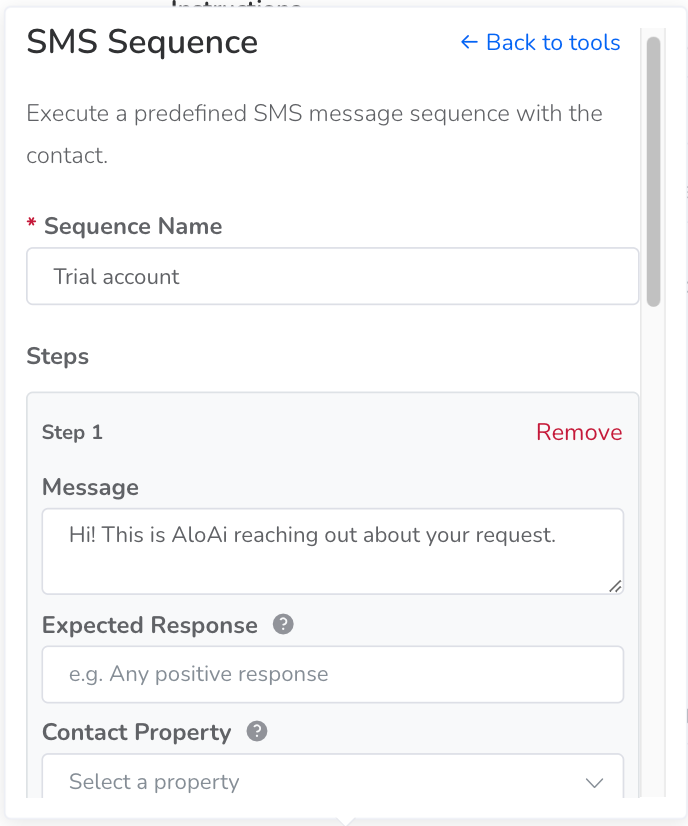
Sequences are reusable across agents and provide a more controlled, auditable way to manage conversations, helping improve reply rates and conversions.
Auto-create HubSpot ticket creation on AI-to-human handoff
AloAi agents can now automatically create HubSpot tickets during AI-to-human handoffs, pre-filled with key details like customer information, issue summary, and prior conversation context.
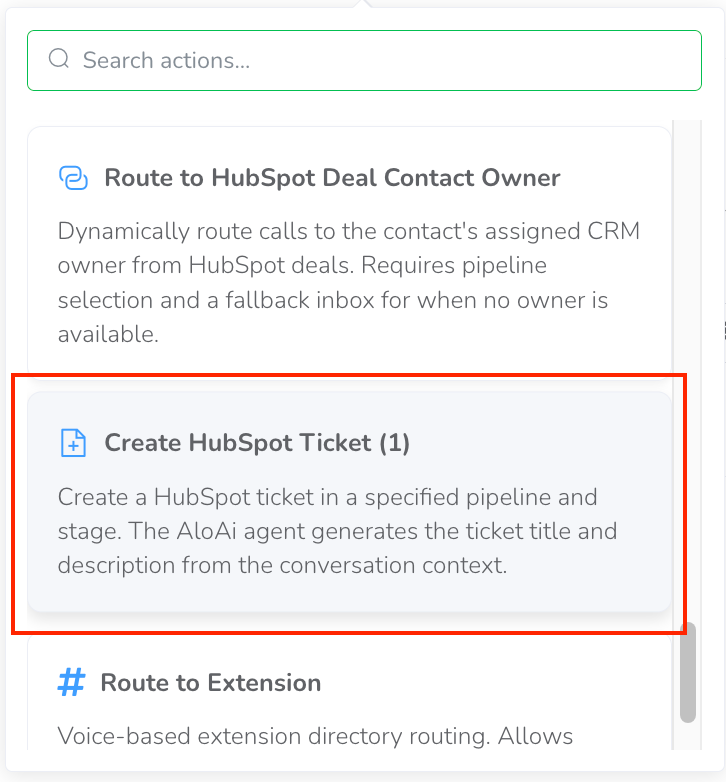
This reduces manual input, avoids repeated questions, and helps agents continue conversations without delays.
GPT-5 Model family for AloAi text agent
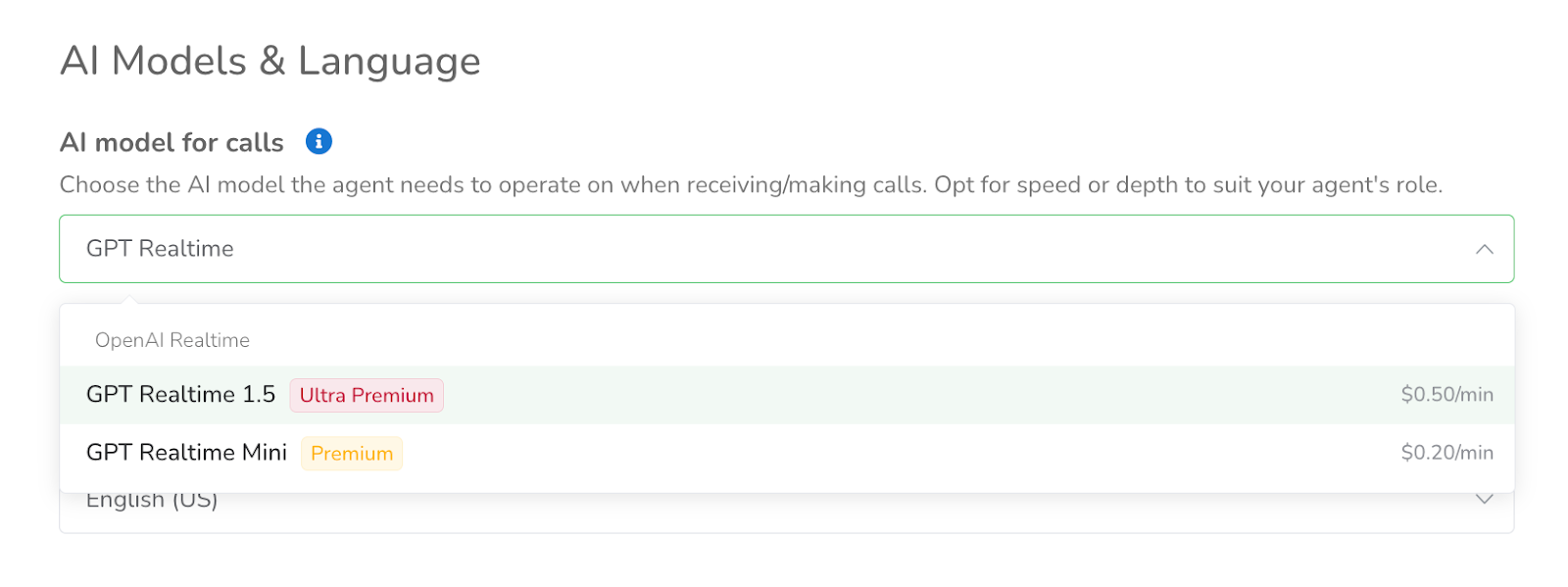
GPT-5 models are now available in the Text Agent model selector, including GPT-5, Mini, Nano, and the 5.4 variants.
These models offer improved instruction-following and larger context handling for more reliable responses. The default model is now GPT-5.4 Nano, and GPT-5 options appear before GPT-4 in the list.
Password expiration and mandatory reset
Aloware now enforces 180-day password expiration to strengthen security and support SOC 2 compliance. Users will be required to reset their password upon expiration before logging in again.
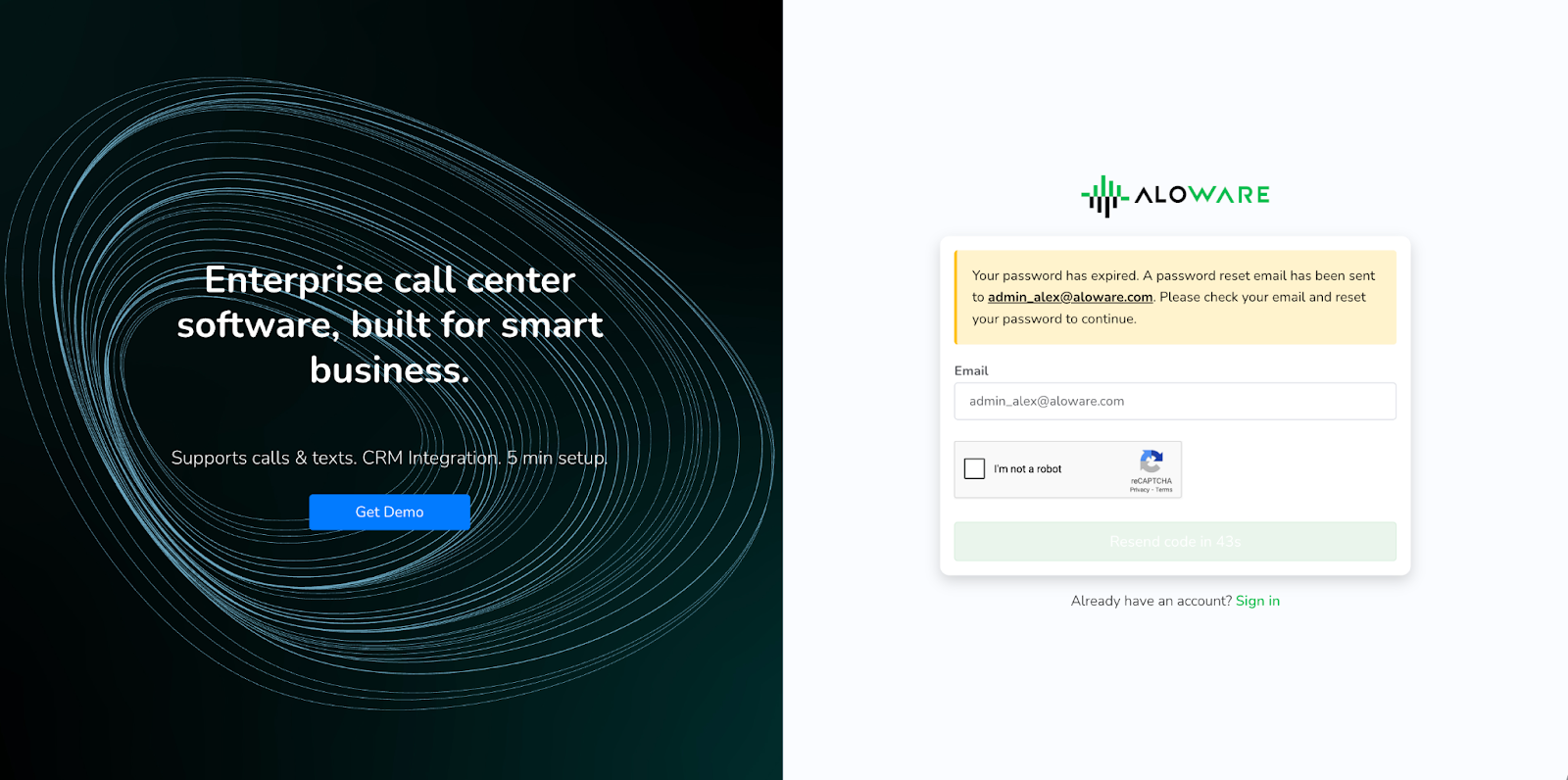
Password reset prompts will appear after logout or session expiry, with instructions sent via email to complete the process.