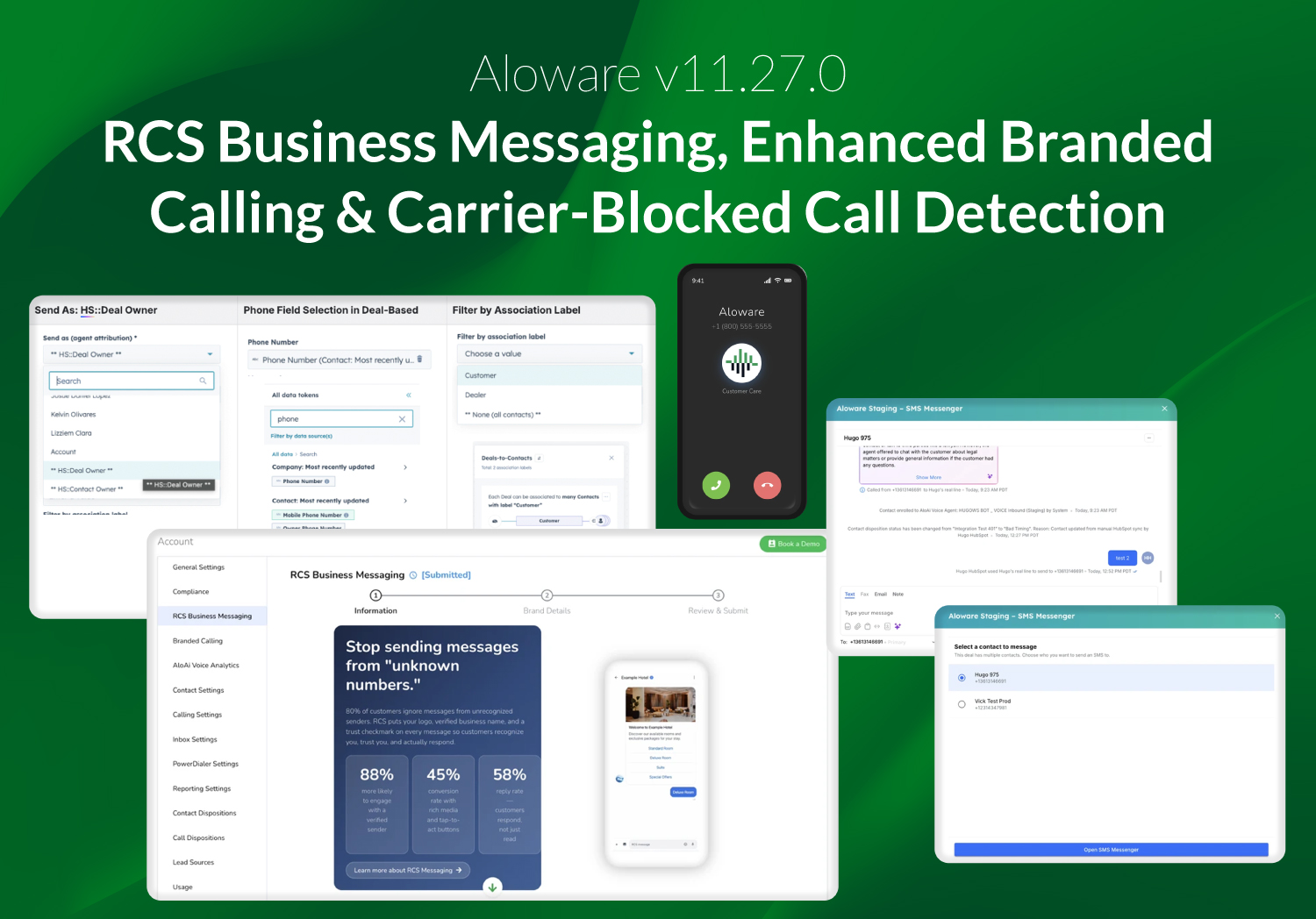
Aloware v11.27.0 introduces RCS Business Messaging, updates to Branded Calling configuration, expanded HubSpot integrations at the Deal and Ticket level, and additional controls for AloAi agents. This release also includes improvements to inbound call visibility, CRM property mapping, internal billing tooling, and platform-level call signal detection.
Messaging
RCS business messaging — MVP launch
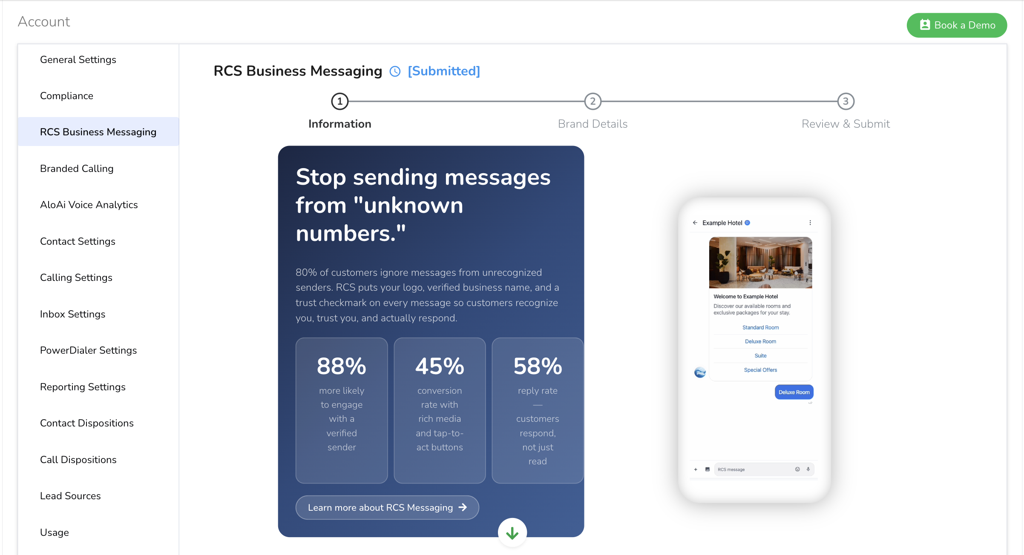
RCS (Rich Communication Services) Business Messaging is now available as an orderable product in Aloware. Admins can submit a request from Account → RCS Business Messaging, with status tracked in-app from submission to approval or rejection.
Once approved, RCS is provisioned through a dedicated messaging service. Messages automatically fall back to SMS when the recipient’s device does not support RCS.
Outbound RCS messages are billed per message based on the account’s plan tier. Inbound RCS and media messages are free across all tiers.
This release covers the ordering, pricing, and activation flow. Templates, broadcasts, and mobile support are not included.
Calling
Standard and Enhanced Branded Calling
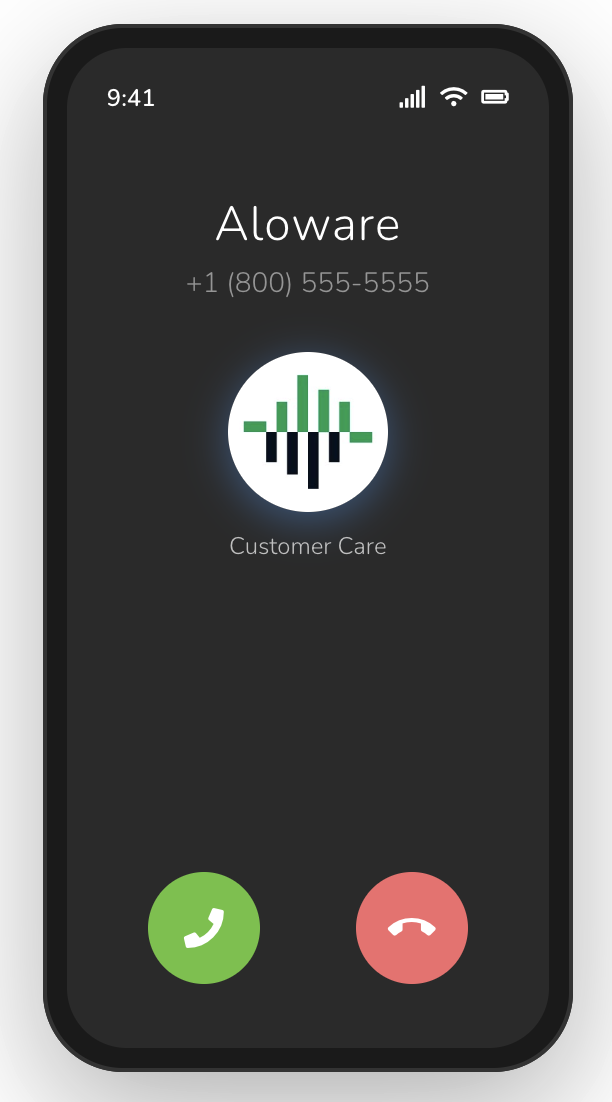
Aloware now supports Enhanced Branded Calling, an upgrade from Standard Branded Caller ID that expands how your business appears on the recipient’s screen during outbound calls.
In addition to displaying a business name, Enhanced Branded Calling includes:
- Brand logo (displayed during the call)
- Call reason (up to 64 characters — e.g., “Appointment Reminder” or “Delivery Update”)
Enhanced Branded Calling is currently supported on T-Mobile and Verizon mobile devices.
Both Standard and Enhanced Branded Calling can be configured directly in-app once your bundle is approved. Each is available as a separate, independently orderable product with tier-based per-call pricing.
These additions provide additional context to recipients, which may help improve call recognition and reduce the likelihood of calls being perceived as spam.
Carrier-blocked call detection
Aloware now surfaces a "Blocked by Carrier" label directly in the call log and activity feed whenever an outbound call is intercepted by a carrier's spam-filtering system. Previously, agents had no way to distinguish a blocked call from one that simply went unanswered.
When a call is flagged, the specific block type is captured and displayed. This includes legacy SIP codes (603 Decline, 607 Unwanted, 608 Rejected), as well as the FCC-mandated “603+ Network Blocked” response code. Carrier-blocked calls can now be filtered in the call log and activity feed for easier review and follow-up.
This visibility allows teams to identify flagged numbers and take corrective actions, such as registering numbers through the Free Caller Registry or requesting replacements.
CRM and integrations
HubSpot Deal-level SMS and activity logging
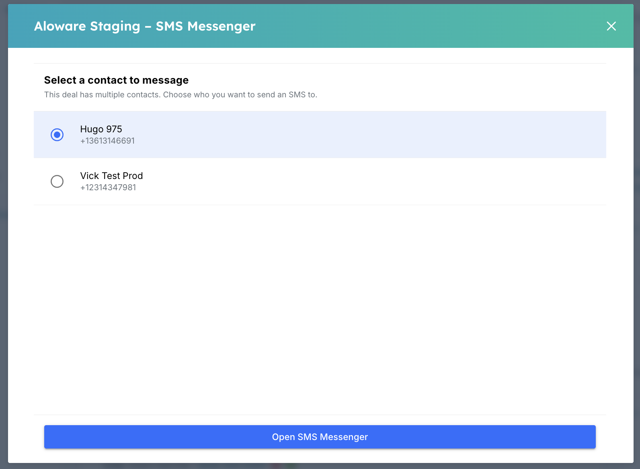
SMS can now be sent directly from HubSpot Deals using the Aloware Messenger. When multiple contacts are associated with a Deal, a contact picker is available to select the recipient.
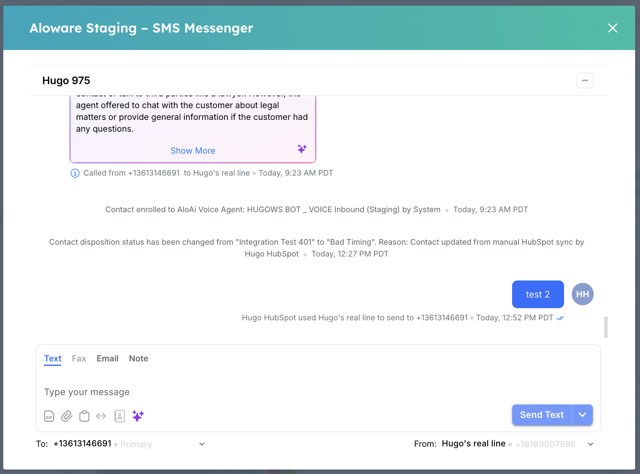
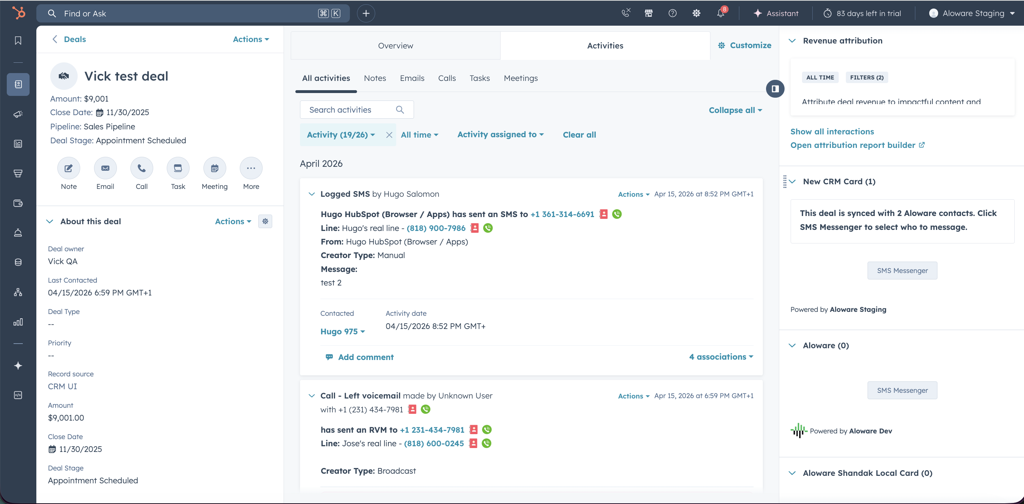
All SMS activity is automatically logged across associated Deals linked to the contact or company. This includes message direction, timestamp, and participants.
HubSpot Deal-based workflows
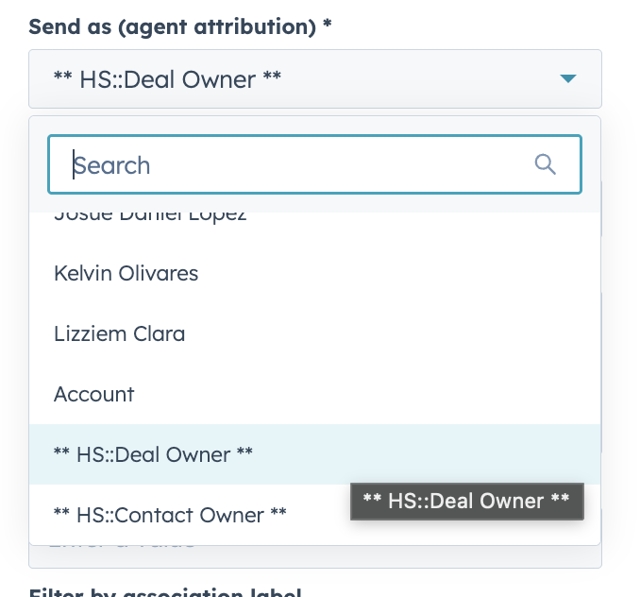
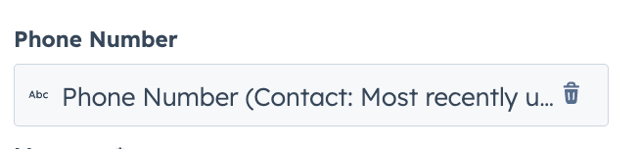
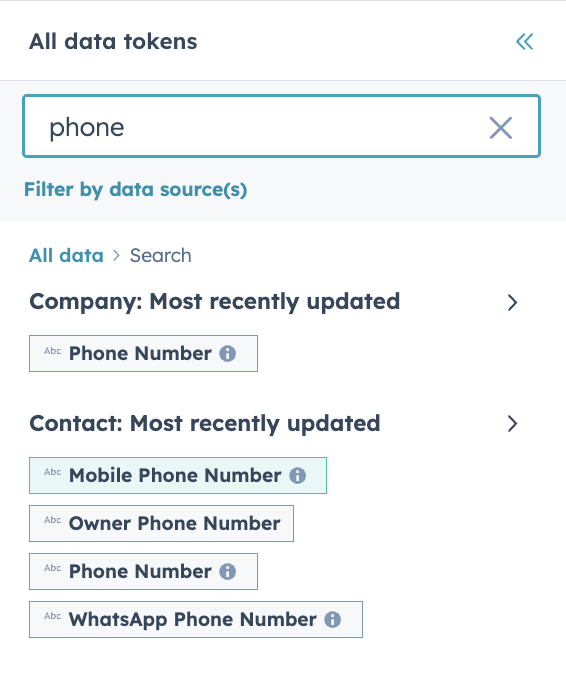
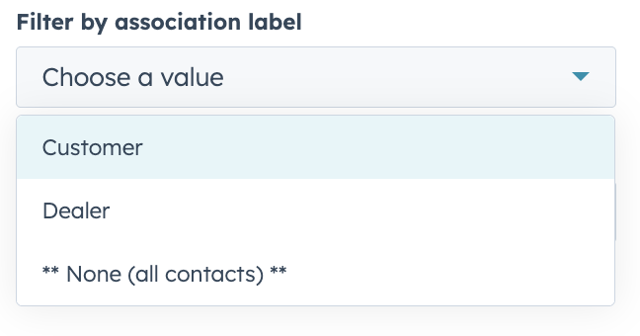
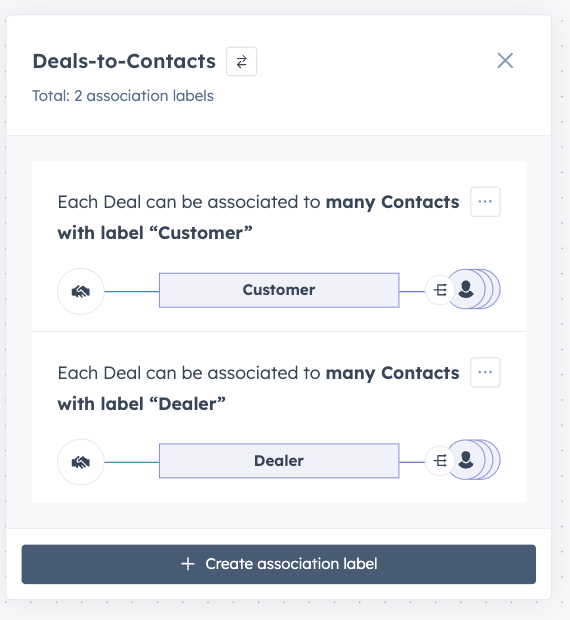
Deal-based workflows now support additional configuration for message delivery. Admins can select which phone field to use, send messages as the Deal Owner with fallback handling, and filter recipients using Association Labels.
When a workflow runs, HubSpot returns all contacts associated with the Deal, applies the selected filters, and determines whether the message is sent to one or multiple contacts based on the configuration.
Send As: HS::Deal Owner
Phone Field Selection in Deal-Based
Filter by Association Label
HubSpot Tickets integration activity logging and visibility
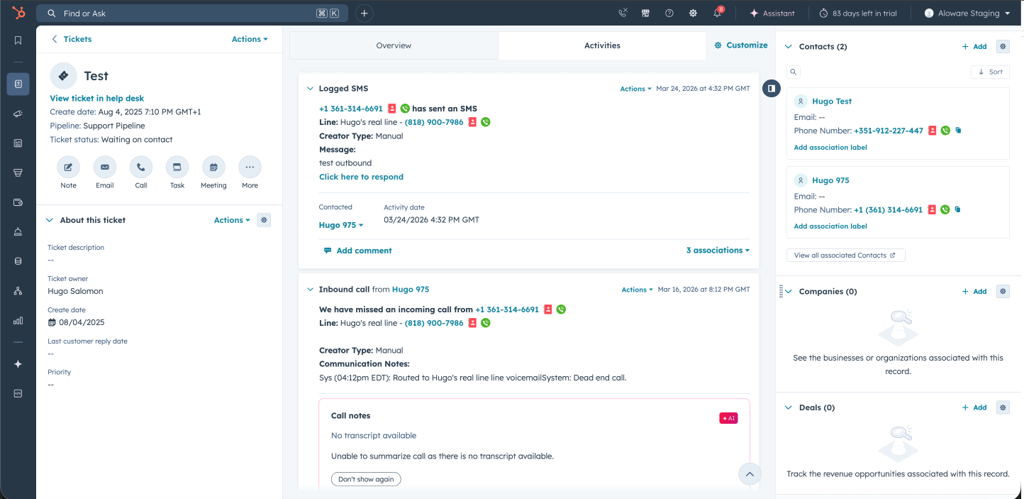
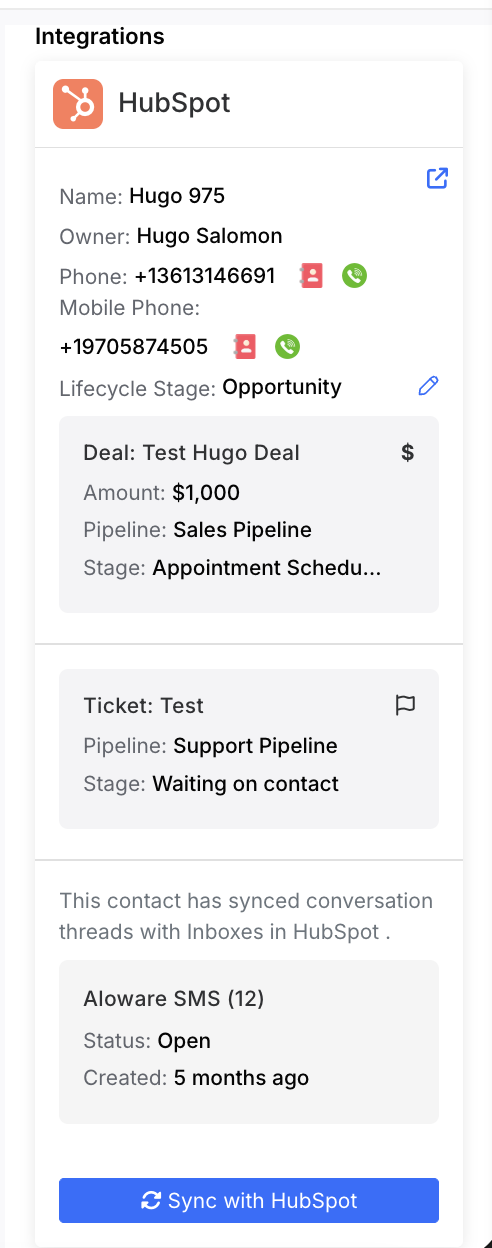
Ticket-level activity logging is now supported. Calls, SMS, notes, appointments, and reminders are automatically recorded on Tickets associated with a contact or company.
Tickets are also displayed in the Aloware integration panel, along with Deals linked to the contact’s company.
Ticket data syncs in near real time through webhook. A one-time “Pull Tickets” option is available for existing records.
CRM property mapping improvements
Property mapping has been expanded across HubSpot, Salesforce, and HighLevel. More contact fields can now be mapped between Aloware and these systems.
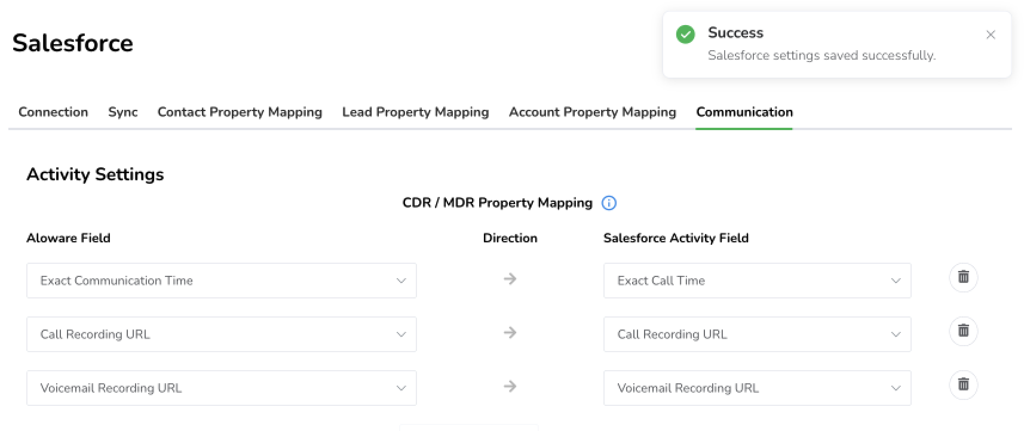
Salesforce call detail record updates
Additional Call Detail Record (CDR) fields are now supported in Salesforce. This allows more call data to be stored and reviewed within Salesforce.
AloAi agent updates
Manage appointment action
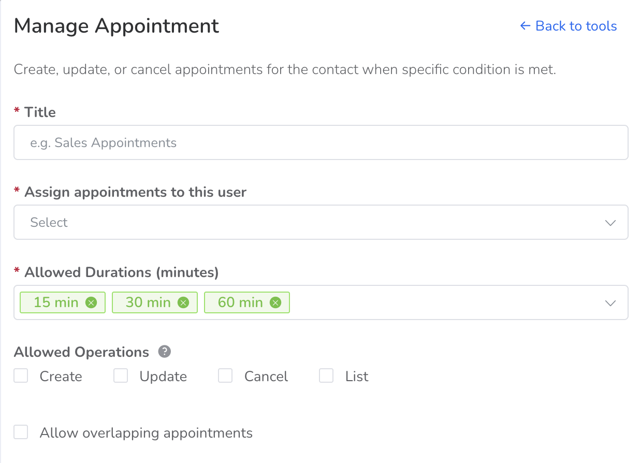
The Manage Appointment action now includes additional configuration options, including the ability to list existing appointments and limit which actions an agent can perform.
A testing view with “Test AI” simulation is now available, allowing admins to review agent behavior before deployment.
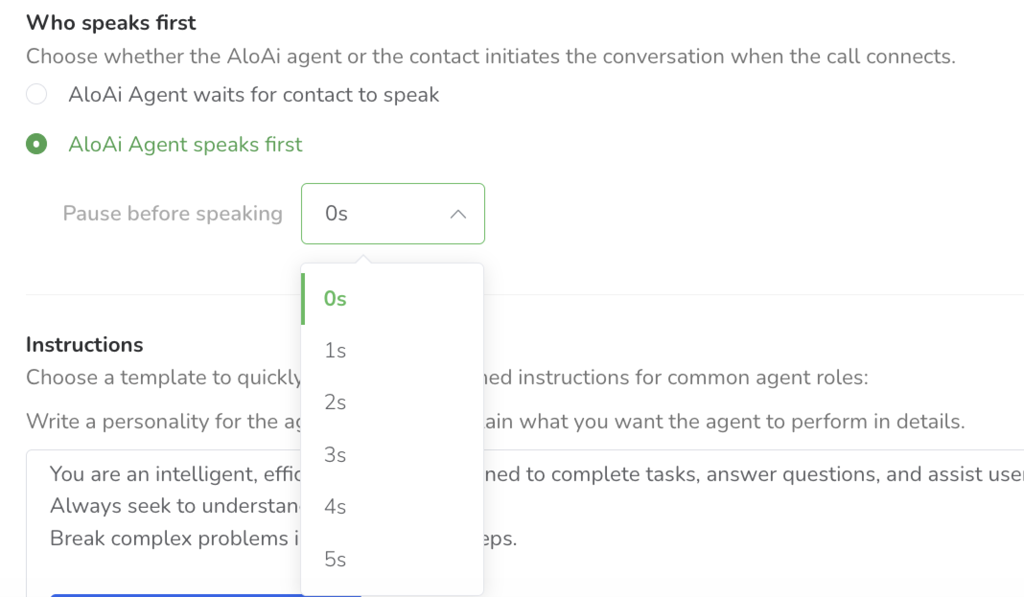
Voice Agents can now be set to speak first on outbound calls, starting the interaction immediately after the call connects.
Agent testing (Test AI)
A testing view is now available for simulating agent behavior before deployment.
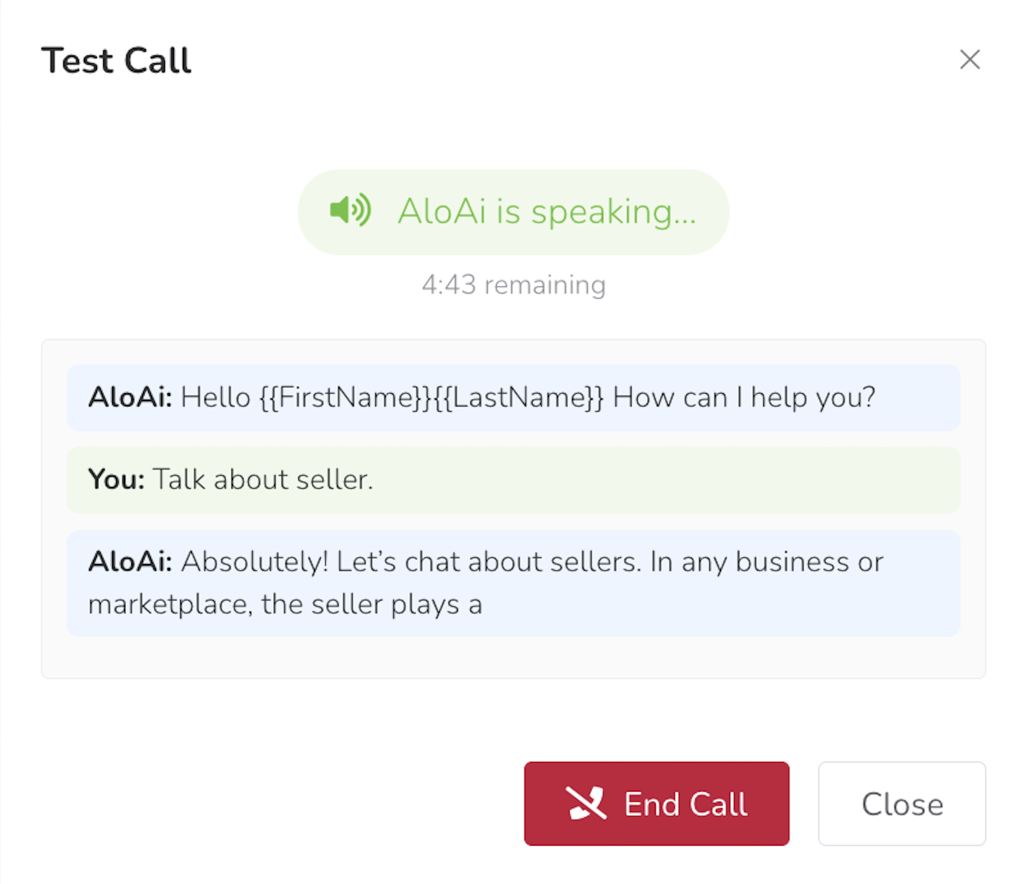
Outbound call behavior (Speak First)
Voice Agents can be configured to start speaking immediately after an outbound call connects.
Workspace updates
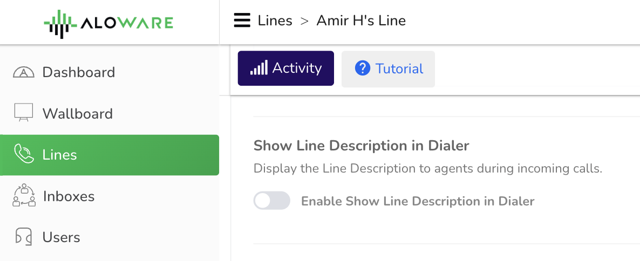
Line description now visible on inbound calls
When an inbound call arrives in the dialer, agents can now see the line description associated with the incoming number. This helps agents quickly identify which line the call is coming from, particularly useful for teams managing multiple lines with different purposes or campaigns, so they can respond with the appropriate context.
Delete empty personal inboxes
Admins can now delete Personal Inboxes that have no associated line or linked user. This allows admins to clean up stale inbox entries that would otherwise accumulate.
Only inboxes with no active line or user association are eligible for deletion, ensuring the action remains intentional and safe.

Fixes and performance improvements
This release includes bug fixes and performance updates across AloAi, CRM integrations, telephony, and the web application.