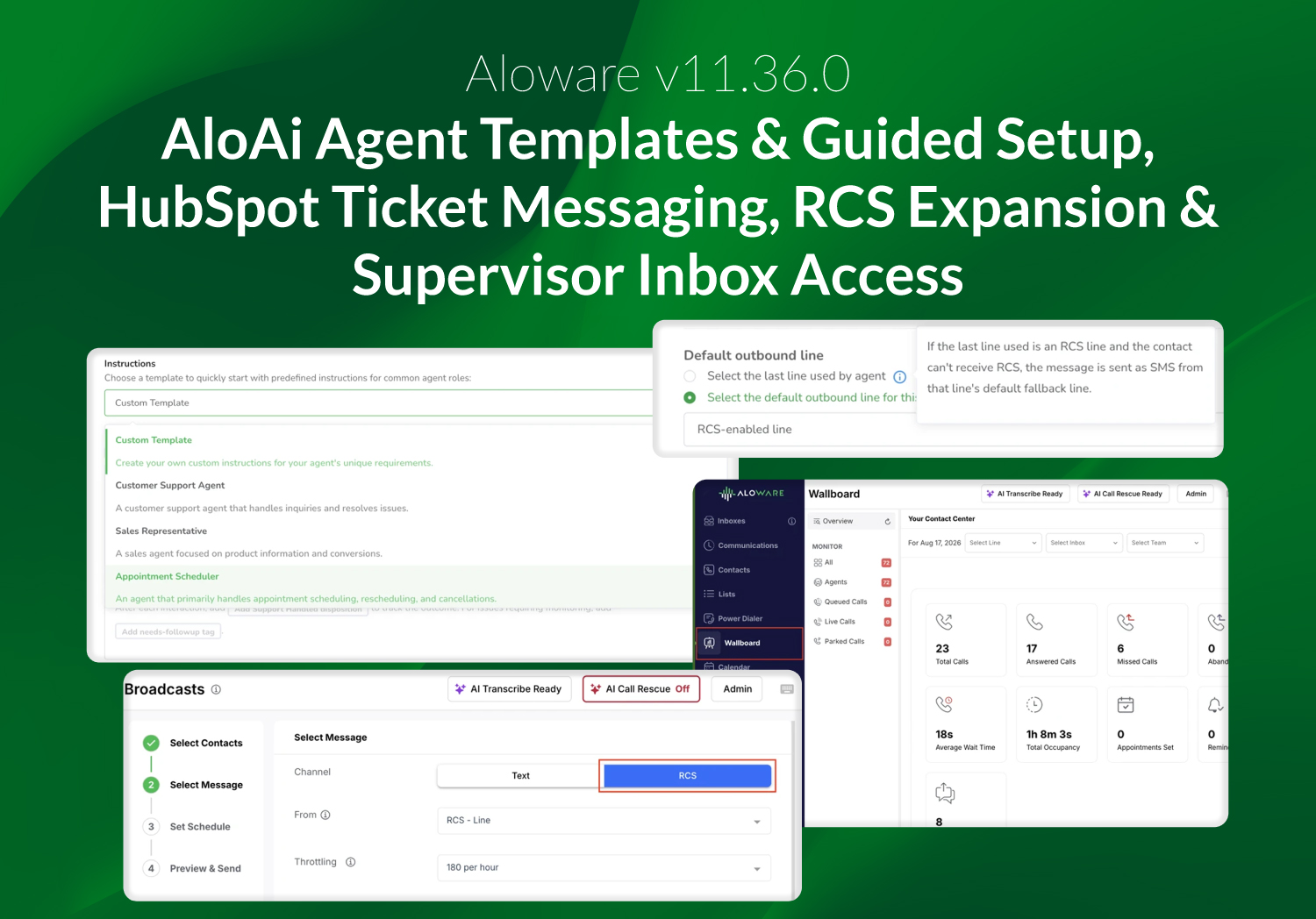
v11.36.0 makes AloAi Voice agents faster to build and extends messaging into new surfaces. Templates and a guided flow replace the blank configuration screen, the HubSpot SMS card moves to the App Card framework and reaches the HelpDesk, RCS opens up to Sequences and Broadcast, and Supervisors can be assigned to inboxes.
AloAi Voice: Agent Templates and Guided Setup
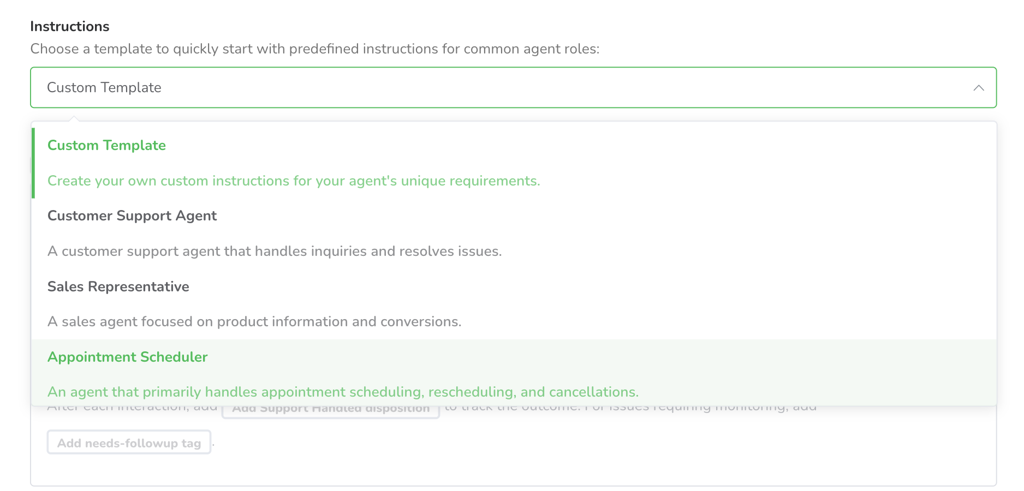
Customers can now start a voice agent from a ready-made template. The catalog covers the industries and use cases most common across our customer base, and each template comes preconfigured and ready for a test call.
A guided setup flow asks one plain question at a time and builds a working agent from the answers, with the full configuration screen one click away. Test Run History keeps every test call with its transcript, audio, and outcome, so admins can compare a prompt change with the previous version. Outbound agents can also navigate automated phone menus using speech or the keypad to reach a live person, and agent schedules can follow the contact's timezone.
HubSpot SMS Messenger on the App Card Framework
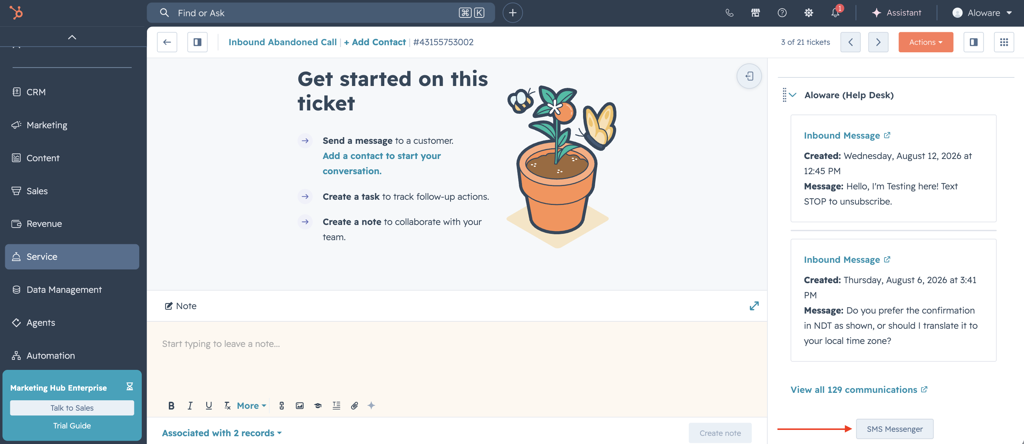
The Aloware SMS card now runs on HubSpot's App Card framework ahead of the Classic CRM Cards sunset on October 31, 2026. Customers keep the same Send SMS button, the same four objects, and the Deal multi-contact picker, with nothing to reinstall or reconfigure.
Support teams can now text from the HubSpot HelpDesk and Tickets view. The card lists every associated contact with a phone number, and an SMS sent from a ticket logs on the ticket and on the related contact and company.
To learn more, read Aloware Talk2 in-app messenger for HubSpot.
RCS in Sequences, AI Agents, and Broadcast
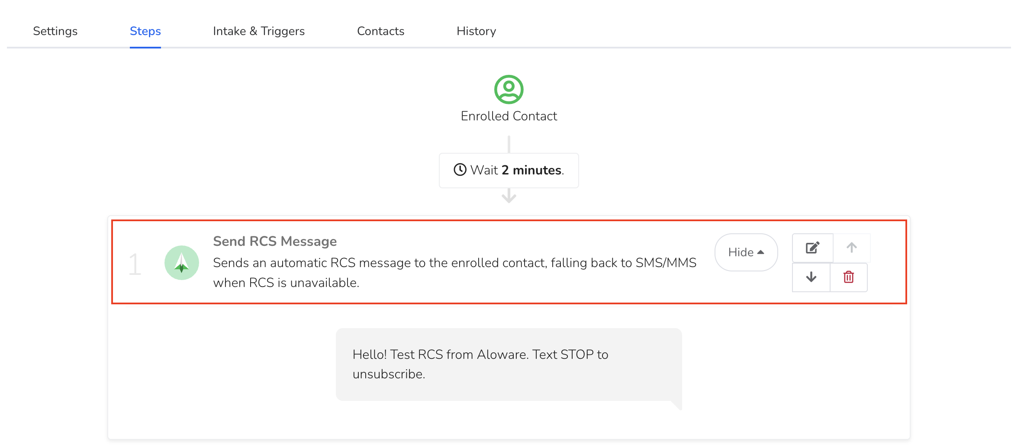
Customers can now send RCS through Sequences, AloAi Text Agents, and Broadcast, with SMS fallback per recipient when a device or carrier cannot receive it. Reporting separates RCS sends, deliveries, and read receipts from SMS and MMS, and read status appears distinctly from delivered.
This is rolling out on a limited basis. Contact your CSM to join the next wave.
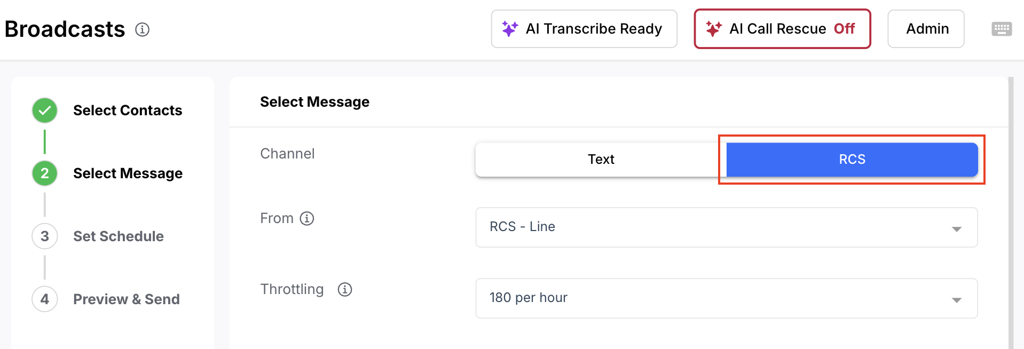

Read RCS messaging in Aloware workflows to learn more.
Supervisor Inbox Access and Wallboard Consolidation
Admins can now assign Supervisors to inboxes as connected members or watchers, with the same behavior as Agents. Connected members ring on the inbox's calls, and watchers see the inbox without ringing.
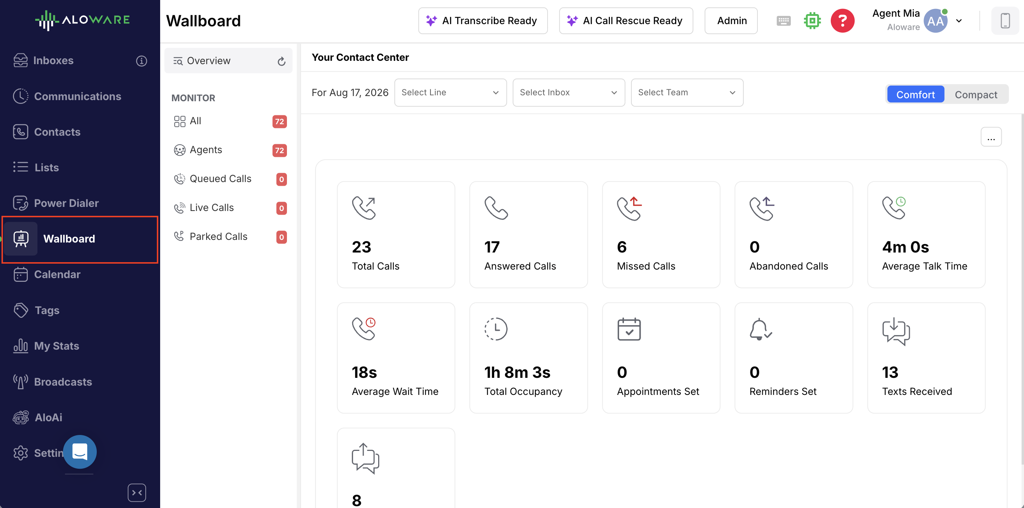
The Talk Wallboard is now the single Wallboard view. Admin Wallboard URLs redirect to Talk, and the Talk agent list shows all agents without a page limit.
Bug Fixes and Performance Improvements
This release includes a broad set of stability and reliability improvements across AloAi, telephony, integrations, and reporting. AloAi agents handle scheduling, post-call analysis, and appointment booking more predictably, and outbound calls run under a consistent duration limit. Telephony fixes improve dialer accuracy and inbound call notifications as the new routing engine continues its phased rollout. Integration and reporting fixes address CRM sync accuracy, call disposition logging, and dashboard filtering, alongside security hardening across Talk, Classic, and Admin.