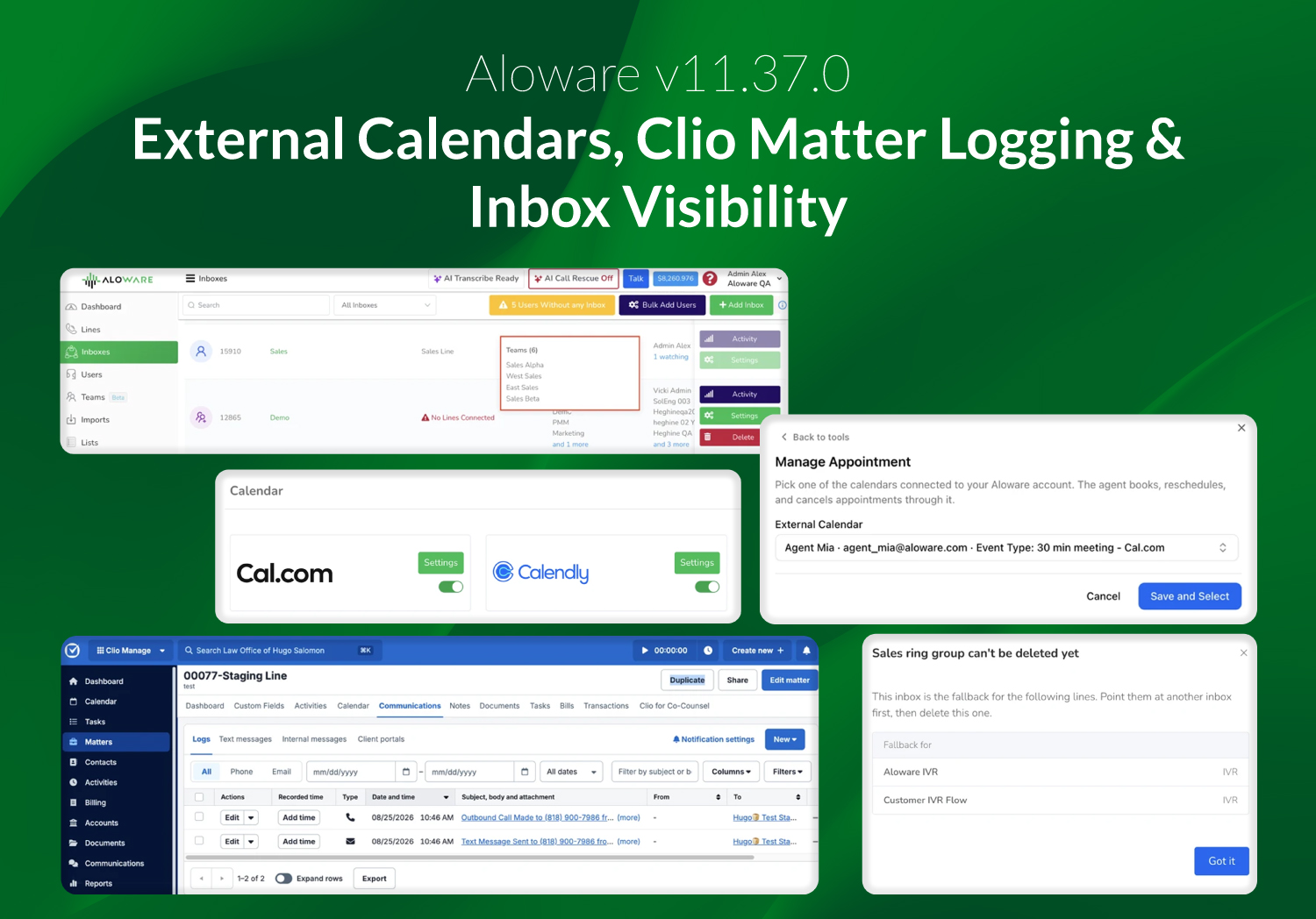
v11.37.0 expands scheduling beyond Aloware's native calendar, strengthens integration workflows, and gives admins more visibility into inbox and line assignments.
Calendly and Cal.com can now be used from Talk and AloAi, Clio logs calls and SMS directly to client matters, HubSpot workflows gain more flexible line and ownership handling, and inbox administration gets clearer visibility and safer reassignment controls.
Book on Calendly and Cal.com from Talk and AloAi
Admins can now connect Calendly or Cal.com from Account → Integrations → External Calendars and set each calendar to Company Wide or Private. Agents can connect their own calendar from Talk.
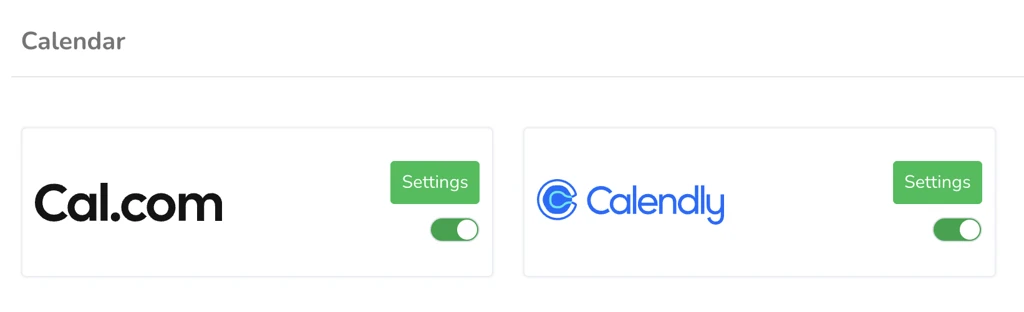
Agents create, reschedule, and cancel appointments from the contact screen, and AloAi checks availability, books, reschedules, and cancels during a live call, asking the contact for a first name and email where the provider requires them. Slot times show their timezone and every calendar names its provider. AloAi Voice agents now schedule against these connected calendars directly, with existing configurations editable during a 30-day migration window. Google Calendar and Outlook are out of scope for this release.
.webp)
Clio Matter Logging and HubSpot Workflow Improvements
Aloware now logs calls and SMS against the client's Clio matter, where they appear in the matter's Communications panel. Firms working under California State Bar requirements can produce a record of client contact from inside Clio itself.
.webp)
On the HubSpot side, deal-based Workflows can send a text from the deal owner's personal line, so replies reach the person who owns the deal. Contact owner changes now propagate from HubSpot to Aloware automatically, and a new contact property carries the Aloware line used on the most recent outbound call, syncing to HubSpot, HighLevel, and Salesforce. Guesty Multi-Account also moves to a Super Admin toggle, so enabling it no longer waits on a release.
Inbox and Line Visibility in Admin
The Inboxes admin page now shows each inbox's connected lines and assigned users, with teams expanded to individual people, and a matching Insights report covers the export and health-flag views.
.webp)
Deleting an inbox shows what is attached and offers reassignment in the same step, and any line left without an inbox surfaces to the admin rather than being reassigned silently.
.webp)
The IVR Fallback Inbox is now visible and editable from the line itself, with a warning when other lines share that IVR, and the fallback relationship appears on the inbox and in Connected Lines. Closing the IVR modal with unsaved changes now prompts to save.
.webp)
Bug Fixes and Performance Improvements
This release includes a broad range of bug fixes and performance improvements across telephony, messaging, scheduling, billing, dashboard, and AloAi. These updates improve reliability, routing, data accuracy, validation, and overall system behavior, while also addressing issues that could affect call handling, message delivery, scheduling, and user workflows.