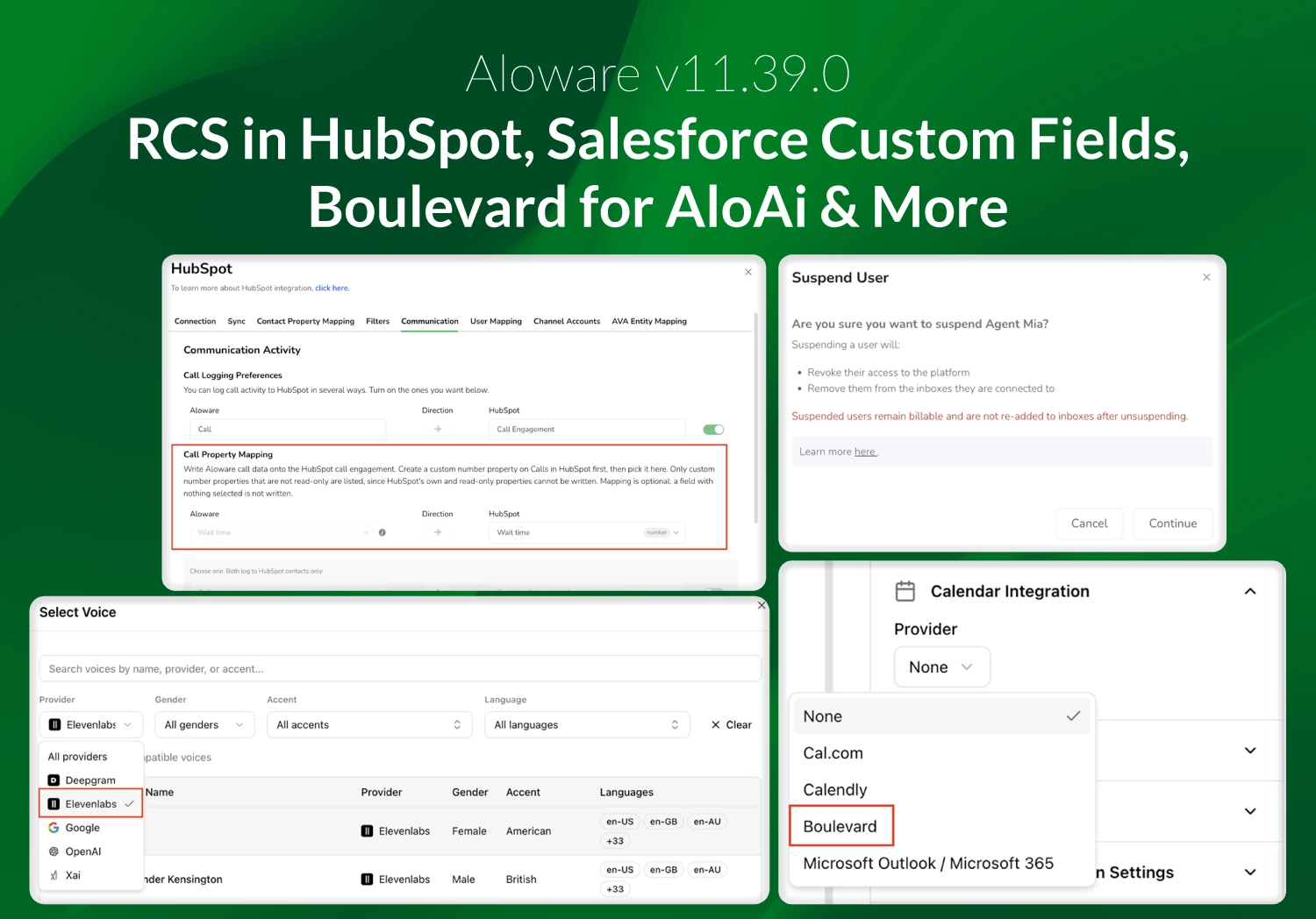
v11.39.0 adds follow-up booking to AloAi Text Agents, Boulevard booking forAloAi voice agents, RCS messaging in HubSpot, and custom field mapping forSalesforce.
AloAi Voice: Boulevardbooking
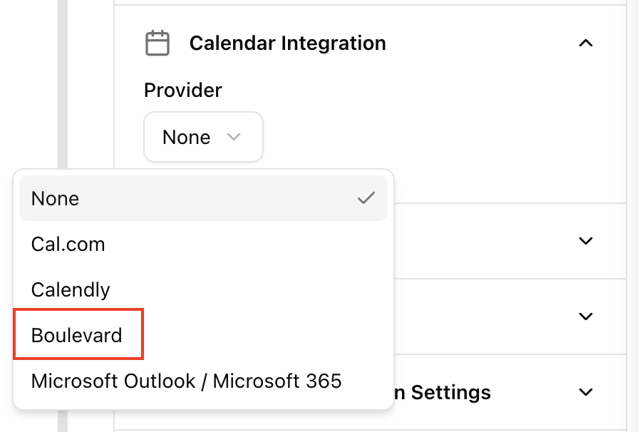
Boulevard joins Cal.com, Calendly and Google Calendaras a calendar provider. The agent checks availability, books, cancels andreschedules on live calls. It recognizes known Boulevard clients from theircaller ID, greets them by name, and can reference their last three appointments.Client notes are never read or spoken.
AloAi Text Agents: Follow-upbooking
When a lead replies "reach out next week,"the text agent sets up a follow-up for that date, confirms it in its reply, andsends it when the time comes. The follow-up shows on the contact's activitytimeline and is cancelled automatically if the contact replies or an agentreaches them first. It works on inbound text agents that qualify leads, with nosetup.
AloAi Voice: Agent editorupdates
The agent editor now shows only the settings thatapply to each direction. Inbound agents are set to speak first and no longershow advanced call handling, and outbound agents are set to wait for the contactto speak. Every agent also keeps a change history showing who edited itsprompt, model, voice, tools and call-handling rules, and when.
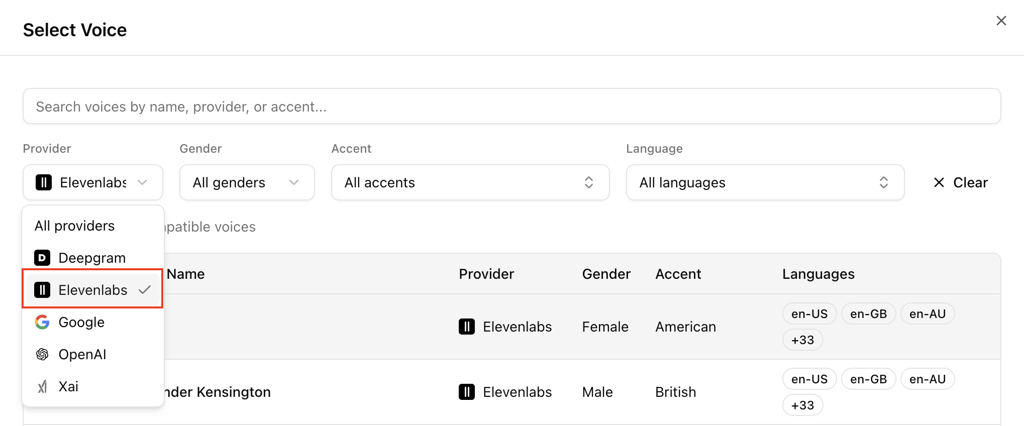
You can now choose the ElevenLabs conversational voicemodel in the agent editor. New organizations get call screening, IVRnavigation, prompt improve and version history on by default.
HubSpot: Phone Properties andCaller Wait Time
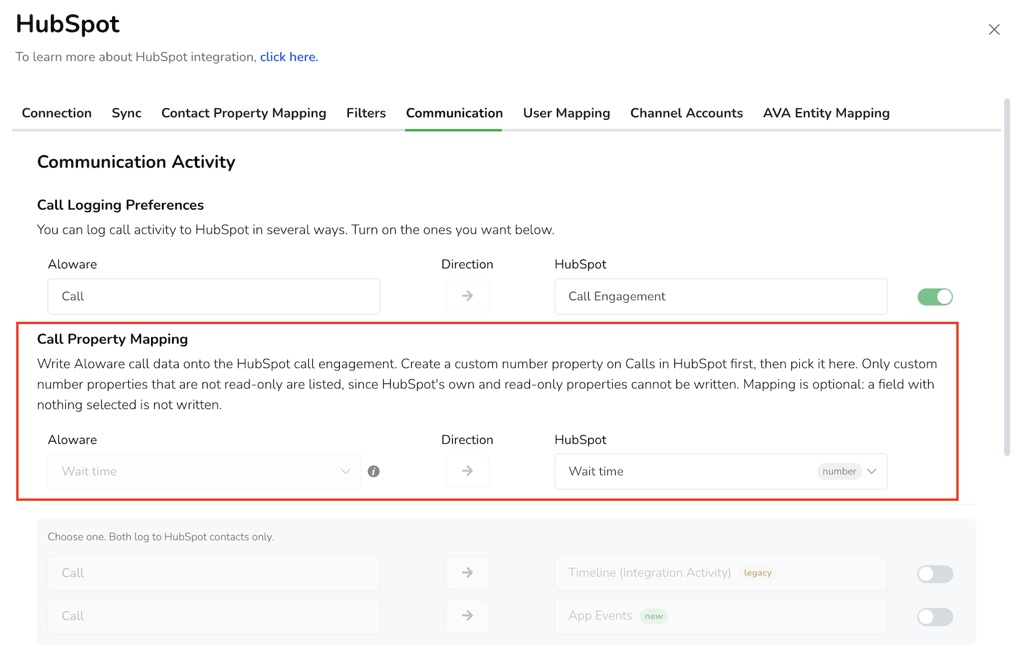
Choose which HubSpot phone properties Aloware tracks,including custom ones, from Integrations → HubSpot → Contact Property Mapping →Phone numbers. Synced inbound HubSpot calls now carry how long the callerwaited before an agent connected.
Salesforce: Custom fieldmapping
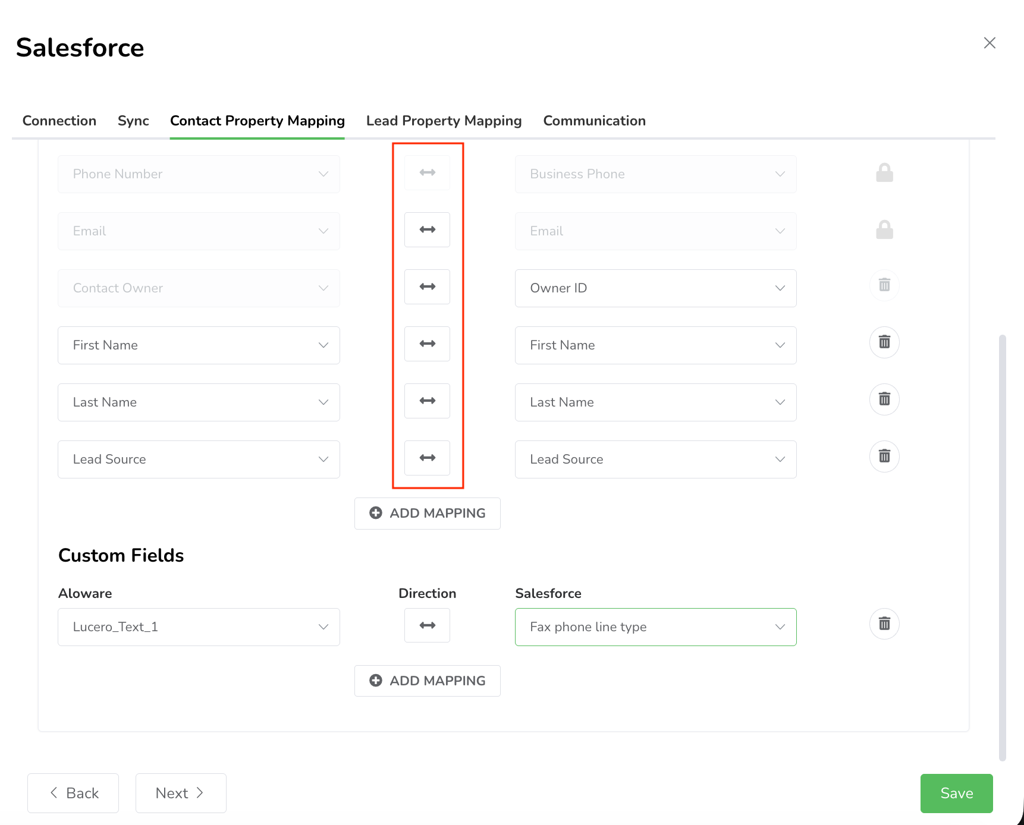
Salesforce admins can map custom fields betweenSalesforce and Aloware in both directions from Integrations → Salesforce →Settings.
Faster webhook delivery
Each webhook now has its own delivery line, so oneslow endpoint no longer delays your other webhooks.
New conversations reach theTeam Inbox within seconds
New inbound texts, calls and emails reach the TeamInbox within seconds, no matter how busy other accounts are, so agents nolonger need to refresh to find them. If an update is missed, the inbox catchesup on its own and shows a "new conversations" banner.
A2P registration emails
Submitting an A2P Brand or Campaign registration nowsends the account admin a confirmation email, and rejection emails explain why,list the steps to fix it and include a button to resubmit.
NumberGuard in the app
NumberGuard gets its own area in the app, with adashboard, in-app scan reports you can open and download, and status badges onthe lines page showing which lines are covered or flagged.
Suspending users
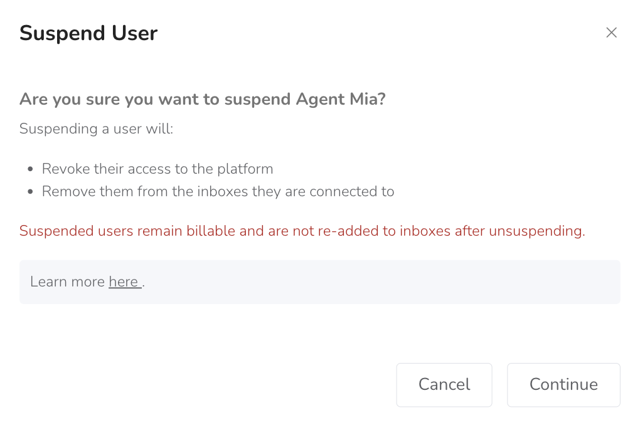
Suspending a user now opens the same wizard asdeleting one, so you reroute their lines and hand over any inbox where they arethe last live member before the suspension applies.
Agent status for agents whoanswer on a phone number
Agents who answer on a phone number or an extensionread as Available, and their status control is removed from Talk web and thedesktop app. On accounts with "Force Users Always Available" on,impersonating an agent no longer forces them Available.
Notifications and login
Missed-call emails to inbox watchers now name thesetting that sent them. The Chrome extension now sends you to the Talk loginpage.
Bug Fixes and performanceimprovements
This release also includes fixes in call routing andtransfers, AloAi appointment booking, call logs and reporting, agent status,HubSpot, AloAi Voice Agents, contact lists, Sequences, the Power Dialer andPreview Dialer, Webhooks, transcription settings, Lead Capture and supervisorpermissions.