

Short answer
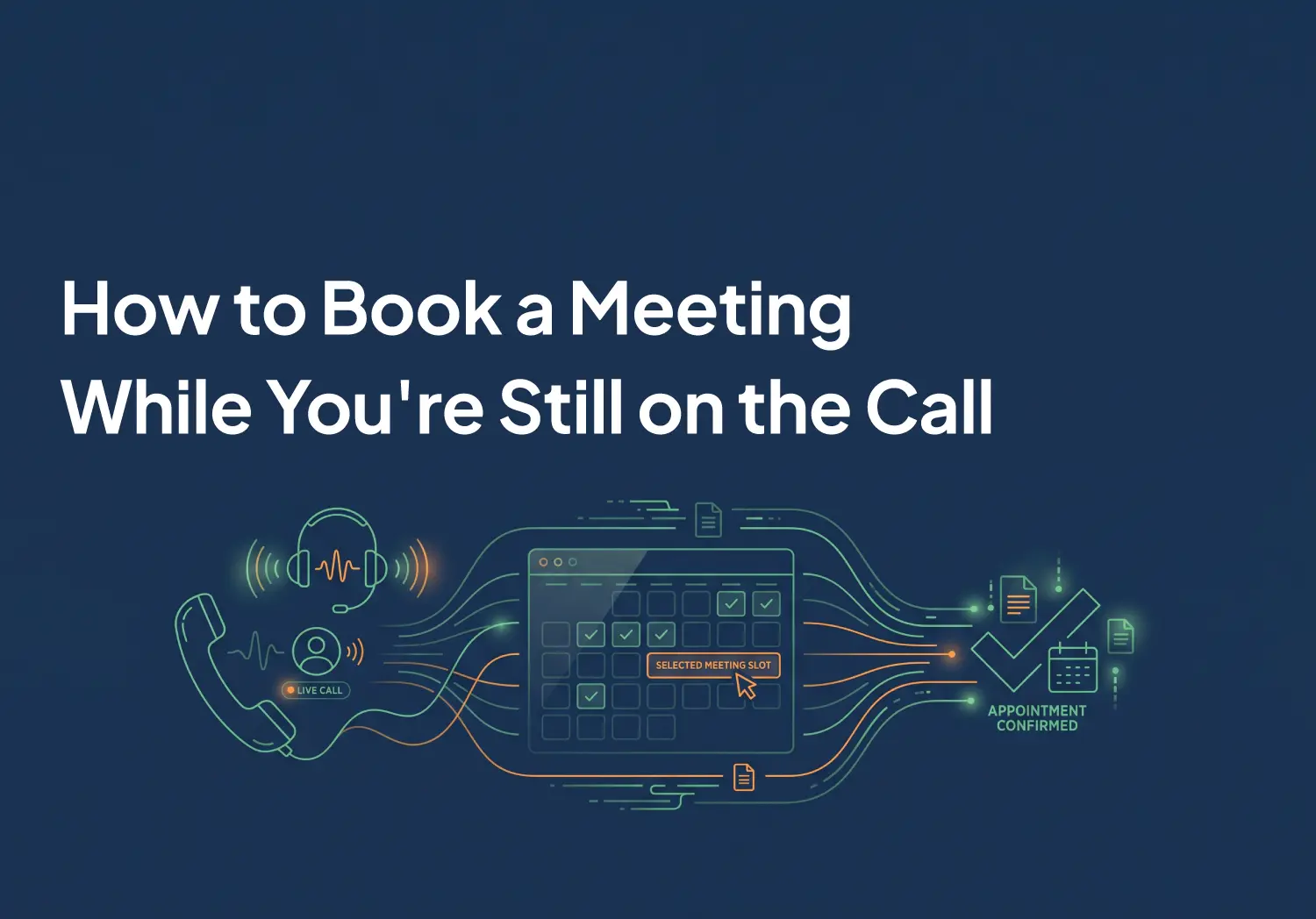
You can book a meeting during a live call in two dependable ways: pick a real open slot from a calendar connected to your calling platform, or let an AI agent agree on a time and book it while the conversation is still going. Both create the invite and log the meeting before anyone hangs up. Everything else, including the classic "I'll send you a link," is a workaround with a drop-off problem attached.
Why "I'll send you a link" costs you meetings
Response speed decides whether a lead ever becomes a conversation. The Lead Response Management study, built on three years of data across six companies, more than 15,000 leads, and over 100,000 call attempts, found the odds of qualifying a prospect fall 21 times when response time stretches from 5 minutes to 30. Contact success drops more than tenfold within the first hour.
Most teams have internalized that lesson for the first call. Then they throw the win away at the end of it. The prospect says yes to a meeting, the rep says a link is coming, and the booking becomes a second response-time problem. The email sits unopened. The link competes with everything else in the inbox. A yes on the phone quietly turns into a maybe.
Booked before the goodbye beats chased after it. That is the whole thesis of this post, and it takes one of three shapes in practice.
Method 1: Book from the contact screen with a connected calendar
This is the rep-led path. Connect your team's Calendly or Cal.com account to Aloware, and the booking form lives on the contact screen inside Talk, next to the call you are already on.
- While the call is live, open the contact and click Add Appointment.
- Pick the calendar. If your team has one connected calendar it is selected for you; with several, each option shows the provider, its visibility, and the event type.
- Choose a slot. The list is the calendar's real availability, so every time you offer is a time the calendar will accept. The time zone is shown next to the slots, with a control to flip it to the contact's.
- Turn on the SMS reminder if you want one, pick the line it sends from, and save.
- Done. The event is created on Calendly or Cal.com and logged in the contact's timeline at the same moment, so the meeting exists everywhere before the call ends.
Two requirements are worth knowing up front. First, calendars need an attendee name and email address to accept a booking, so a contact saved as a bare phone number cannot be booked until those fields are filled. Second, plan tiers differ by provider: creating and cancelling bookings requires a paid plan on Calendly (the free plan supports availability checks only), while a free Cal.com account can take bookings for an individual calendar, with team calendars and round robin reserved for Cal.com's paid plans.
Method 2: Let an AI agent book it during the call
The rep-led path assumes a rep is available. The AI voice agent path does not, which is what makes it useful at 9 pm, during lunch, and on the fourth inbound call that arrives at once.
An AloAi agent, voice or text, uses the same connected calendars your reps do. It checks live availability, offers times, confirms one with the caller, and writes the booking to the calendar and the contact's timeline in the same conversation. If the contact record is missing the name or email the calendar requires, the agent asks for it and updates the record before it books.
You stay in charge of scope. Each agent's appointment tool has per-operation permissions, so you decide whether it may create meetings, reschedule them, cancel them, or only read them back to the caller. A caller who wants to move Thursday's demo to Friday morning gets it done in one exchange, and the reminder moves with it.
Method 3: The manual routes, and where they crack
Plenty of teams book mid-call today with no integration at all, in one of two ways. The rep-led version is a second screen: keep the calendar open in another tab, read slots aloud, and type the event in by hand. The customer-led version is the stay-on-the-line trick: text the booking link during the call and talk the customer through picking a time before you hang up.
We asked Perplexity in September 2026 how to book a meeting while still on a call with a customer. Its best advice was exactly that: open your scheduler in a second tab, send the link by SMS, stay on the line while the customer books, and test beforehand that your dialer does not mute the call when you switch tabs. Twenty-eight sources, and not one of them described a calling platform that books the meeting itself. That answer is a fair summary of how most teams still operate.
The manual routes work at low volume, and they crack in predictable places. Time zones get read out wrong. Two reps grab the same slot because neither could see a live conflict check. The event lands on the calendar but never reaches the CRM, so the meeting exists and the record of it does not. And the moment the customer is expected to finish the booking alone after the call, the drop-off problem from the top of this post is back.
Start Free Trial
The three methods side by side
Booked is not finished: keep the no-show out
A meeting created mid-call still has to survive until it happens. Three things protect it.
The calendar's own confirmation and reminder emails go out as usual, because the booking is a normal Calendly or Cal.com event. On top of that, an SMS reminder can go to the contact from your own business line, which tends to get seen faster than email. If the meeting moves, the reminder moves with it; if the meeting is cancelled, the reminder is cancelled too.
Rescheduling stays clean in both directions. When the customer uses the reschedule link in their confirmation email, the change syncs back to the contact's timeline on its own, marked as made by the provider. Nobody on your team has to notice an email and fix a record by hand, which is how stale calendars happen.
Set it up once
The setup is a one-time job measured in minutes. An admin connects the company's Calendly or Cal.com account under Integrations using OAuth, no API keys involved, and picks the event type that connection should book, which carries its duration and availability rules. Reps who keep their own calendars can connect them privately in Talk settings the same way. From then on, booking works from any call your team takes, including power dialer sessions, and the same calendars power your AI agents.
If your team is measuring speed to lead already, this is the second half of that work: the first metric is how fast you reach the lead, and the one after it is whether the conversation ends with a meeting on the calendar. Close the loop on both and the follow-up email stops being where your pipeline goes quiet.
Book a demo and watch a meeting land on your own calendar before the call ends.
Frequently Asked Questions
Can I book into Calendly while I'm on the phone?
Yes. Connect Calendly to your calling platform and the booking form opens on the contact screen during the call. You pick from Calendly's real availability, save, and the invite goes out before the call ends. On Calendly's side, creating bookings requires a paid Calendly plan; the free plan supports availability checks only.
How do AI agents book meetings during a call?
The agent checks live availability on the connected calendar, offers times, confirms one with the caller, and writes the booking to the calendar and the CRM in the same conversation. If the contact record is missing the name or email the calendar requires, the agent asks for it before booking.
What if the contact only has a phone number on file?
Calendars like Calendly and Cal.com require an attendee name and email address to accept a booking. A rep adds the missing details to the contact record and books again; an AI agent asks the caller for them during the conversation and updates the record before it books.
Can the customer reschedule after the call?
Yes. The confirmation email carries the calendar's reschedule link. When the customer moves or cancels the meeting there, the change syncs back to the contact's timeline automatically, and a scheduled SMS reminder moves to the new time or is cancelled with the meeting.
.png)

Ruby Kootval is Head of Product Marketing at Aloware. She has 12 years in digital marketing, including 8 in B2B SaaS and 5 in telecom, and writes about AI voice agents, dialers, CRM integrations, and contact center operations.
.webp)