

Where does an AI agent belong in your inbound call flow?
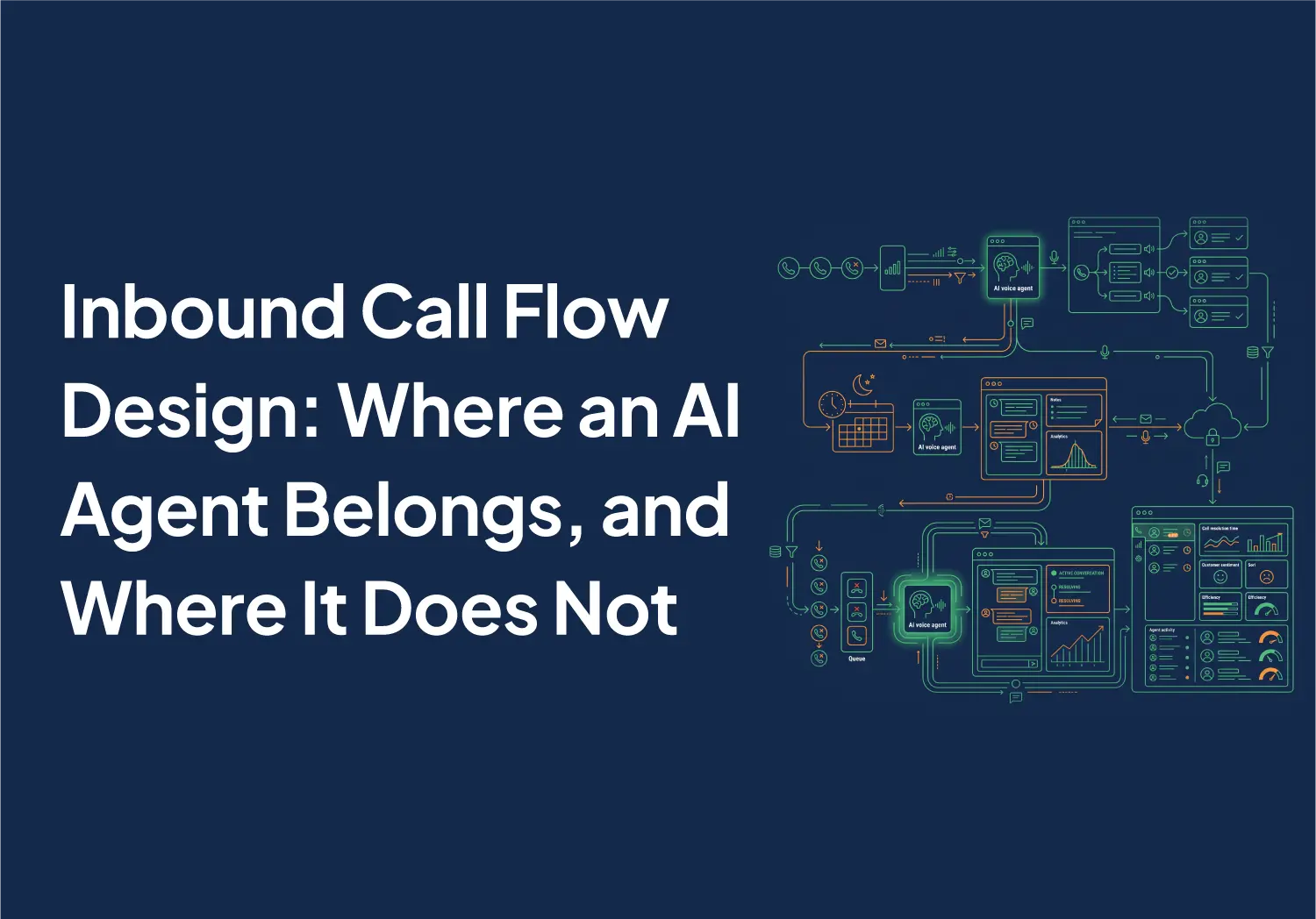
TL;DR: An inbound call flow has three places to put an AI agent, and they are not three versions of one decision. It can answer first and take the place of your touch-tone menu. It can cover the hours nobody is on the floor. Or it can sit behind everything and pick up only the calls that would have gone to voicemail. Start with the third. It is the only one of the three that cannot take a call away from a human who would have answered it.
- In front of the menu: every caller meets it, including the customer who has known for two years that support is option two. Biggest change to the caller experience, widest blast radius when the routing is wrong.
- On the after-hours window: the agent carries its own working hours, so you pick the shift it owns. This is the placement buyers most often ask for before they have checked whether they need it.
- On overflow: one account-level control catches every missed inbound call across all lines and ring groups. Nothing about the daytime flow changes, which is exactly why it is the safe first move.
- Do this before you decide anything: call your own main line at 7:40 in the evening from a number nobody at your company has saved. Whatever happens to you is what happened to your last three after-hours leads.
What are you actually deciding?
Teams used to say the phone never rang. Now they say somebody called and nobody was there to pick it up. HVAC and home services operators count it in lost jobs. Dental and medical practices describe missing calls they cannot even total up afterward. Real estate teams find out when the listing inquiry shows up on a competitor's calendar.
That is a staffing shape, not a telephony fault, and it is why "put AI on the phones" is the wrong unit of decision. The right question is which calls you hand to software, and the answer is different for a call at 11 a.m. on a Tuesday than for the same call at 9 p.m.
Start from your own volume. Across Aloware accounts over the year to 31 August 2026, 17.1% of weekday inbound calls arrive outside 8 a.m. to 6 p.m., and 24.4% once weekends are counted. Read that with its methodology attached. The query runs a single Eastern clock across every account, so a West Coast team's 5 p.m. call lands at 8 p.m. on that clock and counts as after hours. The same query treats a short answered-then-transferred call as unanswered, so use the volume figure for planning and the answer curve for shape only. On that curve, weekday answer rate peaks near 17.3% between 11 a.m. and 4 p.m. Eastern and drops to 7 to 9% before 8 a.m.
No configuration takes that after-hours share to zero, and any vendor promising it is selling you a staffing plan dressed as software. What the three placements decide is which of those calls gets a conversation instead of a voicemail, and what that conversation is allowed to do.
Should an AI agent replace your IVR?
This is placement one: the conversational assistant takes the place of the touch-tone IVR. Instead of pressing a digit, the caller says what they want and the assistant routes them.
Here is the contrast that matters, because it is the only part of this your caller experiences.
- Old way: "For sales, press 1. For support, press 2. For billing, press 3. To repeat this menu, press 9." The caller picks the least wrong option and hopes. You learn that they pressed 2.
- New way: "Thanks for calling. What can I help you with?" The caller says their compressor is out and they have no heat. You learn what they were actually calling about, in their words, and the agent can write it to the contact record as a note.
Aloware's conversion path reads your existing menu, maps each option to an equivalent routing action, and produces an editable assistant. The original menu is switched off rather than deleted, and a revert control puts it back.
Two limits before you commit. Routing to another menu or assistant is not supported by the conversion today, and neither is routing to a different AI agent. The documented workarounds are routing to an inbox or receptionist, and routing to a specific user. If your menu's whole job is handing callers between three other menus, flatten that structure first.
The failure mode here is mis-routing, and you must plan how you will catch it. A mis-route is not a crash. It is a caller with a billing question who gets a cheerful transfer to sales, and nothing in your call metrics flags it, because the call was answered and transferred, so your missed-call and answer-rate numbers look exactly like a perfect routing day. Audit it directly in week one: pull twenty conversations, read the caller's own opening sentence, and check where the call actually landed. Twenty is enough to see a pattern. If you wait for complaints, you are measuring the callers who bothered to call back.
Decide what the agent says about itself, too, and decide it here, because placement one is where every caller meets it. Write the disclosure into the assistant's first sentence rather than leaving it to the model, and check the requirement for the states you operate in with your own counsel. This post is about placement, not about disclosure law, and it is not legal advice.
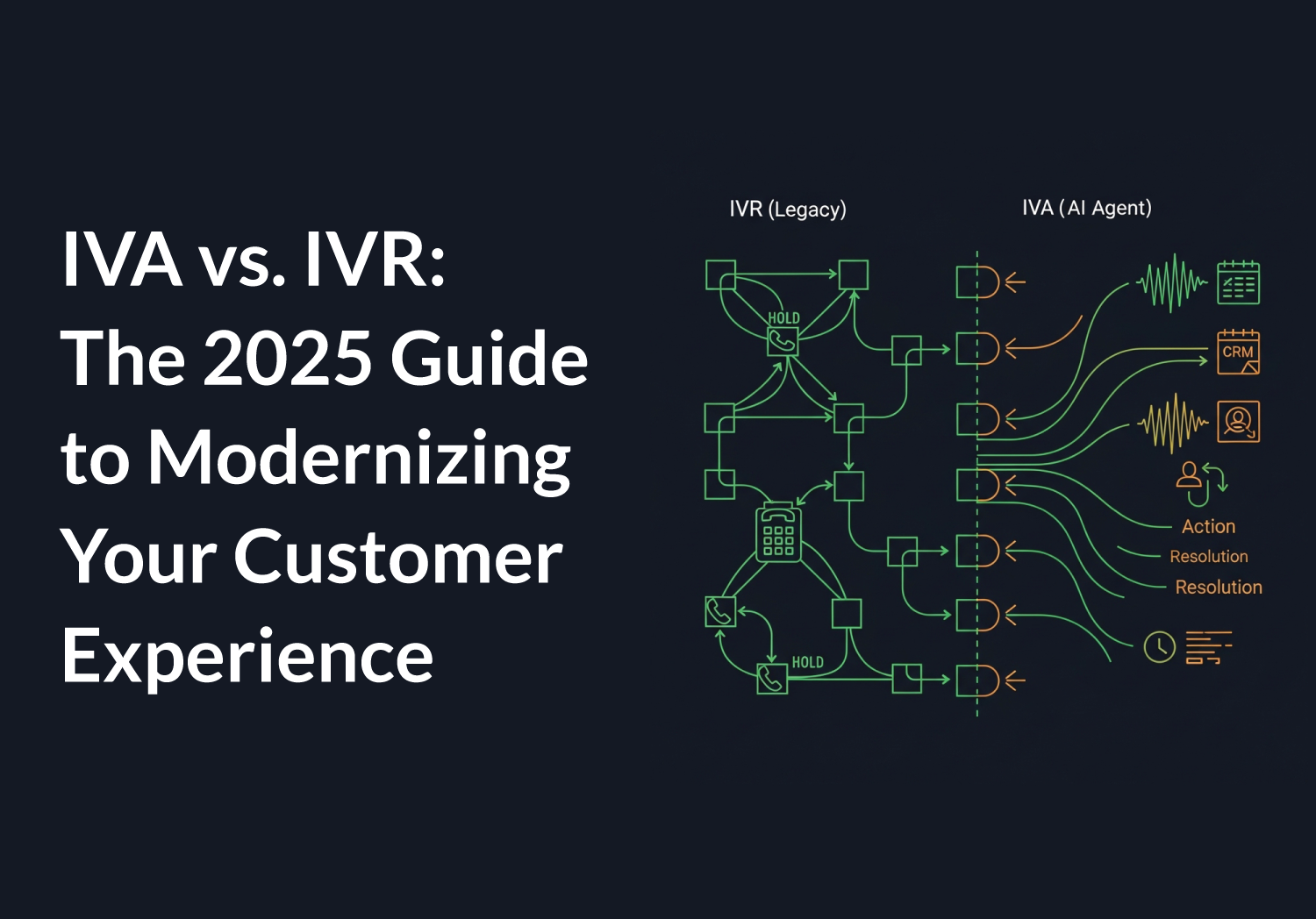
Do not start here if your menu is two options and already sends people to the right place. Rebuilding a flow that works, to prove AI can rebuild it, is a project with no reader on the other end. If your complaint is the hours the menu runs, that is placement two. If it is what happens at the end of the menu, that is placement three. The definitional comparison between a menu and an assistant is covered in IVA vs IVR, and menu design itself in this walkthrough of call center IVR setup.
Should an AI agent cover your after-hours calls?
Placement two attaches an inbound AloAi Voice Agent to a line as the answerer, and the agent carries its own schedule. Working hours are set in the company timezone, with the option to stand down on US national holidays. You are choosing which shift the software owns, not whether it is switched on. Language is set per agent, and the options include English, a combined English and Spanish mode, and Spanish, which matters if your dental, medical or home services line already takes Spanish calls during the day.
Be honest about which product you are buying. After-hours coverage is the thing buyers ask for by name, and asking for it by name is not the same as needing it. If all you want is an evening answering service, with no daytime calling operation behind it, buy an answering service. Aloware is built around a team's whole calling operation, and the pricing follows that choice. Sorting that out before the demo saves everyone a month.
If placement two is right for you, decide three things before it goes live.
- Which hours genuinely count as after hours for your team. Not the hours on your website. The hours your last twenty missed calls actually landed in, on your own clock. That is the flaw in every national benchmark, including the one above.
- What the agent may do at 9 p.m. Booking an appointment and capturing intent are different permissions from transferring a live call, and a transfer at 9 p.m. usually has nowhere to land. The appointment tool is configured at the tool level, including which operations are permitted, and an operation you switch off stays off even when the caller asks for it.
- What the next morning looks like. A conversation nobody hears is worth less than a voicemail unless it lands as a record. The agent writes a structured summary as a note on the contact's timeline. Where AloAi Voice Analytics is enabled, automatic transcription is on rather than on-demand, and transcription is switched on for that agent, it also sends a post-call email carrying the transcript link and the outcome. Where the CRM is HubSpot, contact properties captured in the conversation sync across.
- Before: a rep opens a voicemail at 8:05 a.m., listens to forty seconds of it, writes down a number, and calls back without knowing what the caller wanted.
- After: the rep opens a structured note that already names the caller, the reason they called and what the agent promised them, and dials with the first line of the callback already written.
The test for this placement is boring and it is the one that counts. Pick a morning, open the overnight conversations, and ask whether a rep can pick up the thread without listening to anything. If they have to listen, you are capturing calls, not capturing leads.
What does an overflow AI agent change?
Placement three is AI Call Rescue, the account-level version. One control routes every missed inbound call, from any line and any ring group, to a managed voice agent that greets the caller, captures intent and contact details, and logs a transcript note. It is a voice handler, not an SMS text-back, and that distinction matters because the caller is still on the phone when it engages.
Operationally, a missed call stops being a voicemail. The call is no longer marked missed, and the timeline records that the rescue agent answered it and who ended the call. Plan for that on day one.
- Before: Monday's report shows a missed-call count and nothing about what any of those callers wanted.
- After: the missed-call count falls, and the calls that used to sit inside it are readable conversations with an intent attached. Read that fall as a definition change, not as a staffing win.
Four constraints, because this is the placement easiest to switch on without thinking.
- It is account-level. This is not a per-line pilot. While it is on, the individual missed-call settings on lines and ring groups are shown as managed at the account level and are read-only.
- Your alerting does not move with it. Missed-call email notifications state that the rescue agent handled the call on personal lines. Ring groups are not covered by that notification, so supervisors watching ring-group missed-call emails need a different source. Use the permanent AI Call Rescue dashboard filter instead: it reports missed calls answered, voicemails, queue hold time, average talk time and unreturned conversations, and it stays available even when the feature is off.
- It records and transcribes everything it handles. That happens even on accounts where inbound call recording and voice analytics are switched off, because the recording rides the agent rather than the account setting. Check that against your own recording policy before you switch it on, not afterward in a transcript.
- Activation carries a price acknowledgement. An administrator confirms the per-minute rate once before first activation, and that confirmation is logged.
Know the ceiling as well. Aloware currently runs up to 40 concurrent AI calls across all accounts, inbound and outbound combined, and beyond that the agent waits and retries. For a spike shaped like a marketing email or a storm week in home services, size the expectation against that number rather than assuming infinite parallel capacity.
Here is the reason this is the recommended starting placement: switching it off restores every line and ring group to the settings it had before, because those settings are preserved rather than overwritten. You are adding a floor under the flow, not rebuilding the flow. For how a live answer, an overflow handler and a warm transfer stack together, the AI answering service breakdown covers the layers this post deliberately does not restate.
Which placement should you start with?
Key takeaway: the three placements are not degrees of the same product. In front of the menu changes every caller's experience, after hours changes one shift, and overflow changes only the calls you were already losing. Match the placement to the call you are actually missing.
Start on overflow. That is not a hedge. The other two change what happens to a caller who would have reached a person, and overflow only changes what happens to a caller who would have reached nothing, which makes it the one placement where being wrong costs you almost nothing.
One gate to confirm on your own account before you plan around any of this: all three run on a Pro plan with AI enabled, and both the menu conversion and AI Call Rescue are in beta and are switched on per account rather than self-served. Ask where your account stands before you build a rollout date around it.
What does an inbound AI agent cost?
Usage is billed per AI talk-minute, and the rate is set by the voice model tier you pick rather than by a single flat price. It starts at $0.10 per minute on the Basic tier, which is the default tier for both the overflow handler and the menu conversion. Enabling the capability is not what costs money. Usage is. Current plan detail sits on the pricing page, and your sales conversation should size it against the hours in your own call log rather than an industry average.
One mechanical note worth knowing. The voice stack runs on Retell, which describes itself as a platform to build, test, deploy and monitor AI voice and chat agents with telephony, prompts, tools and analytics built in. Billing follows the conversation duration Retell reports.
What should you ask on the demo?
An inbound AI demo almost always shows you the same thing: a clean call, a booked appointment, a happy transcript. The demo is real, and it is not the decision. Five questions separate the three placements, and any vendor can answer all five in ten minutes.
- Which of the three placements was that demo? If the answer is "all of them," it was the first one, and every caller will meet it.
- What happens to a caller the agent cannot help? Ask for the specific fallback, not the word "transfer." Warm and cold transfers to a user, a ring group or a line behave differently and land in different places.
- Where does the conversation end up? A note on the contact record and a transcript are a different product from an email to an inbox. Ask which is on by default and which needs another feature enabled.
- What does this do to my missed-call number? Any overflow handler changes the definition of a missed call. Find out before your Monday report does.
- What is recorded, and can I turn it off? Ask specifically about calls handled by the overflow agent, because that path behaves differently from the account's normal recording setting.
Bring your last month of missed calls to that conversation. The hours they landed in usually make the decision on their own, and your existing call routing rules tell you which of the three placements has anything left to improve.
The bottom line
Inbound call flow design with an AI agent is a placement decision, and the placements are genuinely different products carrying different risks. In front of the menu changes the experience of every caller. On the after-hours window it changes one shift. On overflow it changes only the calls you were already losing.
Start on overflow. Measure for a month against your own call log instead of a benchmark. Move the agent forward in the flow only when you can point at the calls that justify it. And if it turns out your flow is fine and staffing is the real constraint, that is a useful answer too, and it cost you a month rather than a migration.
Hear an AI voice agent handle an inbound call, and bring your own call log to the conversation.

Frequently Asked Questions
Can an AI voice agent make outbound calls, or does it only answer inbound ones?
It can do both, but not at the same time as the same agent. In Aloware, an agent runs in one direction, and voice and text are separate agents as well. A saved agent's direction is editable, so you are not locked in, but a team that wants an inbound answerer and an outbound caller running side by side keeps two agents rather than one. For inbound call flow design that matters in a practical way: the agent you place in front of your menu, on your after-hours window, or on overflow is an inbound agent, and adding outbound calling is a separate build rather than a checkbox on this one.
Does putting an AI agent on inbound mean replacing my IVR?
Only if you choose the first of the three placements. Replacing the touch-tone menu is one option, and Aloware's conversion path reads your existing menu, maps each option to an equivalent routing action, and switches the original menu off rather than deleting it, with a control to restore it. The other two placements leave your menu exactly as it is. An after-hours agent answers a shift you define on a line, and AI Call Rescue sits behind the whole flow and takes only the calls that would have been missed. Starting with one of those two keeps the menu working while you learn what the agent is good at.
What happens to a caller the AI agent cannot help?
That is the fallback question, and it is the one to press a vendor on. An Aloware inbound voice agent can transfer a live call, warm or cold, to a specific user, a ring group or a line. It can route the caller to an extension after listing the available ones, and it can route to the HubSpot owner of the contact or the active deal. It can also route the caller to voicemail, which ends the conversation. What none of that solves is a transfer at an hour when nobody is available to receive it, which is why the after-hours placement needs its permitted actions decided in advance rather than left open.
Will an AI agent answering missed calls change my missed-call reporting?
Yes, and plan for it before the first Monday report. When AI Call Rescue handles a call, that call is no longer marked as missed. The timeline records that the rescue agent answered it and who ended the call, and the dashboard carries a dedicated filter for these calls reporting missed calls answered, voicemails, queue hold time, average talk time and unreturned conversations. The drop you will see in your missed-call count on day one is a change in definition rather than an improvement in staffing, and those two are easy to confuse in a board deck.
Do I have to pick one placement, or can I run more than one?
They are configured at different levels, which is the first thing to understand. An inbound agent is attached to a line, while AI Call Rescue is a single account-level control covering every line and ring group. One documented consequence of turning the account-level control on: the individual missed-call settings on lines and ring groups are then shown as managed at the account level and become read-only. If you plan to run an inbound agent on a line and the overflow handler behind it, confirm the combined behavior on your own account with your Aloware contact before you design the flow around it. How a live answer, an overflow handler and a warm transfer stack together is covered in our breakdown of what an AI answering service actually does.
How much does it cost to have an AI voice agent answer inbound calls?
Usage is billed per AI talk-minute, and the rate is set by the voice model tier you select rather than by a single flat price. It starts at $0.10 per minute on the Basic tier, which is the default tier for both the overflow handler and the menu conversion. Enabling the capability is not the cost, usage is. Check current plan detail on the Aloware pricing page and size it against the hours in your own call log rather than an industry average, because the after-hours share of inbound calls varies enormously by industry and by timezone.
Are calls handled by the overflow agent recorded?
Yes. AI Call Rescue always records and transcribes the calls it handles, and it does so even on accounts where inbound call recording and AloAi Voice Analytics are switched off, because the recording rides the agent rather than the account-level setting. Playback and the transcript appear on the call's communication record. Check this against your own recording policy and the requirements in the states you operate in before you switch the feature on, rather than discovering it in a transcript later.
.png)

Ruby Kootval is Head of Product Marketing at Aloware. She has 12 years in digital marketing, including 8 in B2B SaaS and 5 in telecom, and writes about AI voice agents, dialers, CRM integrations, and contact center operations.