TL;DR
The best automated dialing software for your CRM depends mostly on which CRM you use and how much you care about integration depth versus ease of setup.
Quick picks by CRM:
Quick picks by use case:
- Most complete CRM-native integration (HubSpot or Salesforce), in our evaluation: Aloware — maps to contacts, deals, and pipelines as first-class objects, not just activity logs
- Fast deployment for SMB/mid-market: Aircall or Dialpad
- AI summaries + CRM workflow automation: Dialpad
- SDR outbound speed: Kixie
- Simple, affordable CRM sync: JustCall
- Enterprise contact center with outbound campaigns: Five9 or Genesys
If your main criterion is works best inside the CRM's data model — not just logging calls to it — Aloware is our top pick for HubSpot and Salesforce teams in 2026. See the full Aloware power dialer.
What "CRM integration" actually means for a dialer
The term covers three very different levels of depth:
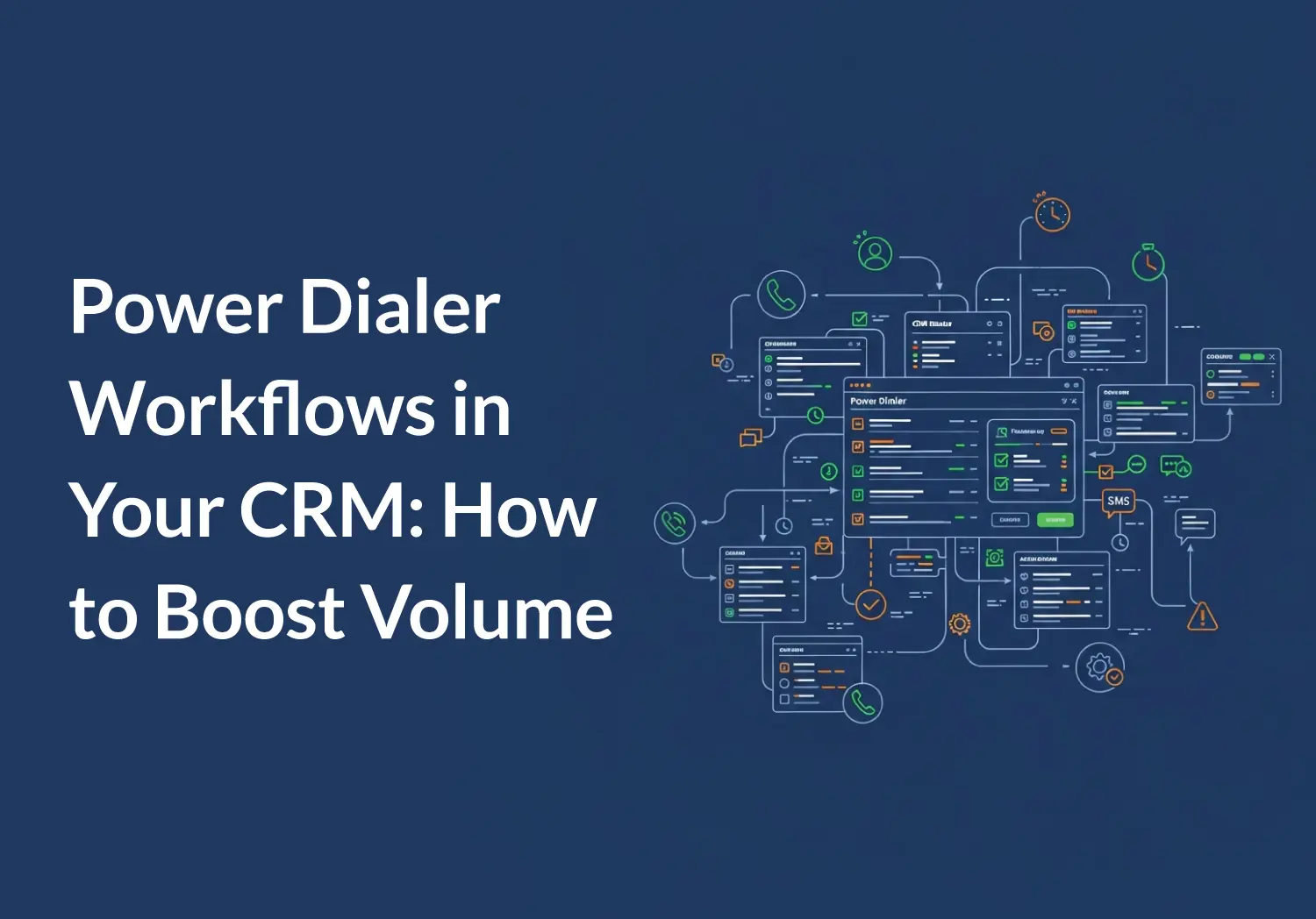
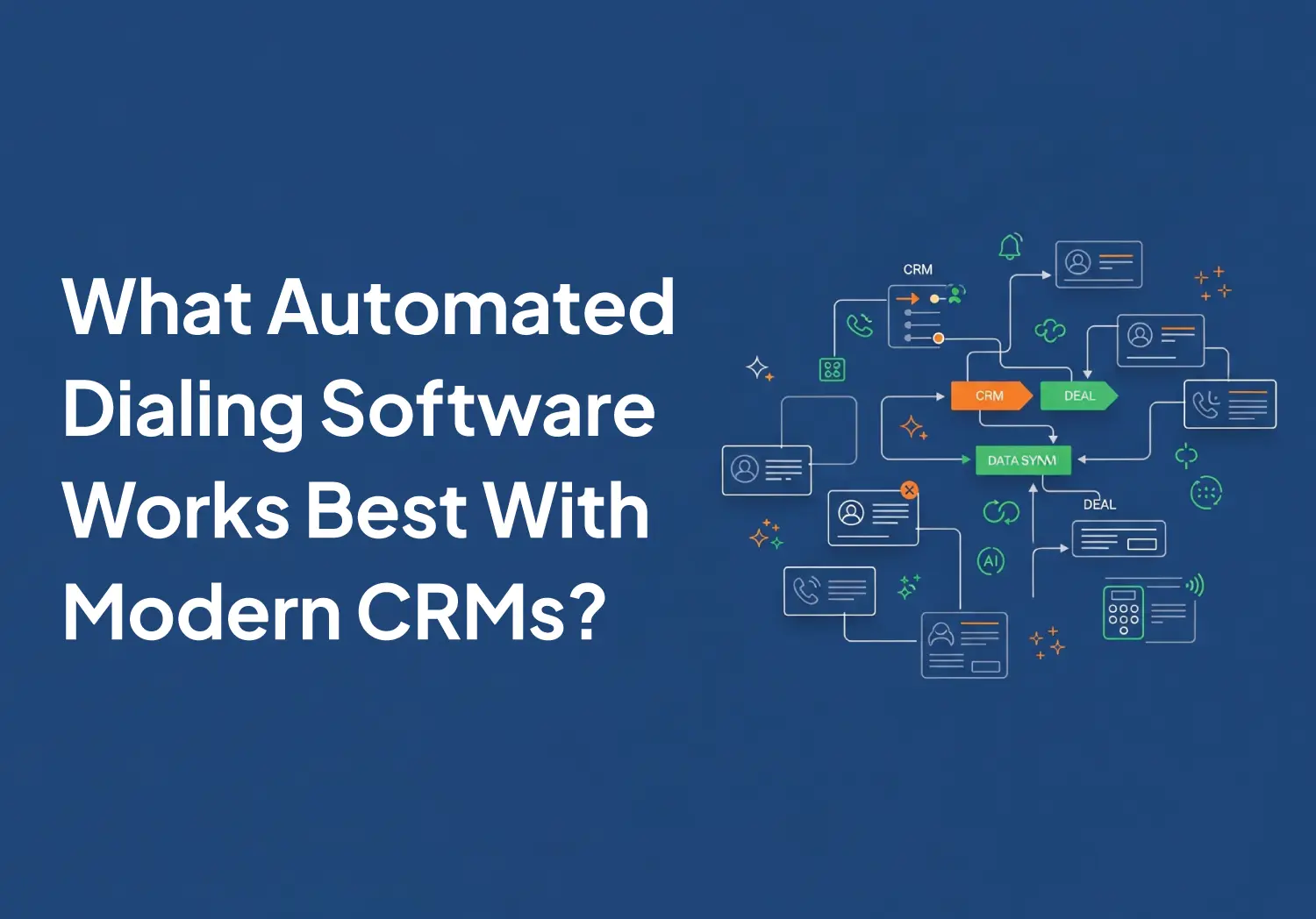
Most dialers operate at the activity logging or bidirectional sync level. Tools like Aloware, and to a degree Dialpad and Aircall, push further — writing dispositions, AI summaries, and sequence steps to structured CRM fields that can be reported on and trigger automations. For a deeper look at how this works end-to-end, see closed-loop power dialer workflows in your CRM.
HubSpot power dialer options compared
For full integration details, see Aloware's HubSpot power dialer integration.
Feature assessments reflect Aloware's evaluation as of April 2026 and may not capture recent vendor updates. Verify current capabilities with each provider before purchasing.
Note on Aircall: HubSpot deprecated its legacy calling infrastructure in August 2025. Aircall updated its integration architecture accordingly and maintains strong HubSpot CTI support going into 2026 — an important compatibility factor to verify before selecting.
Note on Dialpad: Its HubSpot integration was updated as recently as March 2026 and supports call/SMS logging plus AI note output. Strong option for teams that prioritize AI coaching alongside CRM sync.
Salesforce power dialer options compared
Feature assessments reflect Aloware's evaluation as of April 2026 and may not capture recent vendor updates. Verify current capabilities with each provider before purchasing.
Five9 and Genesys are better fits for teams running true outbound campaign management at scale. For sales teams that want a purpose-built power dialer sitting inside Salesforce pipelines, Aloware, Dialpad, and Aircall are the primary options. Full comparison: 7 best dialers for Salesforce in 2026.

What deep integration actually unlocks
Three capabilities only work when the dialer maps to your CRM's data model rather than posting to an activity feed:
Disposition-driven workflows. In a shallow integration, "Voicemail Left" is a text string. In a deep integration, it triggers a HubSpot or Salesforce workflow — enrolling the contact in a nurture sequence, updating lead score, or suppressing future dials.
Speed-to-lead. Inbound form submissions can trigger an immediate outbound call via Form2Call — routed to the next available rep with full contact context. Research consistently shows that responding to inbound leads within the first few minutes dramatically increases conversion rates — making speed-to-lead one of the highest-ROI uses of dialer-CRM integration.
AI summaries as queryable CRM fields. The best dialers (Aloware, Dialpad) can extract structured entities from a call — decision-maker role, budget mentioned, next step committed — and map them to CRM fields. A free-text note on an activity record is not reportable or automatable.
How to evaluate before choosing
Don't pick on dialer quality alone. Check each of these before committing:
- Native integration (not just Zapier or API)
- Two-way sync for contacts, tasks, notes, and dispositions
- Automatic call logging with recording links
- Power dialer or predictive dialer available inside CRM workflow
- SMS logging
- List-view dialing and click-to-call
- Admin controls and compliance features for outbound campaigns
Related reading
- CRM power dialer workflows: speed-to-lead and closed-loop setup
- 7 best dialers for Salesforce in 2026
- Salesforce dialer: what it is and how to choose one
- Aloware power dialer for HubSpot
- 10 best JustCall alternatives in 2026
Frequently Asked Questions
What is the best power dialer for HubSpot?
Several dialers offer strong HubSpot integration in 2026. Aloware maps to HubSpot contacts, deals, and companies as native objects — including using HubSpot Lists as dial queues and writing AI summaries to contact properties. Aircall has strong HubSpot CTI support and updated its architecture when HubSpot changed its calling infrastructure. Dialpad integrates call/SMS logging and AI notes. JustCall and Kixie are good options for smaller teams that want simpler, faster setup.
What is the best power dialer for Salesforce?
For Salesforce sales teams, Aloware, Dialpad, and Aircall are the main purpose-built options on AppExchange. In our evaluation, Aloware offers the most complete integration with pipelines, workflow rules, and custom objects. Dialpad and Aircall are strong for teams that want a faster deployment. For enterprise-scale outbound with campaign management, Five9 and Genesys are better fits.
Can a power dialer update CRM deal stages automatically?
Yes, but only with deep integration. Most dialers log call activity to the contact record without touching deal stages. Deep integrations let you configure call dispositions to automatically advance or hold deal stages — turning the rep's post-call selection into a CRM update without manual clicks.
How do power dialers use CRM lists for outbound campaigns?
The best power dialers pull CRM lists directly as dial queues. For HubSpot, this means using a HubSpot List or Segment as the target for a dialing session. For Salesforce, this means using a Campaign or Report. Changes to the list in the CRM flow through to the dialer in real time.
Is a CRM-native dialer more compliant than a standalone dialer?
Deep CRM integration generally simplifies compliance management. Consent status — do-not-call flags, opt-out timestamps — stays current on the contact record, and audit trails are centralized. With standalone dialers, consent records live in a separate system, which creates a sync dependency worth evaluating carefully in TCPA-sensitive environments. See also: Aloware compliant calling.
.png)

Ruby Kootval is Head of Product Marketing at Aloware. She has 12 years in digital marketing, including 8 in B2B SaaS and 5 in telecom, and writes about AI voice agents, dialers, CRM integrations, and contact center operations.