Contact lookup API
Find a contact by phone number.
Find an Aloware contact by phone number from your own app or system. Send a GET request with your API token and the number, and you get the contact back if one exists.
- Where to find it: Integrations menu > Contact Lookup API in Aloware
- Method: GET
- Auth: your API token, in the query string as
api_token - Lookup key:
phone_number - Format: JSON out
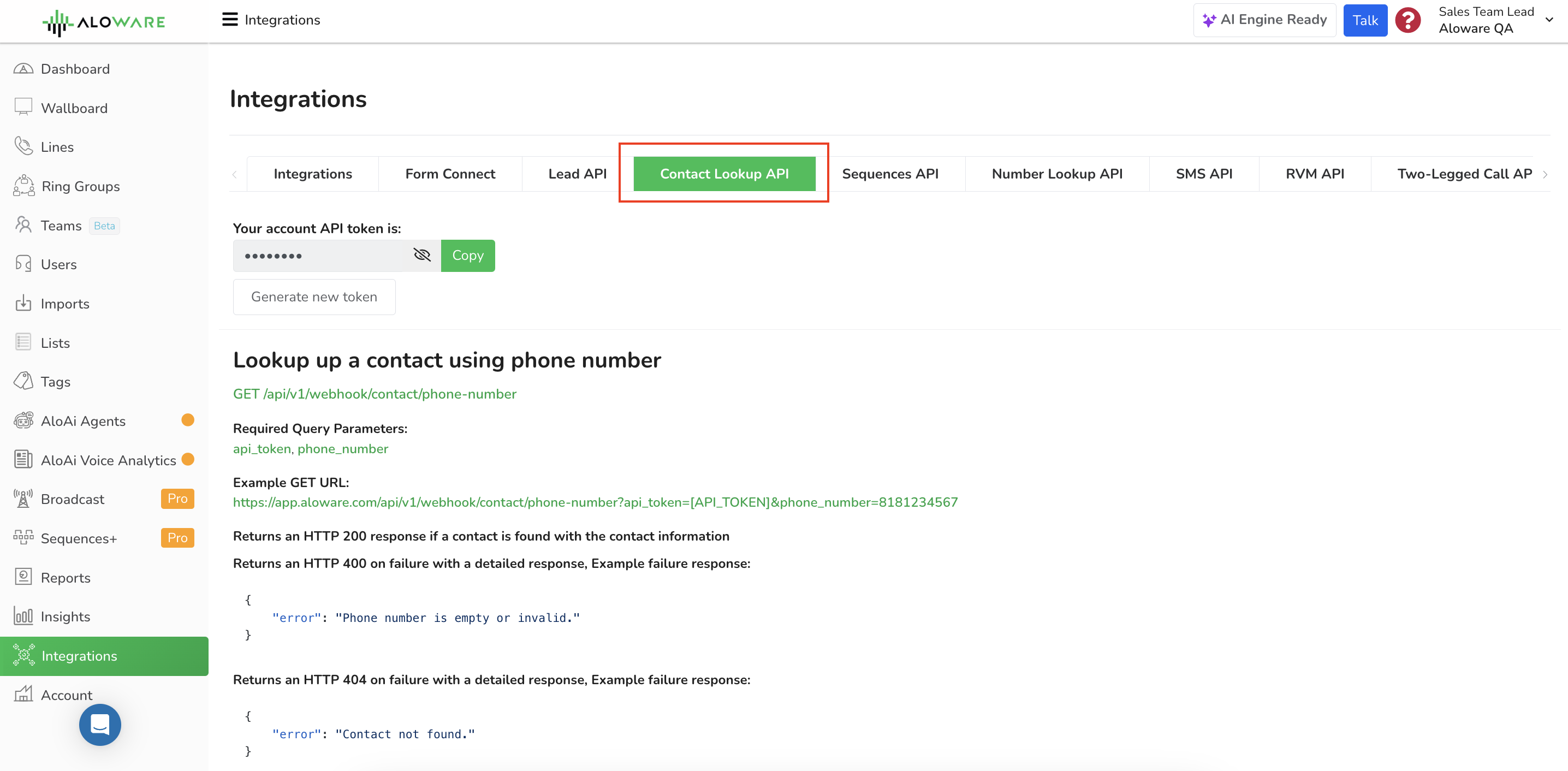
Endpoint
Fields
The first two are required; load_info is optional:
Request example
Add both parameters to the URL:
Responses
200: contact found
A contact matches the number, and its details come back in the response.
400: bad request
A parameter was missing or invalid. The body tells you what went wrong:
404: no match
No contact has that phone number. The body says so:
cURL example
The same lookup from the command line:
Need another endpoint?
For other API functions or any question about this one, email support@aloware.com with what you're trying to do.
Need a hand?
Our support team can help you set this up.