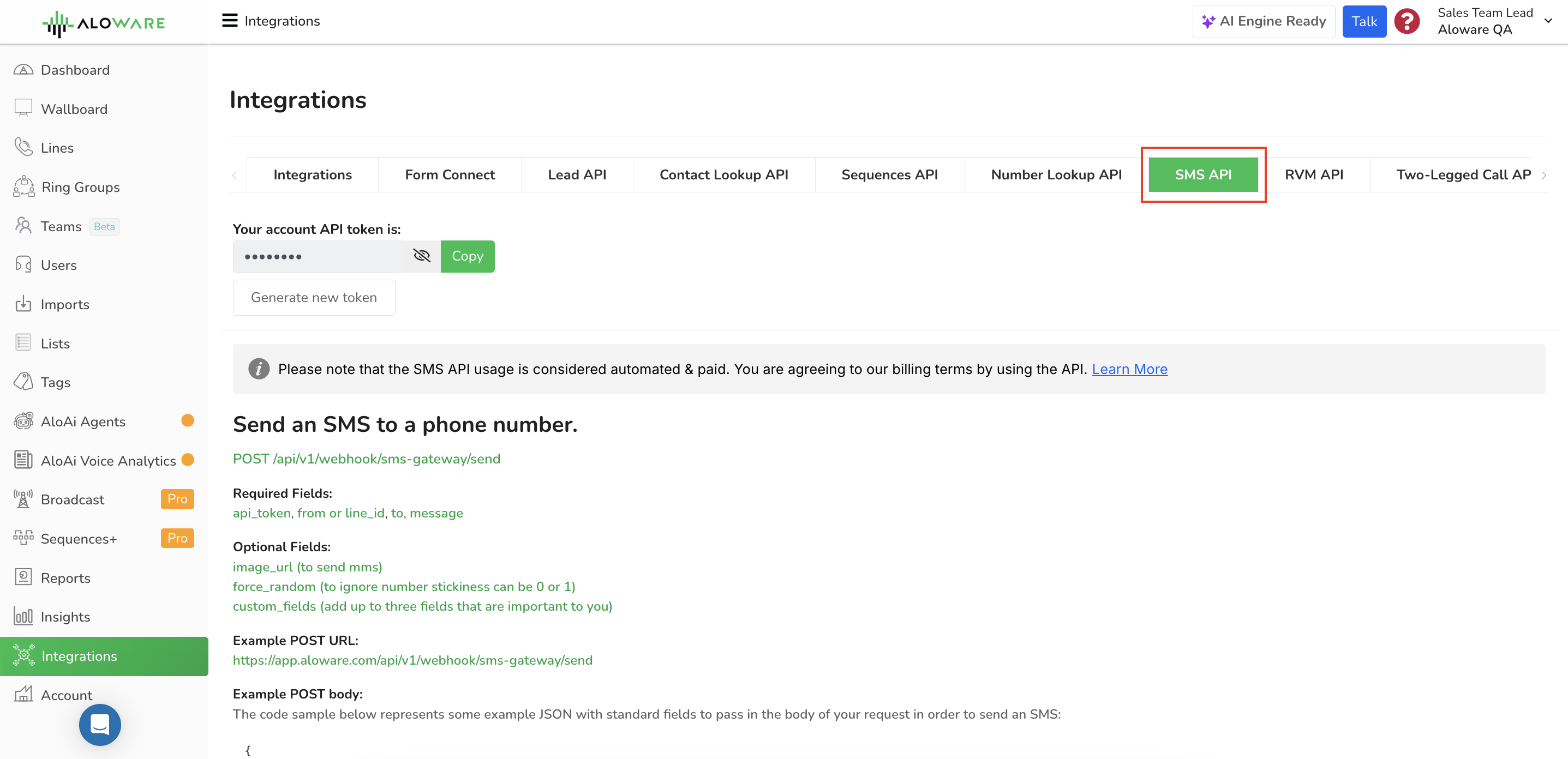
Send text and picture messages from your own app, CRM or script through an Aloware number. One POST request with your API token, a sender, a recipient and the message is all it takes.
Method: POST
Auth: your account API token, sent in the request body as api_token
Format: JSON in, JSON out
Sender: a phone number on your account (from) or the ID of one of your lines (line_id)
Your API token is on the Integrations page of your Aloware admin account.
Billed: Texts sent through the API count as automated, paid usage under Aloware's billing terms.
The content of the SMS message (limited to 160 characters).
Optional
image_url
(for MMS) The URL of the image to include in the MMS message.
force_random
(optional) This field "force_random" can be set to either 0 or 1. When set to 1, it will ignore the number stickiness feature. Number stickiness ensures that a contact or number remains associated with a specific user or system. By enabling "force_random," the API will assign or distribute the message randomly instead of considering the existing associations or stickiness.
custom_fields
Up to three fields that matter to you, each a key with a text value. Each shows on the message as its key and value: custom_field_1 set to value1 shows as Custom Field 1: value1.
user_id
Who the message is sent as. -1 sends it as the company, with no user. 0, or leaving it out, sends it as the contact's owner (or the company when the contact has no owner). A user ID sends it as that user; an ID that doesn't exist returns 422.
Request examples
Text from a phone number
Use from when you want the message to come from a specific number on your account.
{
  "api_token": "[API_TOKEN]",
  "from": "+18552562001",
  "to": "+18181234567",
  "message": "Hello, an SMS from Aloware."
}
Text from a line
Use line_id to send from one of your Aloware lines instead of naming a number.
{
  "api_token": "[API_TOKEN]",
  "line_id": 1234,
  "to": "+18181234567",
  "message": "Hello, an SMS from Aloware."
}
Picture message (MMS)
Add image_url to attach an image. This example sends from a line.
{
"api_token": "[API_TOKEN]",
"line_id": 1234,
"to": "+18181234567",
"message": "Hello, an MMS from Aloware.",
"image_url": "https://placekitten.com/408/287"
}
Text sent as a user
Add user_id to send on behalf of one of your users.
{
    "api_token": "[API_TOKEN]",
    "from": "+18552562001",
    "to": "+18181234567",
    "message": "Hello, an SMS from Aloware.",
    "user_id": 1234
}
Text with custom fields
{
    "api_token": "[API_TOKEN]",
    "line_id": 1234,
    "to": "+18181234567",
    "message": "Hello, an SMS from Aloware with Custom Fields.",
    "custom_fields": {
        "custom_field_1": "value1",
        "custom_field_2": "value2",
        "custom_field_3": "value3"
    }
}
Responses
202: sent
The message was accepted and sent.
{
  "message": "Message sent."
}
422, 401 or 400: not sent
Something in the request was missing or wrong. The errors object names each field that failed.
{
  "message": "The given data was invalid.",
  "errors": {
    "message": [
      "The message field is required."
    ]
  }
}
cURL examples
From a phone number
curl -X POST \
  https://app.aloware.io/api/v1/webhook/sms-gateway/send \
  -H 'Accept: application/json' \
  -H 'Content-Type: application/json' \
  -d '{
    "api_token": "[API_TOKEN]",
    "from": "+18552562001",
    "to": "+18181234567",
    "message": "Hello, an SMS from Aloware."
  }'
From a line
curl -X POST \
  https://app.aloware.io/api/v1/webhook/sms-gateway/send \
  -H 'Accept: application/json' \
  -H 'Content-Type: application/json' \
  -d '{
    "api_token": "[API_TOKEN]",
    "line_id": 1234,
    "to": "+18181234567",
    "message": "Hello, an SMS from Aloware."
  }'
Need another endpoint?
If you need an API function that isn't covered here, email support@aloware.com.