Users API
List your users and their agent status.
Pull every user on your Aloware account, along with each one's current agent status, with one GET request and your API token. That list helps when you build further automation on Aloware's APIs and integrations.
- Method: GET
- Auth: your account API token, in the query string as
api_token - Format: JSON out (an array of users)
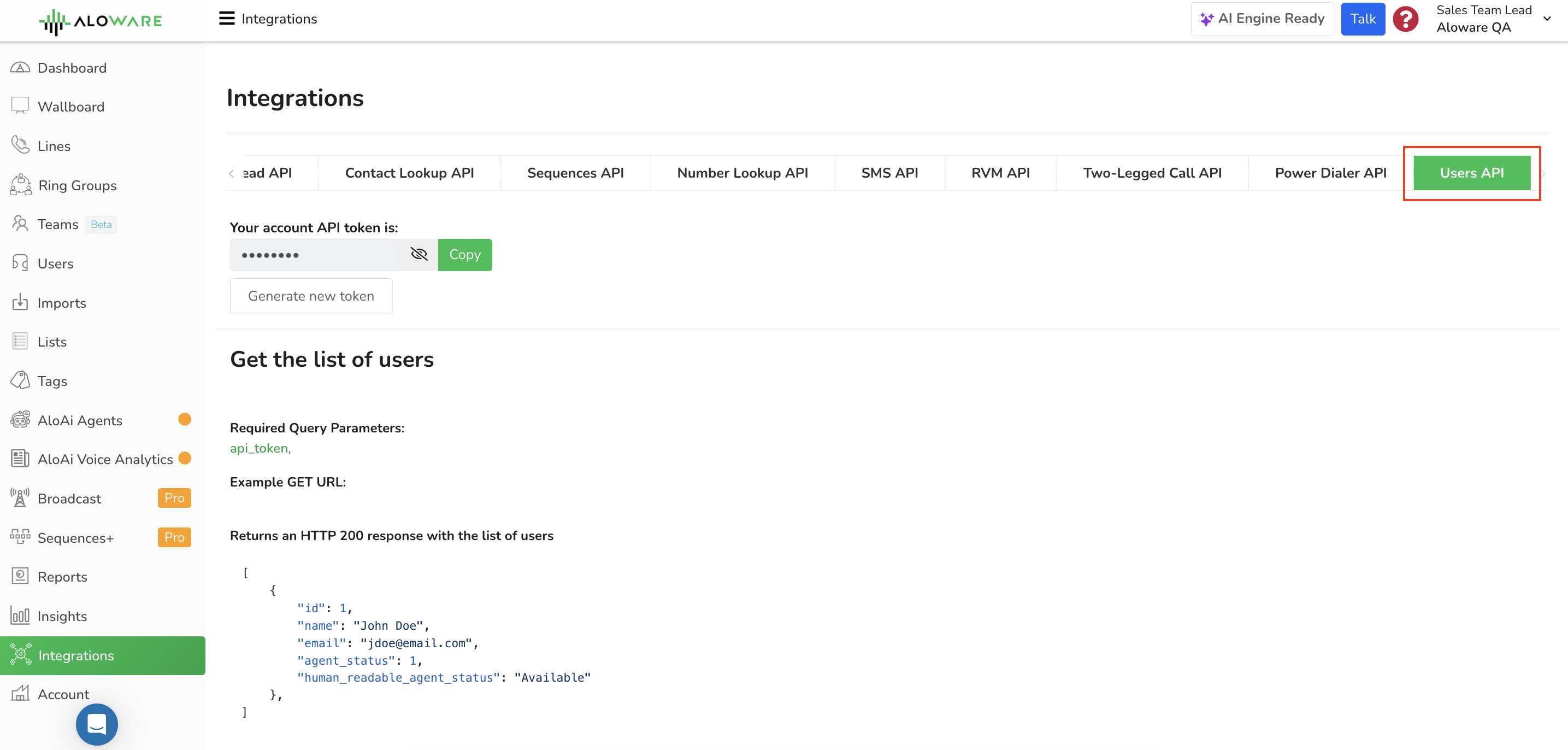
Endpoint
Call this to list your users:
Fields
Only one parameter, and it's required:
Request example
Responses
200: success
You get back a JSON array with one entry per user: their details and their agent status right now.
Agent status values
agent_status is a number. Here is what each value means:
cURL example
Put your own Aloware API token in place of '[API_TOKEN]'.
Need a hand?
Our support team can help you set this up.