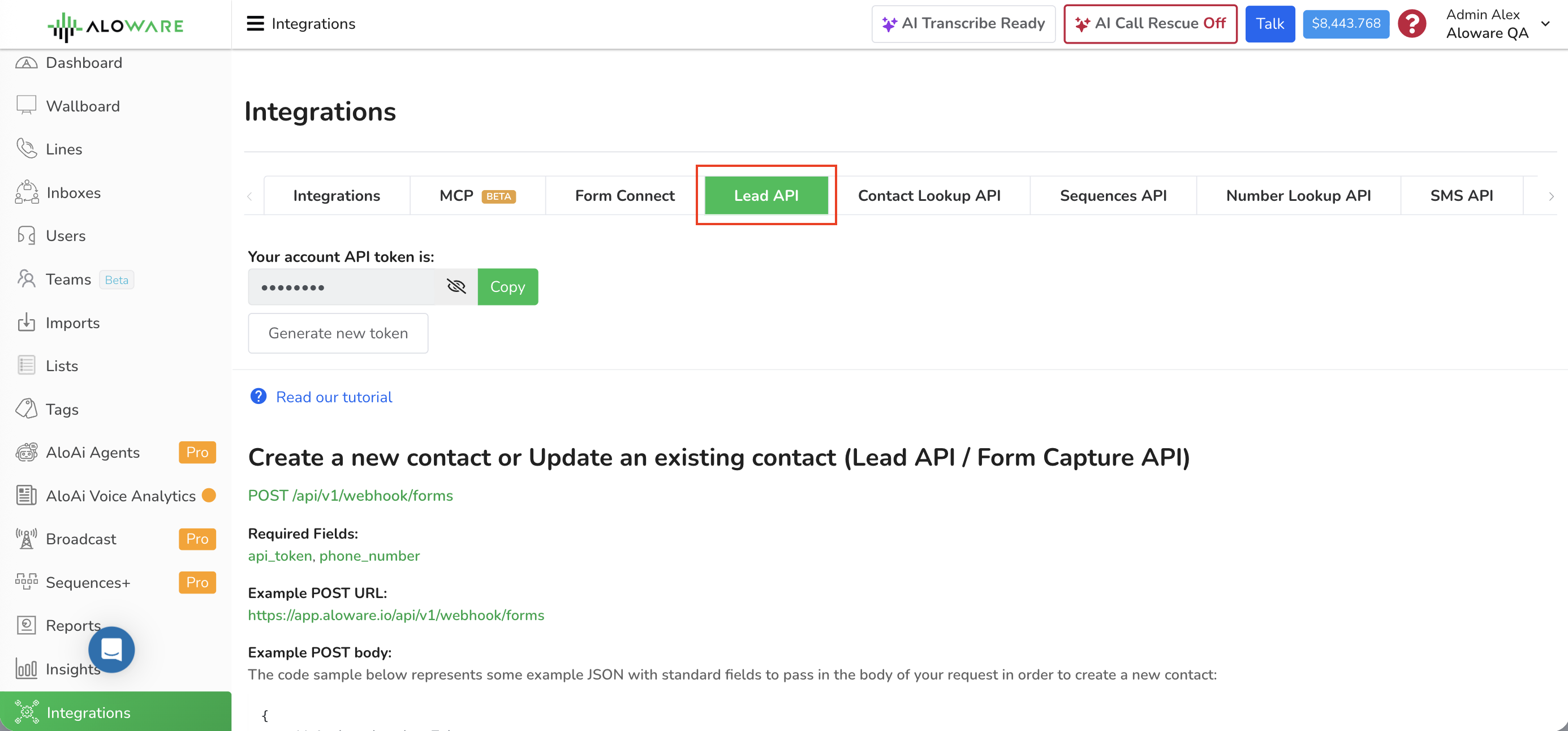
The Lead API (also called the Form Capture API) creates a contact in Aloware, or updates one that already exists. Use it to push leads from your own forms, apps or systems straight into Aloware's lead management.
Where to find it:Integrations > Lead API in Aloware
Method: POST
Auth: your account API token, sent in the body as api_token
Format: JSON in, JSON out
Required:api_token and phone_number; everything else is optional
Endpoint
One endpoint handles both creating and updating:
POST /api/v1/webhook/forms
Fields
Required
api_token
Your Aloware account API token.
phone_number
The phone number of the contact.
Full URL
https://app.aloware.io/api/v1/webhook/forms
Request body
Send JSON. The example below lists the standard fields, each marked required or optional. Swap the sample values for your own data.
Beyond the contact's details, the same request can handle ownership, distribution, the PowerDialer, sequences and related records. You can give the lead an owner, send it to an inbox, put it in the PowerDialer, enroll it in a sequence, and attach tags and a disposition status.
To set the owner by email instead of by ID, send user_email with the user's email address. Send either user_id or user_email, not both.
Need another endpoint?
For other API functions or any questions, email support@aloware.com and tell us what you need.