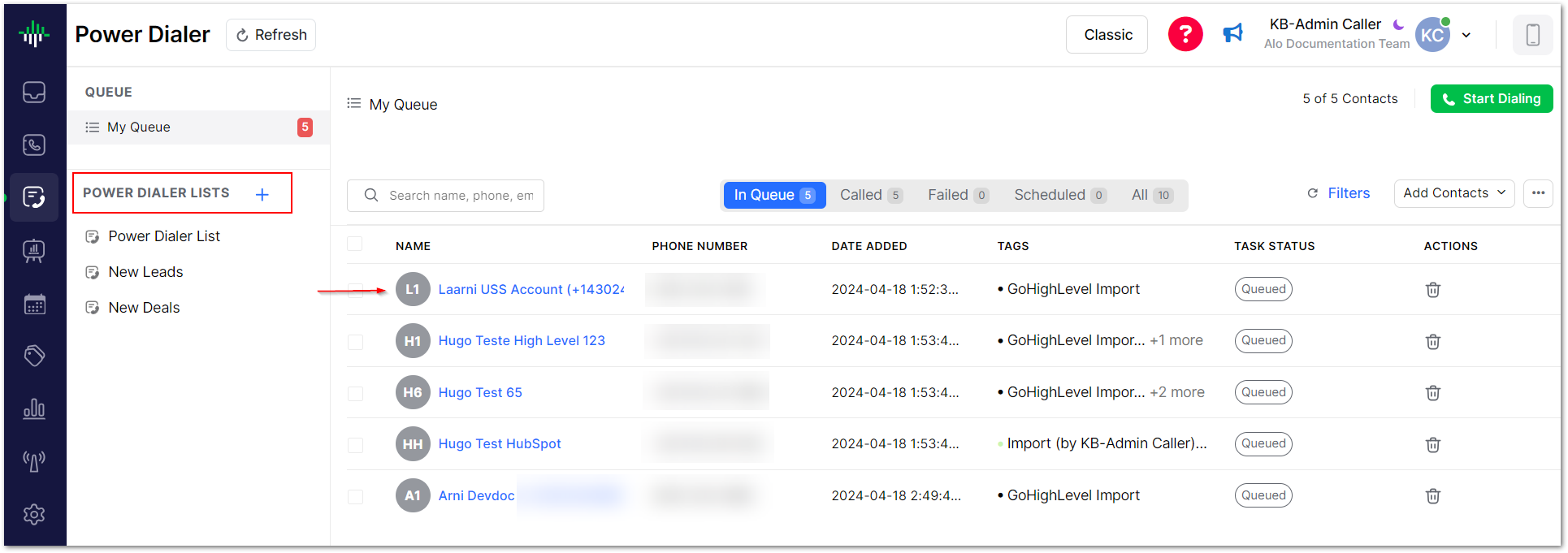
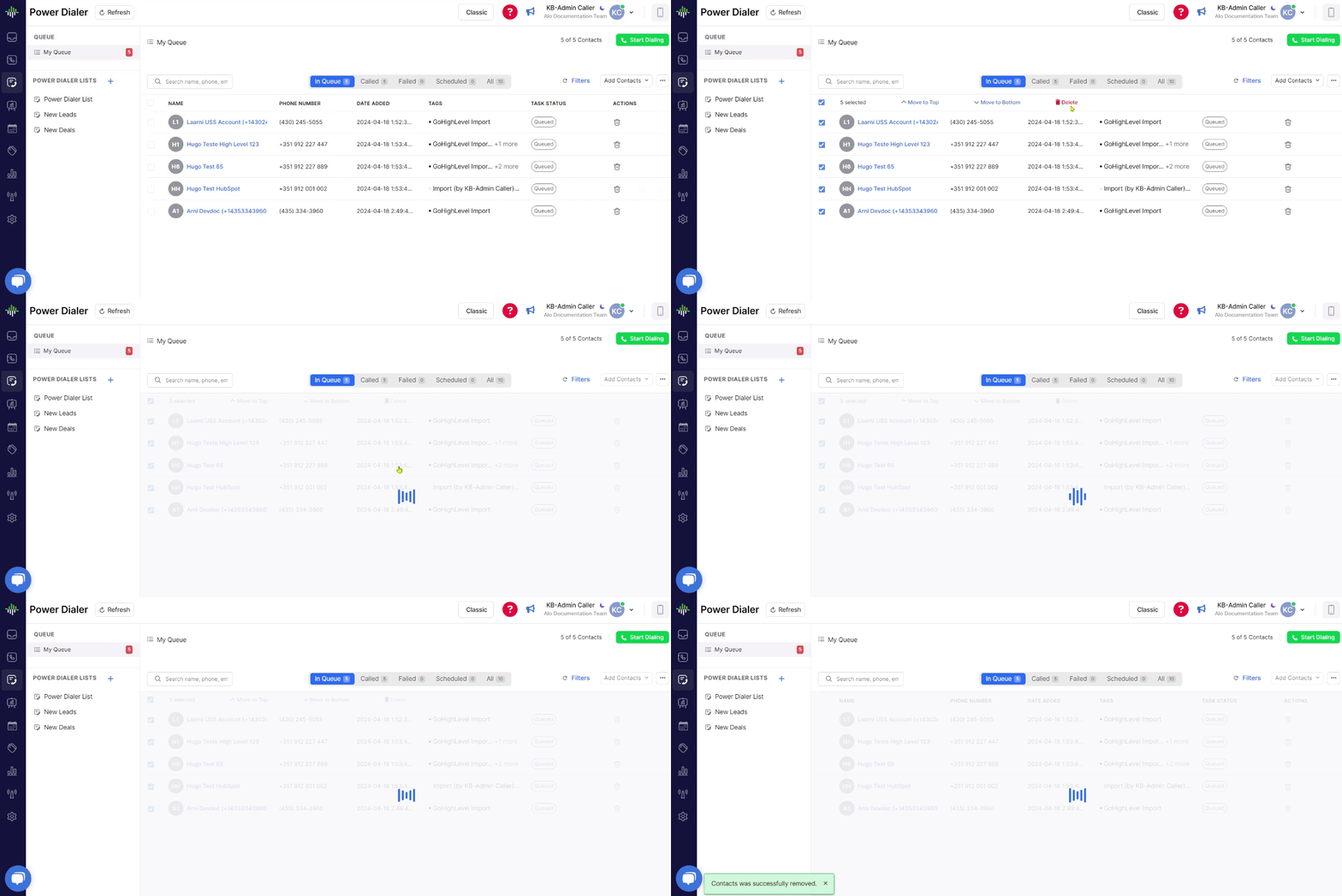
Fill and clear Power Dialer lists from your own code instead of clicking through Aloware Talk. Four POST endpoints cover the common jobs:
Add contacts to a list
Take one contact off every Power Dialer list
Empty a single Power Dialer list
Empty every Power Dialer list a user owns
Method: POST
Auth: your account API token, sent in the request body as api_token
Format: JSON in, JSON out
Add contacts to a list
Queue up to 1,000 contacts into one Power Dialer list in a single call. The add runs in the background, so a large batch can take a couple of minutes to show up.
Endpoint
POST /api/v1/webhook/powerdialer-add-contacts
Fields
api_token
Required. Your Aloware API token.
list_id
Required. The Power Dialer list to add to.
user_id
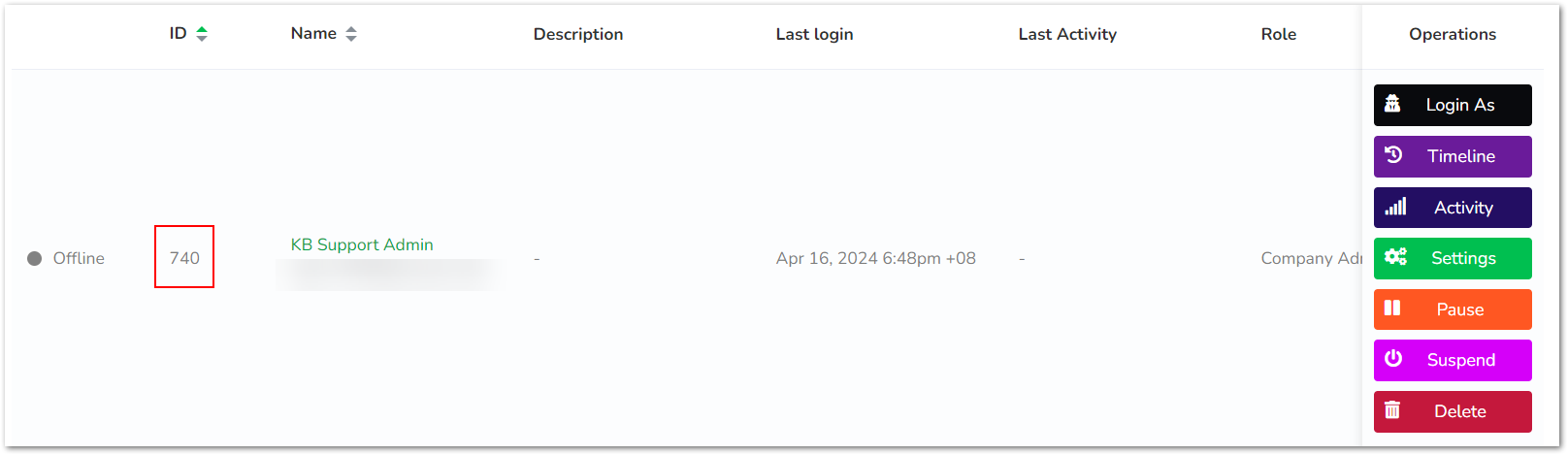
Required. The agent the contacts are added for.
contact_ids
Required. An array of contact IDs, at most 1,000.
position
Optional. top or bottom of the list. Default bottom.
prevent_duplicates
Optional. true skips contacts already in the list. Default true.
allow_international_phone_numbers
Optional. Default false, which skips most contacts with an international number.
List IDs come from the Power Dialer lists API. A list kept in sync with an integration such as HubSpot can't take contacts through the API.
{
    "message": "Tasks are being added to the Power Dialer list. It will take a couple of minutes if it's a large list."
}
422: a field is invalid, the list is kept in sync with an integration, or none of the contacts were found.
This call takes the optional Idempotency-Key header, so a retry after a timeout adds the contacts only once. See Safe retries.
Remove one contact from all lists
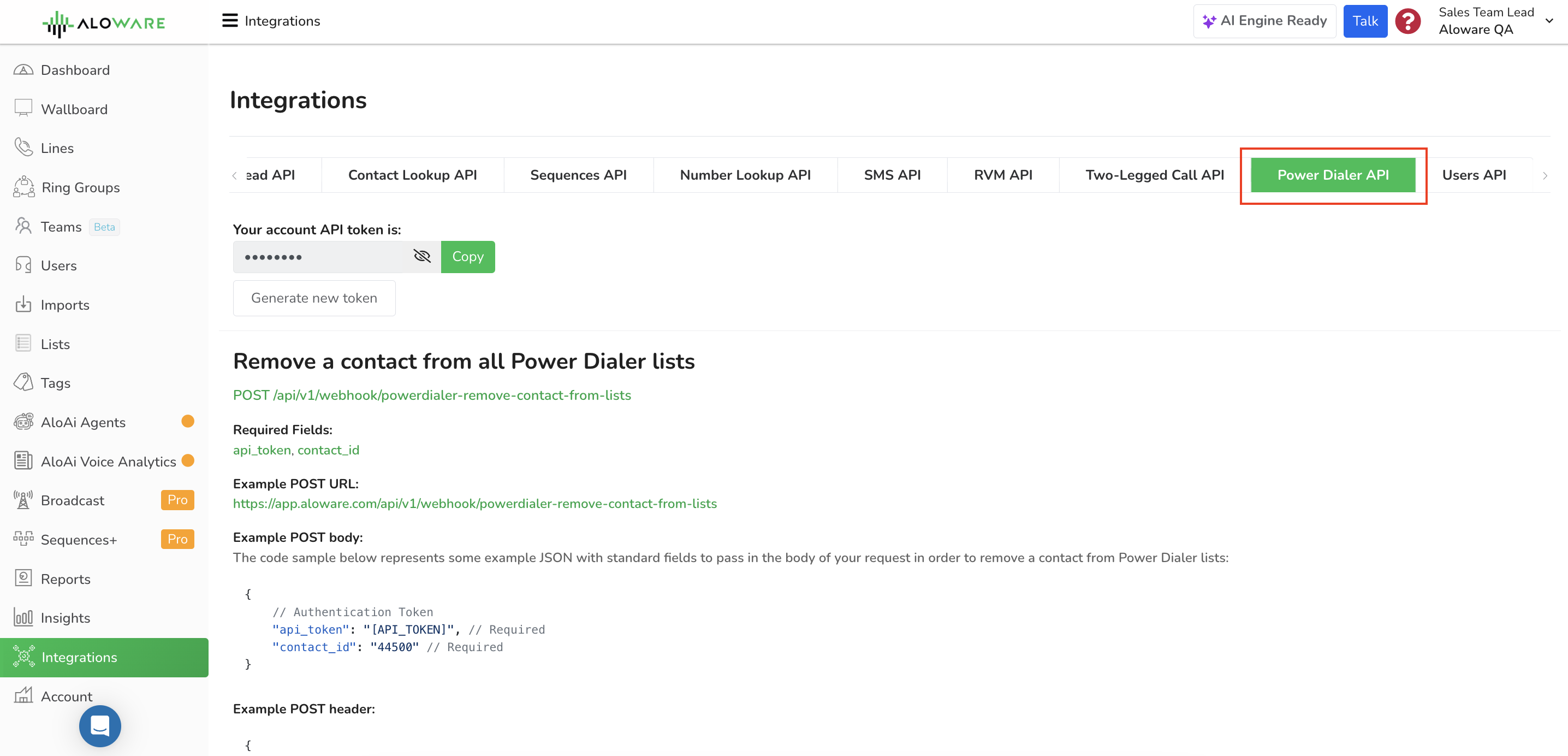
Use this when a contact should stop being dialed anywhere. One call pulls them out of every Power Dialer list in your account, so you don't have to go list by list.
Endpoint
POST /api/v1/webhook/powerdialer-remove-contact-from-lists